Design For Reuse, Phishing, And Recovery Failure
Password attacks do not depend only on guessing. Credentials stolen from one service are tested elsewhere, fake sign-in pages capture them, malware reads them, and support processes can be manipulated. A password can be long and still fail if it is reused or handed to the wrong site. Your sign-in system therefore needs separation between accounts and another factor for high-value services.
Begin with the accounts that control the rest: primary email, password manager, phone ecosystem, financial services, domain registrar, workplace identity, and mobile carrier. Email often resets other accounts, so protect it before optimizing low-impact sites. Record which accounts can recover each other and remove obsolete phone numbers or addresses.
NIST’s current public guidance recommends MFA, password managers, and long passwords when a password is required. The aim is not frequent forced changes or complicated patterns. Change a password when it is weak, reused, exposed, or there is evidence of compromise.
Let A Password Manager Create Separation
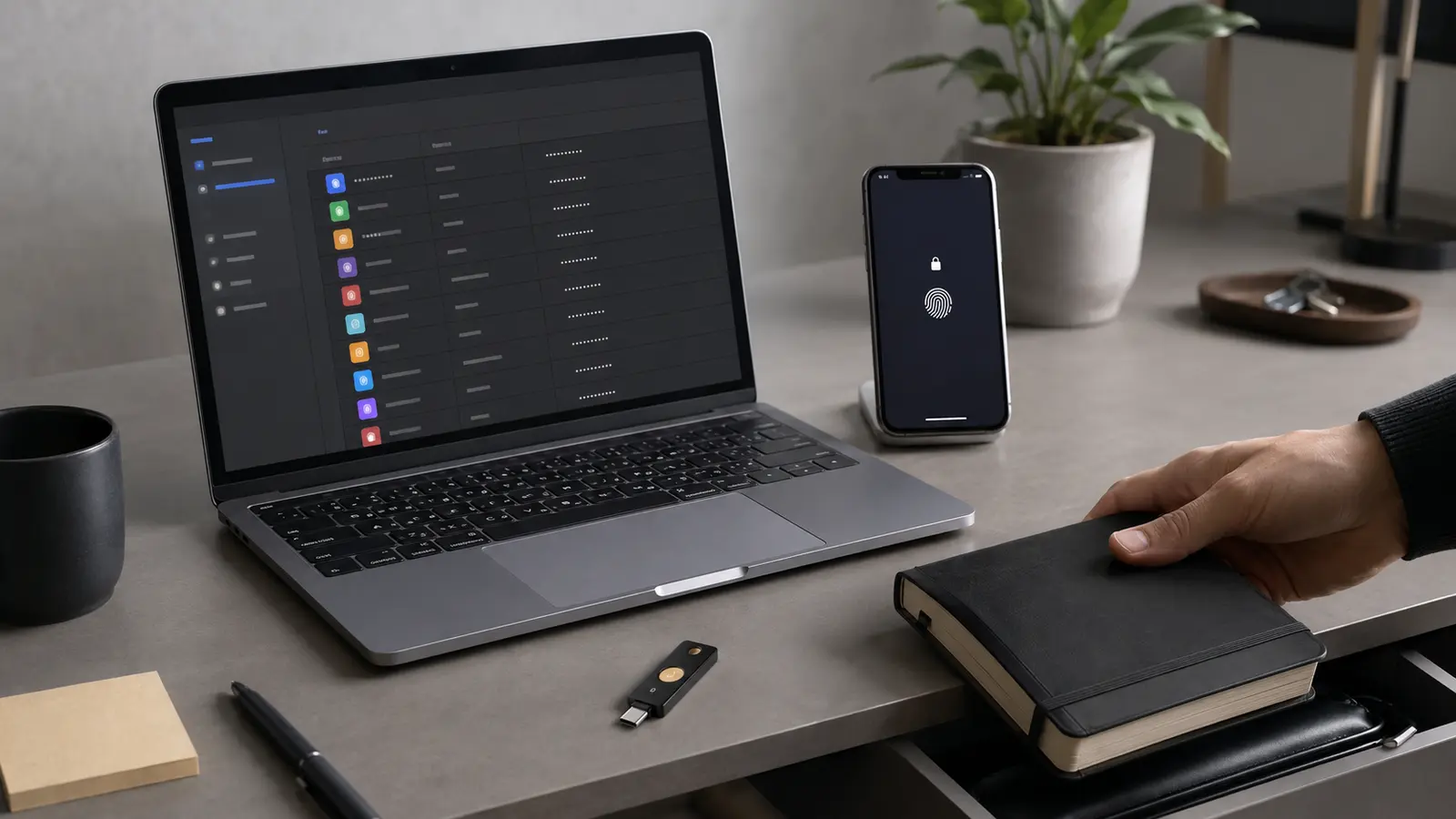
Choose a reputable manager with supported devices, encrypted storage, export or recovery options, and a clear security model. Protect it with a unique, memorable master passphrase and strong MFA. Generate a different random password for every service. Autofill is useful because the manager can associate a credential with a domain, creating friction on look-alike sites.
Migrate in priority order. Change the primary email and financial accounts first, then update reused credentials elsewhere. Save the exact login URL and review old entries. Do not keep passwords in screenshots, unencrypted notes, or chat messages. A paper recovery record can be appropriate when stored securely and not photographed or carried casually.
A manager reduces cognitive load, but it is not magic. Keep its app and browser extension updated, lock devices, and avoid installing unknown extensions. If an unexpected message leads to a login page, follow the independent phishing check instead of trusting autofill alone.
Use The Strongest Practical Second Factor
MFA combines factors from different categories: something you know, have, or are. A password plus another password is not two factors. Any well-implemented MFA is generally better than password alone, but methods resist attacks differently. SMS can stop ordinary credential reuse yet remains vulnerable to phishing, number takeover, and message interception. Authenticator codes remove the mobile carrier but can still be relayed through a fake page.
Security keys and passkeys based on FIDO/WebAuthn can resist phishing because authentication is bound to the legitimate site. Use them for primary accounts where supported. Register more than one trusted authenticator if the service allows it, and store the spare separately. Never approve a prompt you did not initiate; repeated prompts may be an attempt to wear you down.
Biometrics usually unlock a credential held by a device; the fingerprint or face is not sent as a reusable password in a well-designed system. Protect the device with a strong local PIN and understand what happens after reboot, lockout, or sensor failure.
| Method | Main strength | Important limitation |
|---|---|---|
| Unique password | Contains credential reuse | Can still be phished |
| SMS code | Accessible additional factor | Phishing and carrier risks |
| Authenticator code | No carrier dependency | Can be relayed |
| Security key | Phishing-resistant | Needs backup and device support |
| Synced passkey | Convenient phishing resistance | Security depends on sync account and recovery |
Understand What Passkeys Change
A passkey uses public-key cryptography. The service stores a public key, while the authenticator holds the private key and proves possession without revealing it. The credential is associated with the service’s domain, which is why a fake domain cannot simply collect and replay it like a password.
Passkeys may be device-bound or synchronized across an account’s trusted devices. Sync improves availability, but makes the security and recovery of the sync provider important. NIST’s current digital identity guidance addresses controls for syncable authenticators. Before depending on a passkey, check how it moves to a new device, how you remove a lost device, and which fallback methods the service permits.
A weak recovery path can bypass strong authentication. Attackers may target email, phone numbers, support agents, or backup codes instead of the passkey. Review recovery settings after enrollment and after any device change.
Make Recovery Deliberate, Not Convenient For An Attacker
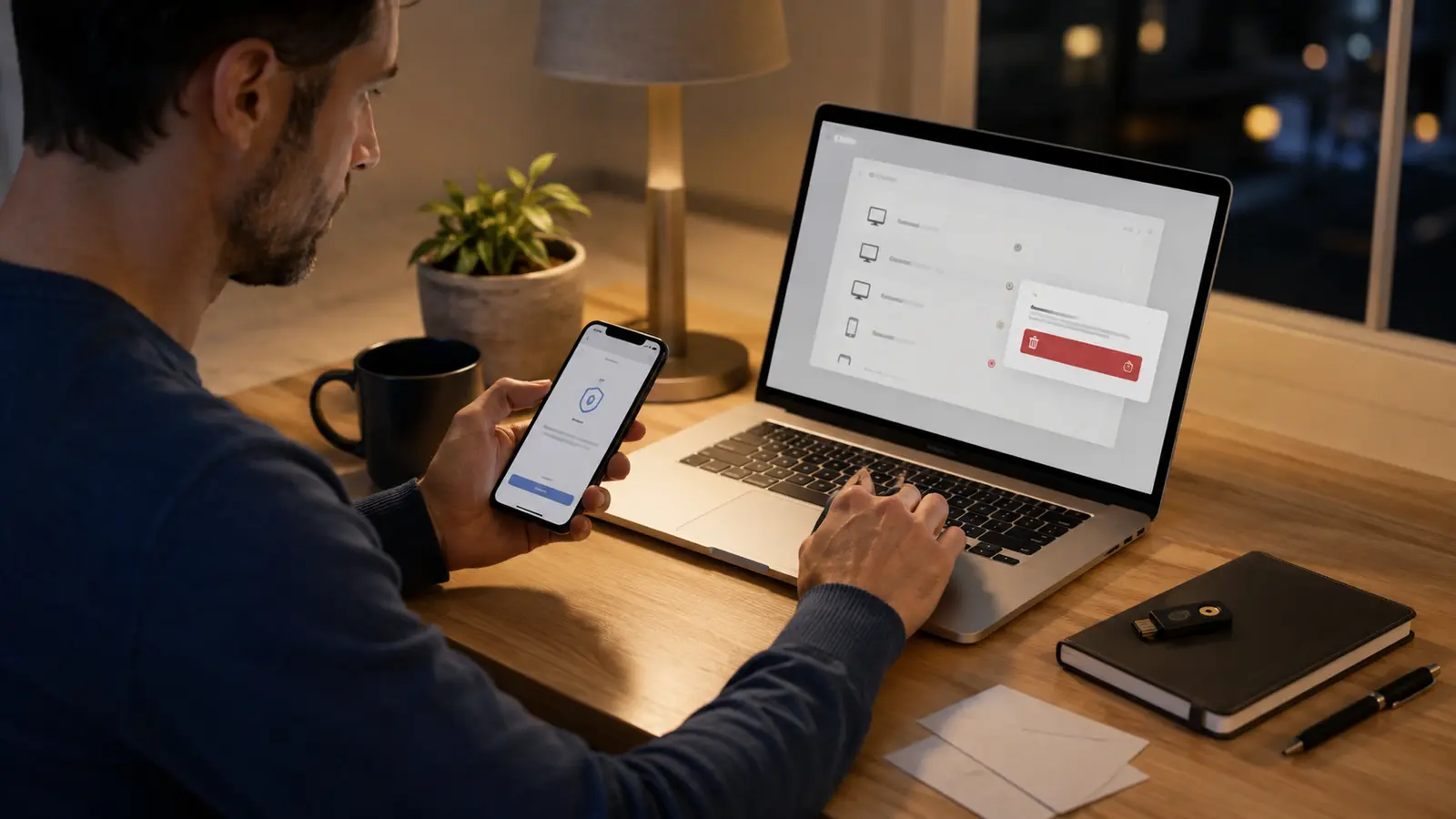
Store recovery codes offline in a protected place and test that you understand the recovery flow without consuming the last code. Keep at least two authenticators for critical accounts when possible. Update recovery contacts promptly, and avoid circular dependencies where two locked accounts are the only way to recover each other.
Review active sessions, connected applications, email forwarding, and security alerts periodically. If compromise occurs, follow the right recovery order: regain control from a trusted device, remove persistence, rotate affected credentials, and inspect downstream accounts.
Updates are also part of identity security. Browsers, password-manager extensions, phones, and authenticators need supported software; use a staged patching routine so fear of disruption does not become permanent exposure.
The goal is a sign-in system you can operate consistently: unique credentials, strong MFA or passkeys, protected devices, visible sessions, and recovery that does not depend on memory under stress.
Common Authentication Questions
Is One Long Password Enough?
Only for one account. Every service needs a unique credential, and critical accounts should add strong MFA or a passkey.
Are Passkeys Stored On The Website?
The service stores a public key. The private credential remains with the authenticator or its protected sync system.
Should I Change Passwords Every Month?
Routine changes can encourage weak patterns. Change them when weak, reused, exposed, or compromised, and follow the service’s policy.