Stabilize Motion
Tune settings around a frame-time target and investigate hitches that averages conceal.

Handasa Arabia
A gaming experience is a chain of frame production, input sampling, display timing, audio processing, controller behavior, and network delivery. A large frame-rate number can still feel poor when one part of that chain is inconsistent.
These guides help players diagnose the actual path: tune graphics for stable frame time, measure latency, identify stutter, simplify the audio chain, test controller drift, and improve cloud-gaming delivery.
Start from the symptom you feel during play and change one layer at a time so the fix remains explainable.
Improve The Whole Response Chain
Choose a route for visual performance, control response, or the peripheral and streaming path.
Tune settings around a frame-time target and investigate hitches that averages conceal.
Trace system latency from control to pixel and separate calibration from real controller wear.
Build a clean sound path and protect the last network hop used by cloud rendering.
Practical Gaming
Six connected guides cover performance, responsiveness, troubleshooting, audio, controllers, and cloud play.
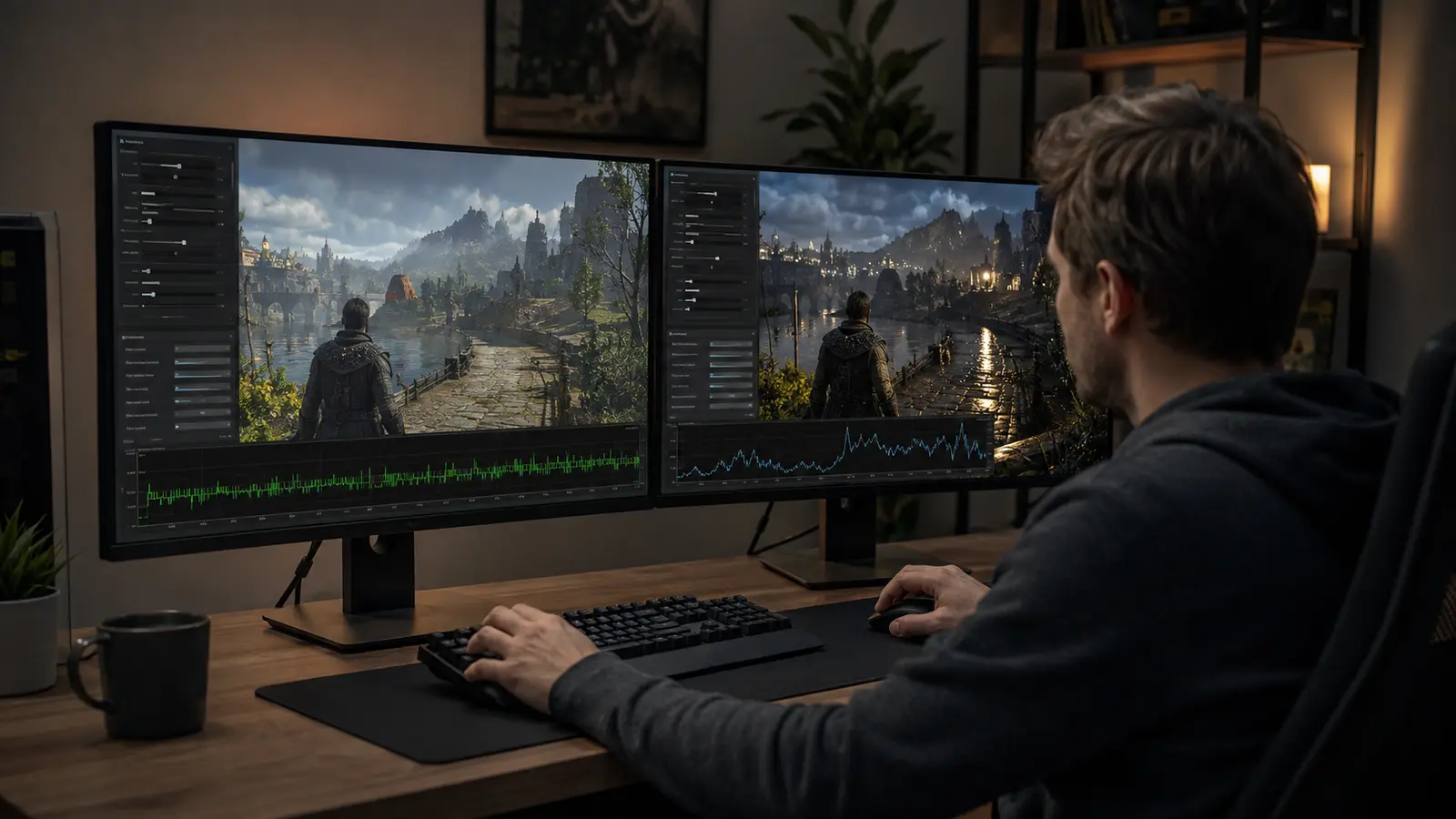
Build a stable performance target first, then spend the remaining frame budget on the visual features you can actually see.
Read guide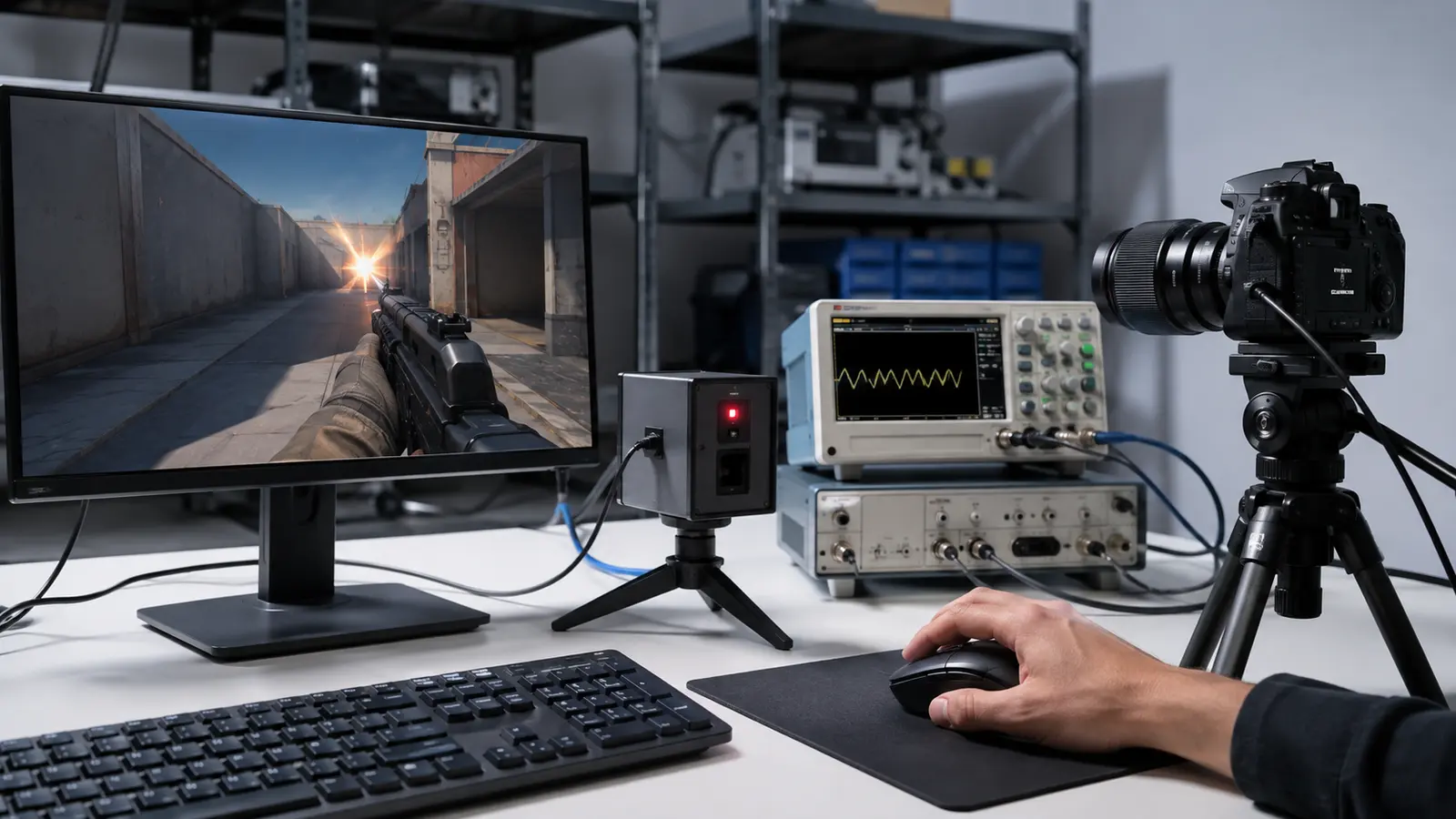
Measure the full input-to-pixel chain instead of assuming a large FPS counter guarantees responsive control.
Read guide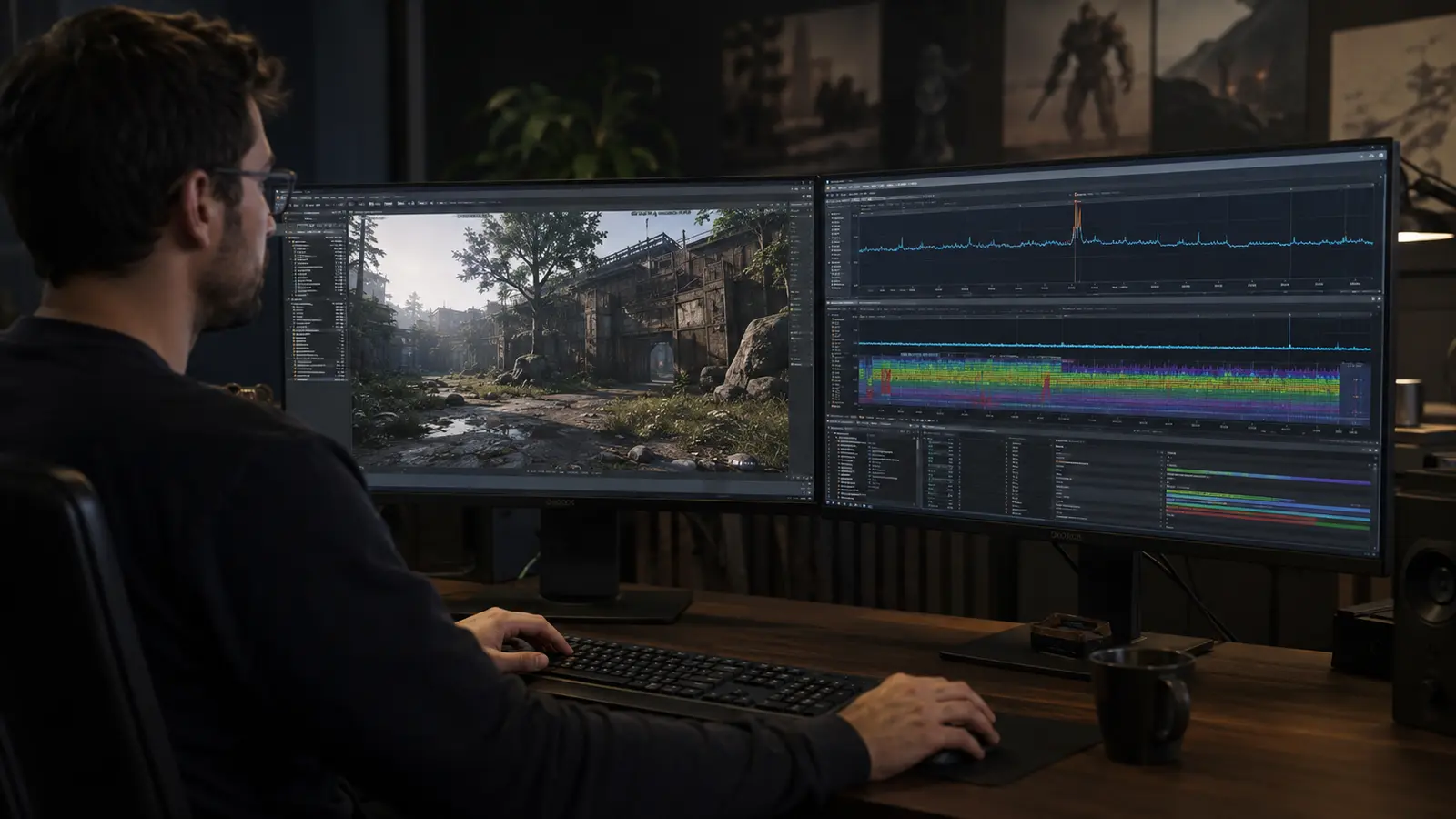
Capture when the hitch occurs and what the system was doing instead of treating every frame-time spike as low average performance.
Read guide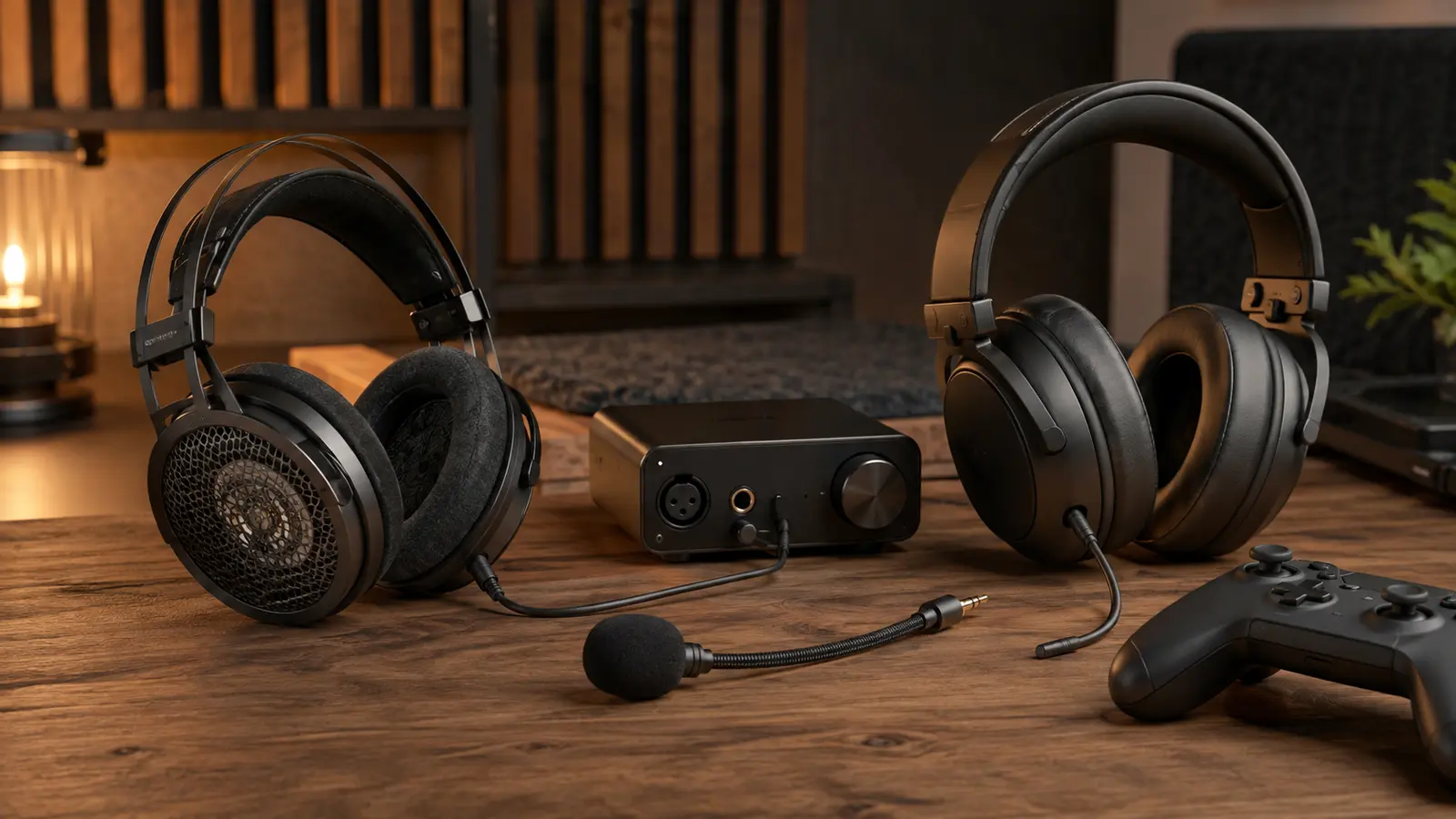
Start with fit, acoustics, and a clean connection before paying for extra drivers, virtual channels, or decorative features.
Read guide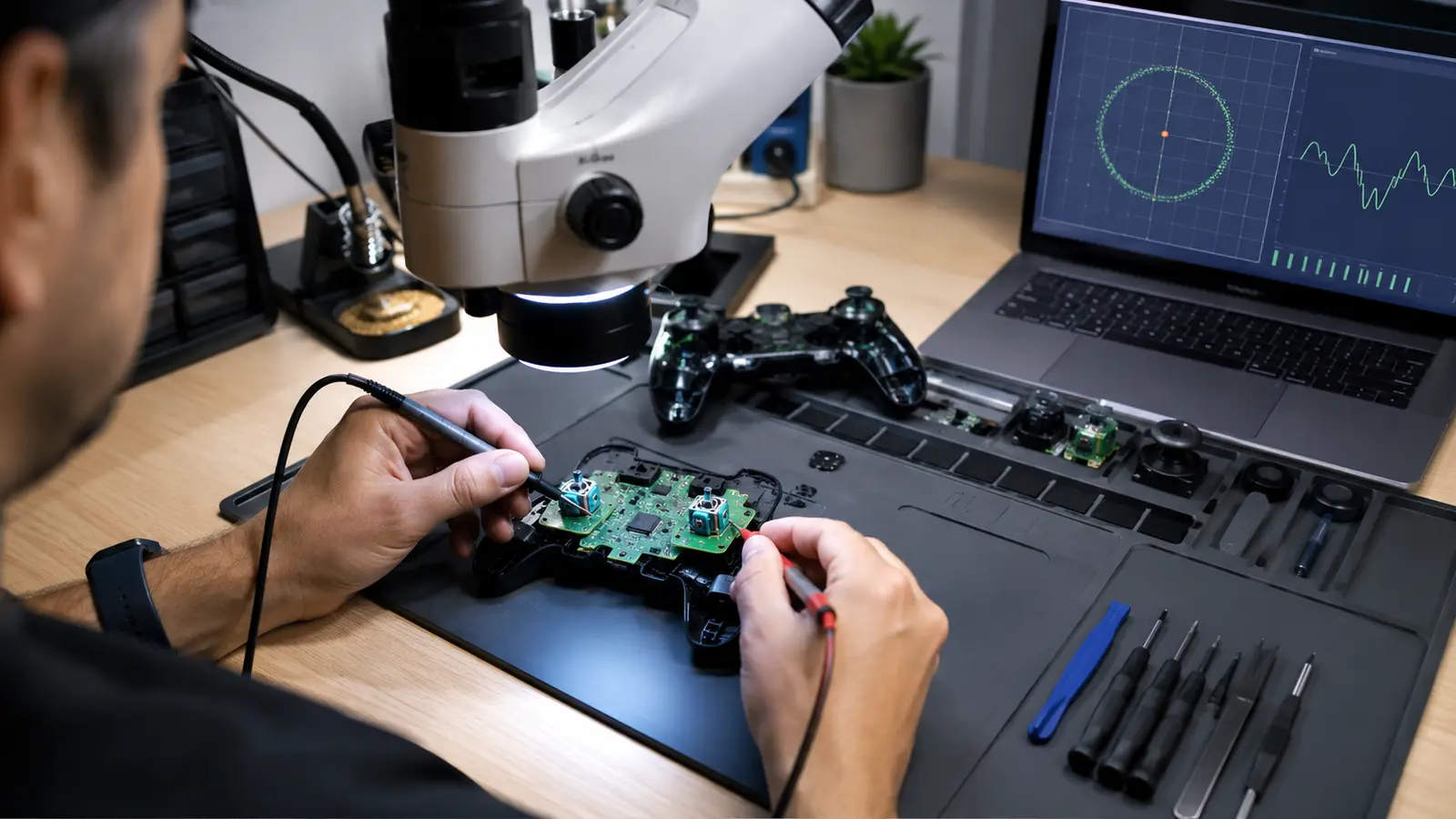
Test raw input and software behavior before opening the controller or hiding a worn mechanism behind an excessive dead zone.
Read guide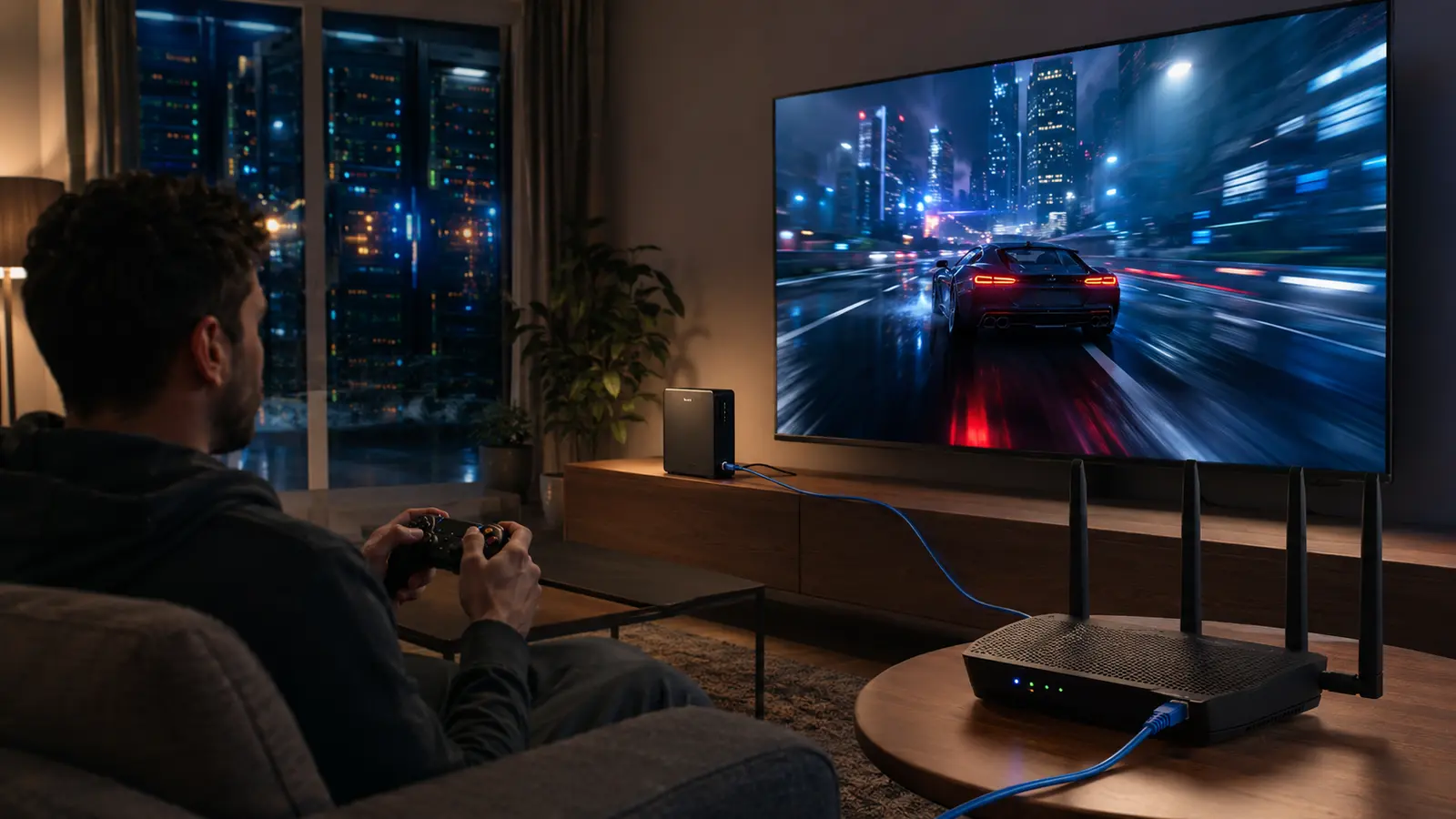
Bandwidth starts the stream; consistent latency, low loss, stable Wi-Fi, fast decode, and a nearby service region make it playable.
Read guideConnected Knowledge
Long sessions reveal cooling, power, memory, and storage behavior that short benchmarks can miss. Cloud play adds Wi-Fi, internet routing, remote rendering, encode, and decode to the response path.
Follow those adjacent systems when an in-game setting cannot explain the symptom. The best fix often sits one layer outside the game menu.
Connect gaming with engineering, software, hardware, networking, security, and applications.