Assume The Attacker Looks For Backups
Ransomware operations may steal data, encrypt systems, delete snapshots, disable security tools, and search for connected backup repositories. If production credentials can administer every backup, one compromised identity may remove both the working data and its recovery path. CISA’s ransomware guidance specifically recommends offline, encrypted backups because accessible copies can also be encrypted or deleted.
Map the information and systems the organization cannot operate without. Include identity services, configuration, encryption keys, application data, endpoints, cloud resources, and the documentation needed to rebuild. Set recovery-time and recovery-point objectives based on business impact rather than what the current backup product happens to provide.
A file synchronization service is not automatically a backup. It may synchronize encrypted or deleted files immediately. Version history helps, but retention, administrative access, and bulk restoration need to be understood and tested.
Create Separation In Media, Authority, And Time
Maintain multiple copies using different failure domains. At least one copy should be offline, immutable for a defined period, or otherwise isolated from ordinary production credentials. Physical separation can protect removable media, while logically isolated repositories can use retention locks and distinct administration. Each choice has operational and recovery tradeoffs.
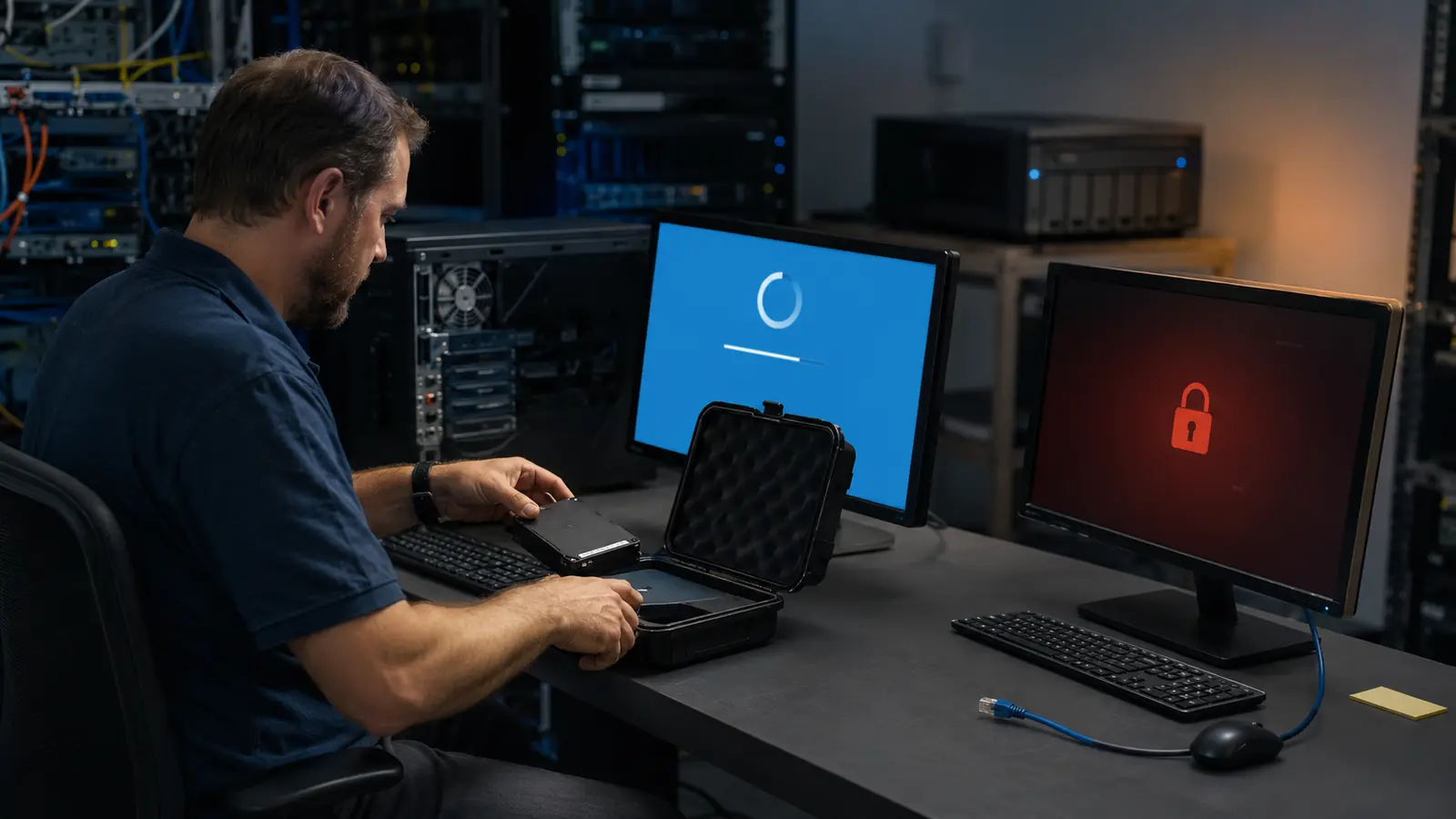
Do not leave removable backup drives permanently connected. Rotate media, encrypt it, label it without exposing sensitive contents, and store it in a controlled location. For cloud backups, protect the provider account, retention policy, deletion controls, and billing path. A separate tenant or credential boundary may reduce blast radius.
Back up frequently enough to meet the allowed data-loss window, but retain older points as well. Ransomware or credential theft may remain unnoticed while good copies age out. A mixture of recent and longer-term recovery points gives investigators options.
Treat The Backup Platform As Critical Infrastructure
Use dedicated administrative identities, strong MFA, least privilege, and restricted management paths. Operators who run daily jobs may not need permission to change retention or erase repositories. Log configuration changes, failed jobs, unusual deletion attempts, and access from new locations. Send important alerts somewhere an attacker inside production cannot silence.
Keep backup software, storage appliances, hypervisors, and management systems patched through the process in The Update Dilemma. Unsupported backup infrastructure can become the entry point it was meant to mitigate. Store recovery documentation and license information outside the affected environment.
Protect credentials with the same discipline described in the safer sign-in system. Do not embed broad production credentials in scripts or share one administrative password. If a backup must access production, constrain that access to the required direction and data.
| Control | Question it answers | Evidence |
|---|---|---|
| Offline or immutable copy | Can an attacker delete every point? | Retention and access test |
| Separate administration | Does one identity control production and backup? | Role and credential review |
| Restore rehearsal | Can data become a working service? | Timed recovery result |
| Older retention points | Can we recover before undetected compromise? | Recovery-point inventory |
| Clean recovery environment | Will restoration reintroduce the threat? | Validated rebuild procedure |
Test A Service, Not Just A File
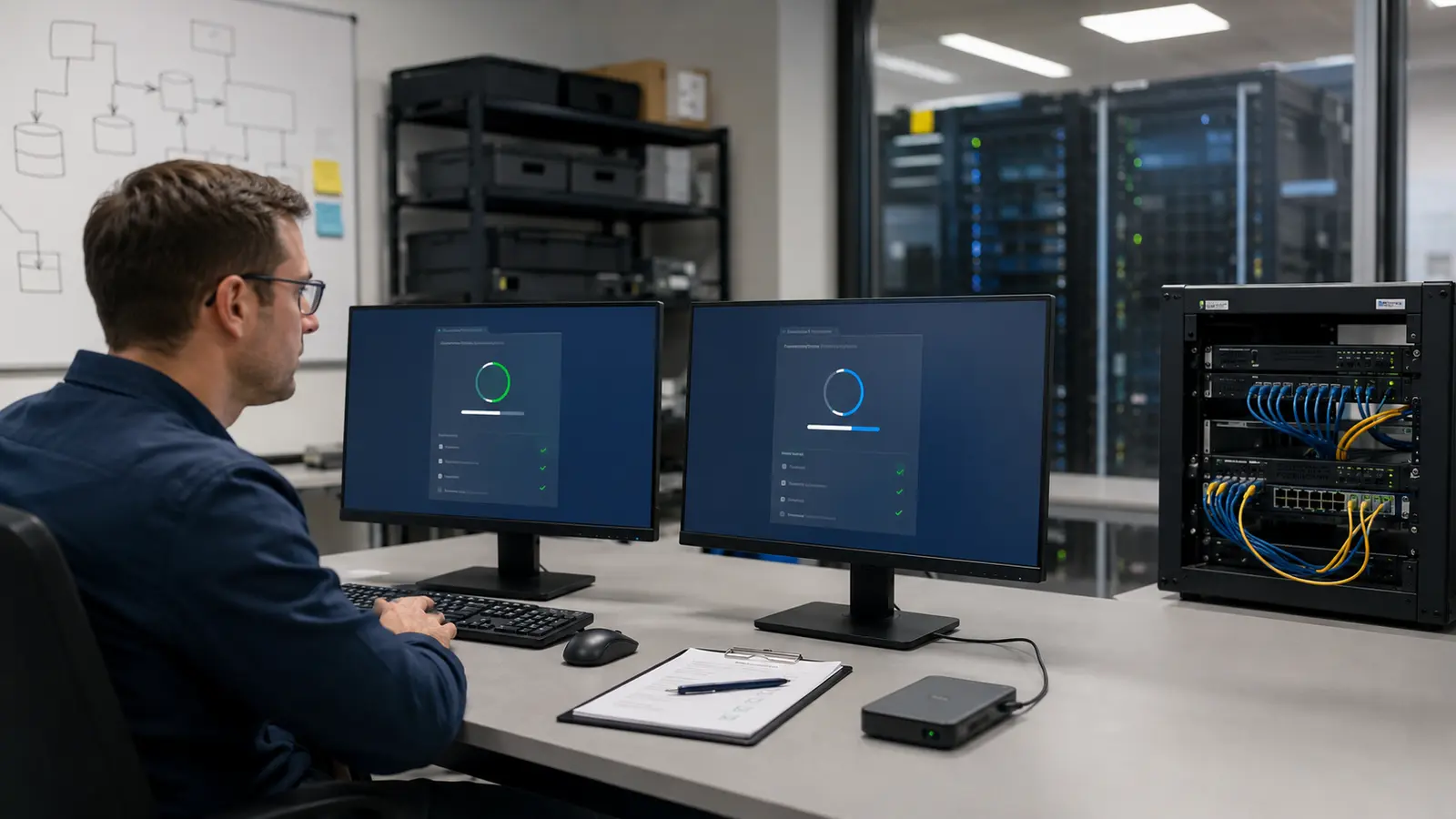
Automated job success proves that a tool wrote something. A restore test proves that an authorized team can retrieve, decrypt, and use it. Select representative files, databases, applications, and complete systems. Verify integrity, permissions, dependencies, keys, and application behavior. Record actual recovery time and the manual knowledge required.
Run tests in an isolated environment so they cannot overwrite production or spread a hidden threat. Rotate test samples and include failures: unavailable administrator, lost device, expired certificate, missing encryption key, and a repository that must be rebuilt. Close every gap with an owner and deadline.
Prioritize restoration dependencies. Identity, networking, DNS, time, virtualization, and management services may need to exist before applications can return. The backup catalog itself can be critical. Write the order down and keep a protected copy available during an outage.
Recover Into A Known-Clean Environment
During an incident, isolate affected systems and preserve evidence. Engage internal security, leadership, legal, insurance, and relevant authorities according to the response plan. Determine the likely entry path and persistence before reconnecting restored systems. A clean backup restored into a compromised identity environment can be encrypted again.
Use a known-good build, patched infrastructure, reset credentials, and recovery points chosen with investigation input. CISA advises prioritizing critical services and avoiding reinfection when restoring from offline encrypted backups. Monitor recovered systems closely and keep affected assets separated until trust is re-established.
Phishing is a common access route, so improve the process in the practical phishing check while addressing technical controls. Recovery lessons should update backup scope, retention, permissions, detection, and exercises—not merely replace encrypted computers.
A resilient backup program creates options under pressure. Its success is measured by clean, timely restoration of important services, not by the number of green checkmarks on a dashboard.
Common Ransomware Backup Questions
Is Cloud Storage Automatically Safe From Ransomware?
No. Synced changes, stolen administrator credentials, weak retention, or deletion rights can affect cloud copies. Verify isolation and restoration.
How Often Should Restores Be Tested?
Often enough to detect changes in data, applications, staff, and infrastructure before an incident. Critical systems may need more frequent rehearsals.
Should We Wipe Systems Immediately?
Not before coordinating containment and evidence preservation. Isolate affected assets and follow the incident-response plan.