Define The Room, Platform, And Longest Session
Decide where the headset will be used, how loud the room is, which devices must connect, whether voice chat matters, and how long a typical session lasts. A competitive player in a quiet room has different priorities from someone sharing a living room or switching between console, phone, and PC.
Comfort is performance. Check clamp force, pad depth, headband pressure, weight distribution, heat, glasses interaction, and whether replacement pads are available. A frequency response you enjoy is useless if the headset becomes painful after forty minutes.
List the required connection: analog 3.5 mm, USB, console wireless, Bluetooth, or a dedicated low-latency radio. Compatibility is not implied by connector shape. A USB headset may work on one console and not another; an analog headset connected to a controller uses the controller’s audio path.
Choose Open Or Closed Back Deliberately
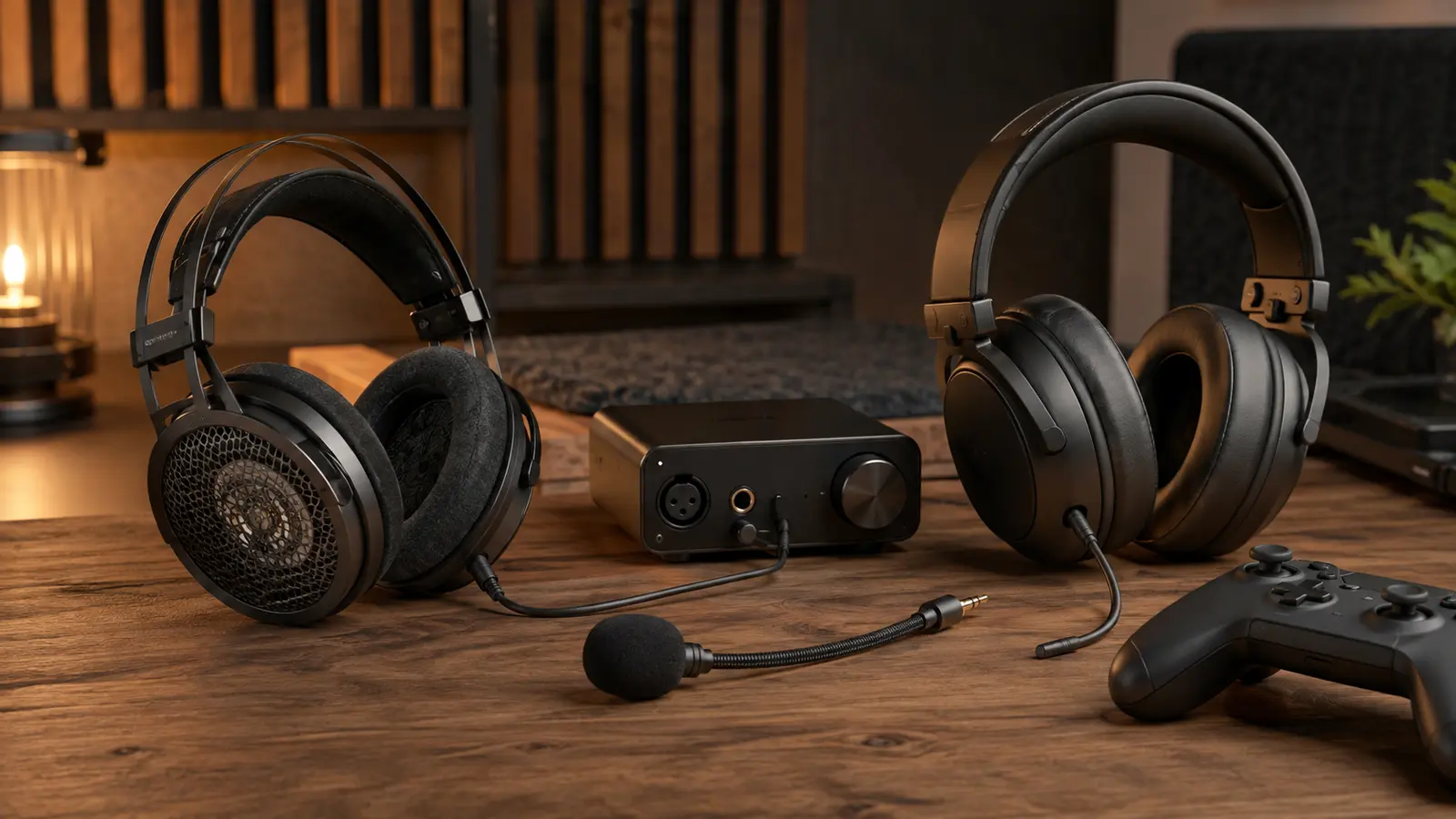
Closed-back headphones reduce sound leakage and block some room noise, which helps shared spaces and microphones. They can feel warmer and may create stronger internal resonances. Open-back headphones leak sound and admit the room, but often feel airy and can make spatial cues easier to interpret. Neither construction guarantees better imaging.
Do not buy by driver diameter alone. Tuning, enclosure, pads, fit, distortion, and channel matching matter more. Competitive positional audio does not require exaggerated treble or weak bass; footsteps share frequency space with effects, voices, and the room. Use a familiar recording and game scene to compare.
Wireless adds battery, codec, radio, and processing. Dedicated gaming radios can be responsive; ordinary Bluetooth may introduce delay or switch to a lower-quality bidirectional mode when the microphone activates. Compare the timing against the end-to-end latency chain if impacts feel detached from visuals.
Keep Amplification And Processing As Simple As Possible
Most modern controllers, laptops, motherboards, and USB interfaces can drive efficient gaming headphones. Add an external amplifier only when the source cannot reach comfortable clean volume, produces audible noise, or lacks the required input and mixing features. Excess power can damage hearing or equipment.
Set one primary output and disable unused enhancements while establishing a baseline. Avoid running game binaural audio into headset virtual surround and then through operating-system spatial processing; stacked transforms can blur direction and alter tone. Equalization can correct preference or known peaks, but begin with small changes and matched volume.
USB ground noise, controller interference, and front-panel wiring can create hiss or hum. Compare another supported port and a direct rear connection. Keep analog cables away from power adapters and use a single known-good cable before buying a new interface.
| Decision | Good starting point | Check |
|---|---|---|
| Quiet private room | Open or closed by preference | Leakage and comfort |
| Noisy shared room | Closed back | Isolation and heat |
| Game has binaural mode | Stereo output, other surround off | Front/back and elevation cues |
| Wireless voice chat | Dedicated low-latency radio | Mic mode quality and battery |
| Analog headset is quiet | Check source and sensitivity | Clean volume before adding amp |
Choose One Spatial Renderer And Test Known Cues
Games may output stereo, multichannel audio, binaural headphone audio, or audio objects. Microsoft Spatial Sound allows supported applications to place audio objects in 3D space and render them to headphones or speakers. The best option depends on the game’s integration and your own head-related cues.
If the game offers a dedicated headphone or binaural mode, start there with the system in stereo. If it outputs multichannel or objects, try one supported platform spatial renderer. Use a repeatable scene with sounds in front, behind, above, below, and at different distances. Louder often sounds more impressive, so match volume when comparing.
Cloud gaming may compress and buffer audio alongside video. Diagnose dropouts and desynchronization with the cloud network workflow before replacing the headset.
Position And Gain Beat Aggressive Noise Processing
Place a boom microphone near the corner of the mouth, slightly off the breath path. Set input gain so ordinary speech is clear without clipping. A microphone far away must amplify the room, keyboard, and fans. Use a short local recording, then a real chat test because applications may add their own processing.
Apply noise suppression, gates, and automatic gain gently. A tight gate clips quiet words; strong suppression creates watery artifacts; automatic gain can lift background noise during pauses. Reduce the source first: move the microphone closer, lower speaker leakage, and quiet the room.
If the headset connects through a controller, intermittent audio may come from the jack, cable, controller firmware, or wireless link. Pair the checks with the controller diagnosis. Keep firmware and applications current through official tools.
A good gaming-audio chain is comfortable, intelligible, and temporally aligned. Once the signal path is clean and one spatial renderer is chosen, preference—not marketing categories—can guide the final headphone.
Common Gaming-Audio Questions
Do I Need A 7.1 Headset For Positional Audio?
No. Two headphone drivers can present spatial cues when the game or platform renders them appropriately.
Will A DAC Improve Every Headset?
No. Add one for a demonstrated output, noise, connectivity, or feature problem—not because it exists in expensive setups.
Why Does Bluetooth Sound Worse When I Use The Mic?
Some Bluetooth profiles switch to a lower-bandwidth bidirectional mode for simultaneous microphone and playback.