Follow The Input From Your Hand To The Pixel
End-to-end system latency begins when a mouse, keyboard, or controller detects an action. The input travels through USB or wireless processing, waits for the game to sample it, affects simulation, enters CPU rendering work, is executed by the GPU, waits for presentation, scans across the display, and finally changes a pixel. Network latency is an additional loop for online state, but it is not the same quantity.
A faster frame rate often reduces several waits because the game samples and presents more frequently. It does not guarantee that every stage is short. Frames can queue behind the GPU, the game may sample input on a fixed schedule, a television may apply image processing, or a wireless device may have inconsistent delay.
NVIDIA defines system latency as the time from an input action to pixels changing and recommends measuring end to end before narrowing the bottleneck. Treat vendor numbers as results for a specific setup, not universal promises.
Average FPS Hides Slow Frames And Irregular Delivery
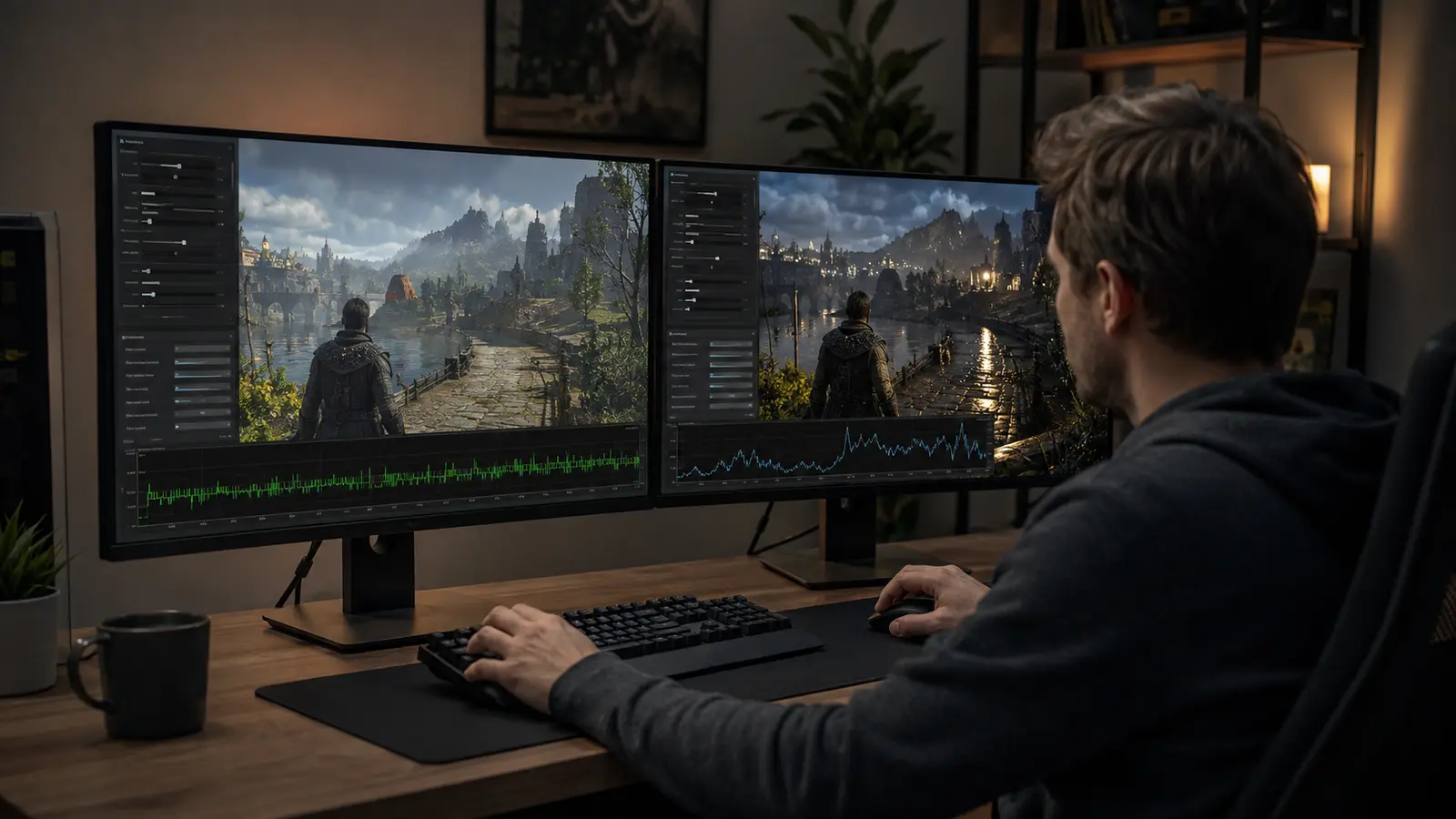
At a steady 120 fps, a new frame arrives about every 8.3 ms. If several frames arrive quickly and one takes 35 ms, the average may remain impressive while the interruption is obvious. Review a frame-time graph and slow percentiles. The graphics workflow in Ultra Is Not the Goal shows how to build a stable budget.
Refresh rate describes how often a display can update. Frame rate describes how often the system produces frames. Variable refresh can align display updates with varying frame completion within a supported range, reducing tearing and judder. Above or below that range, synchronization and frame caps determine behavior.
Frame generation can increase presented fps without making the base simulation run equally fast. It may add smoothness, while a low base rate still feels delayed. Evaluate visual fluidity and control response separately.
Keep The Render Pipeline Productive Without Letting It Drift Behind
Queuing lets the CPU prepare work while the GPU renders, improving throughput. Too much work in flight means a newer input waits behind older frames. Game-integrated low-latency modes can synchronize CPU submission with GPU capacity. Microsoft’s DirectX swap-chain guidance warns that unbounded frames in flight can inflate input latency.
If the GPU is saturated, lower expensive graphics settings or use an appropriate upscaler to create headroom. A frame cap slightly below a sustainable limit can prevent the pipeline from repeatedly hitting full saturation. Avoid stacking an in-game limiter, driver limiter, platform limiter, and third-party limiter without understanding which controls presentation.
CPU limits behave differently. Lowering resolution may not help when simulation or draw submission is late. Watch CPU and GPU frame times together. A one-time shader or streaming hitch requires stutter-specific diagnosis, not a permanent latency tweak.
| Symptom | Possible stage | Useful test |
|---|---|---|
| Low latency only at lower resolution | GPU saturation | Compare GPU time and utilization |
| High fps with periodic jolts | Frame pacing or hitch | Capture frame-time history |
| TV feels slower than monitor | Display processing | Enable game mode and retest |
| Only online actions delay | Network or server | Compare offline input response |
| Controller differs from wired mouse | Peripheral path | Controlled wired comparison |
Verify The Display Mode And Peripheral Path
Confirm the operating system and game use the intended refresh rate. Televisions should use a low-latency game mode that disables unnecessary motion smoothing and image processing. Pixel response and scanout contribute beyond the advertised refresh number. HDR or resolution changes can switch a display into a different mode, so retest the exact configuration used for play.
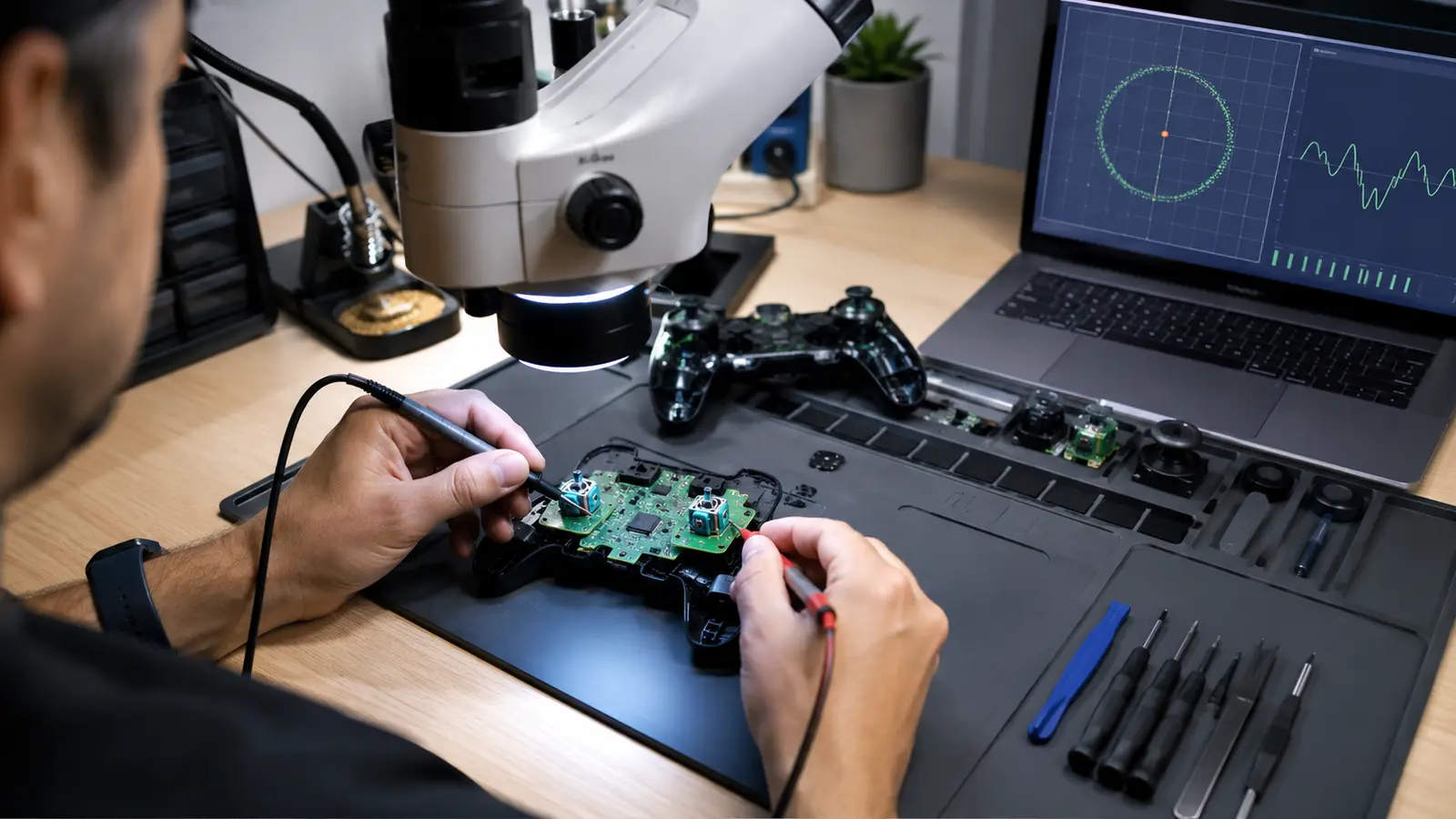
Use a stable USB port and avoid overloaded hubs for a comparison. Wireless can be excellent, but battery state, interference, polling behavior, and receiver location matter. If a controller aim drifts or moves without input, diagnose the mechanism with the controller drift guide before interpreting it as latency.
Audio latency can change the perceived timing of impact and rhythm even when visuals are responsive. Keep the audio chain simple and follow the gaming audio setup when Bluetooth or processing creates delay.
Measure A Repeatable Action And Change One Layer
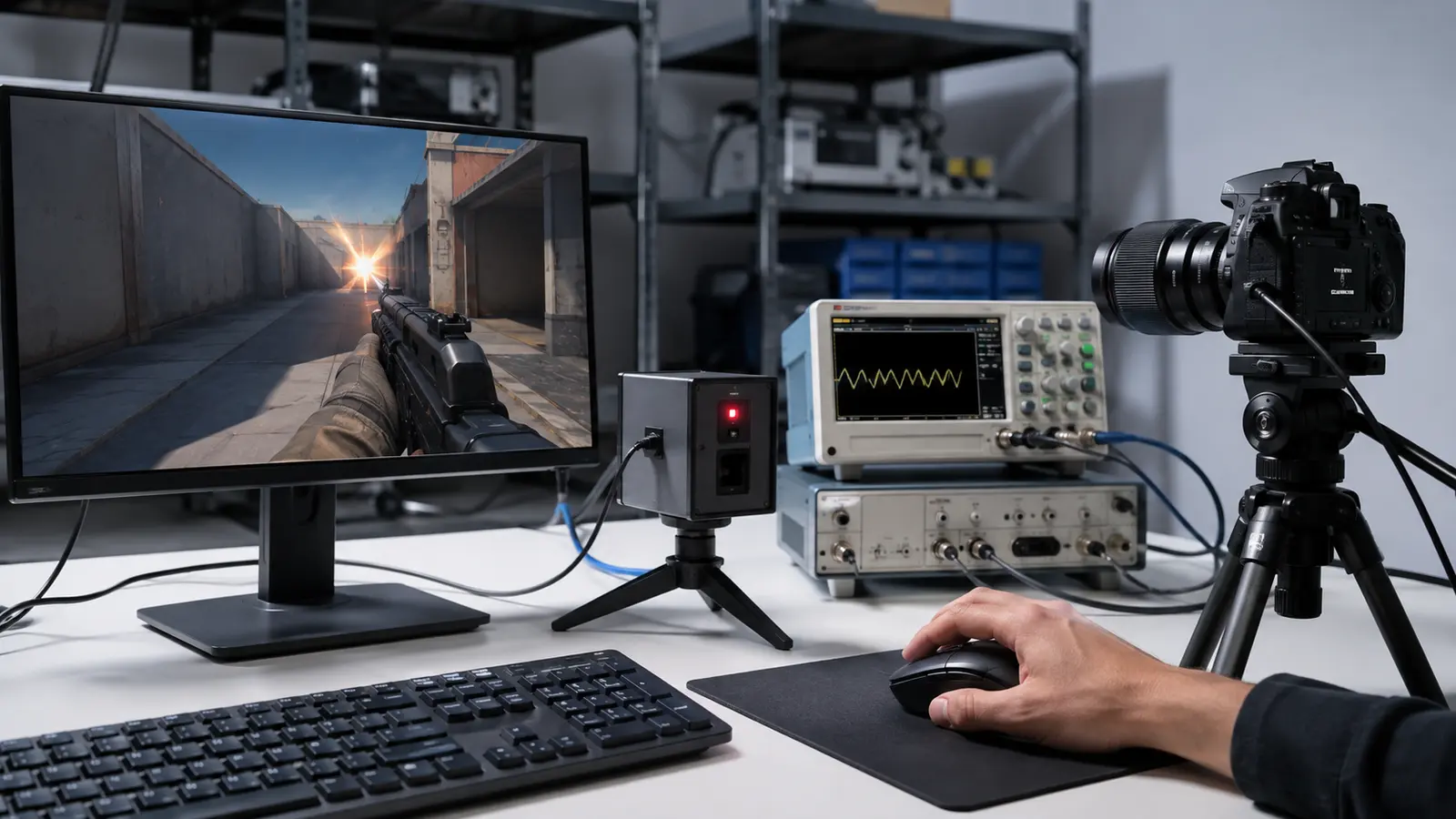
A high-speed camera can record an LED or finger action and the first visible pixel change. Dedicated tools automate portions of this measurement. Use many samples because USB polling, frame phase, and scanout vary. Keep the same scene, frame cap, display mode, and camera position.
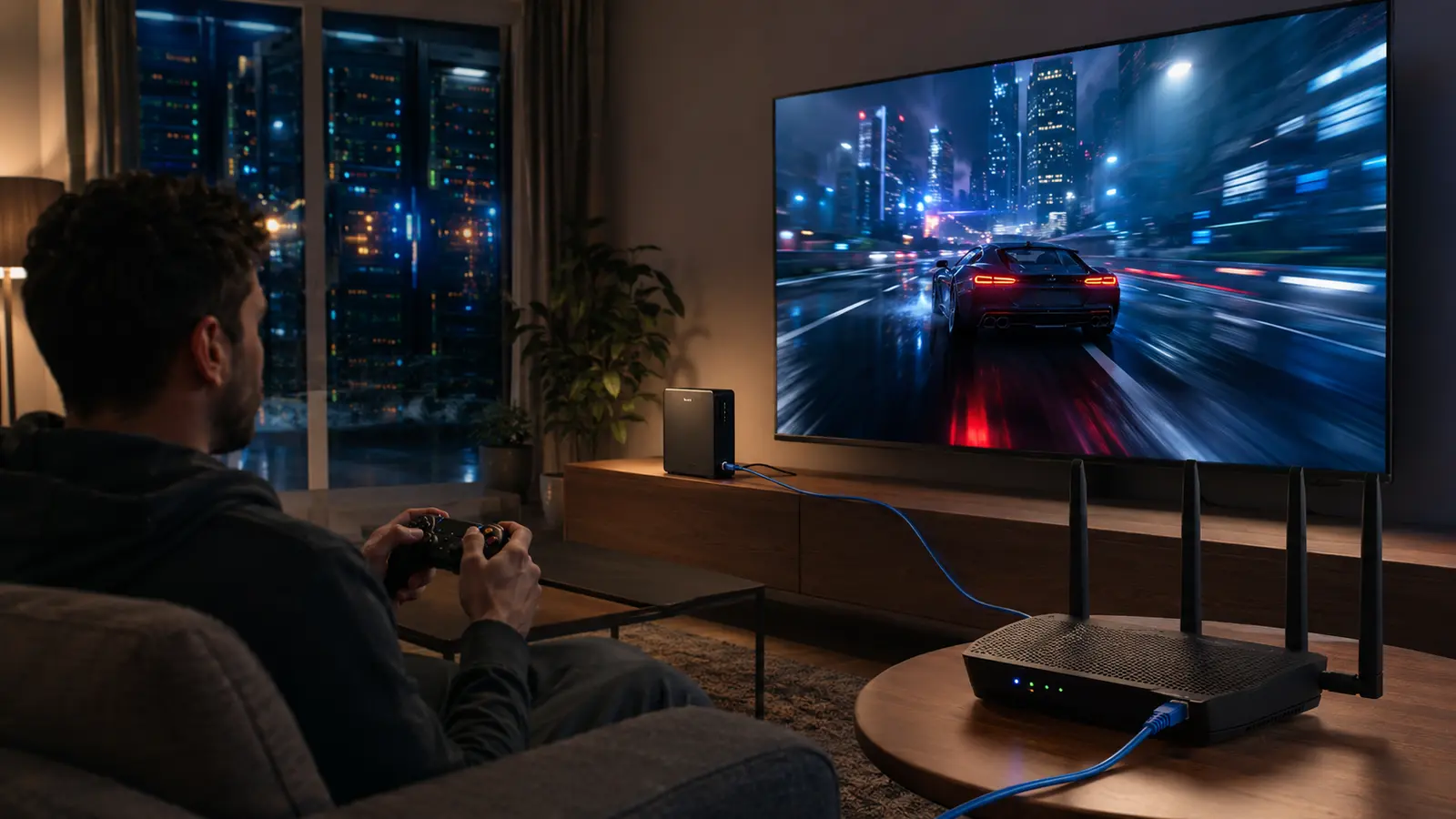
Separate local system response from network response. In cloud gaming, input is encoded, transmitted, rendered remotely, encoded again, delivered, decoded, and displayed. Use the cloud latency workflow for that longer path.
Optimize the largest measured delay first, then repeat the end-to-end test. The target is consistent response appropriate to the game—not the smallest number obtained by degrading every other aspect of the experience.
Common Latency Questions
Does 240 FPS Mean Four-Millisecond Latency?
No. About 4.2 ms is the frame interval. Total latency also includes input, simulation, queues, GPU, presentation, display, and sometimes network time.
Should V-Sync Always Be Disabled?
No. The correct synchronization depends on tearing tolerance, variable-refresh support, frame cap, game behavior, and latency goal.
Does A Higher Polling Rate Always Feel Better?
It can reduce peripheral intervals, but may add CPU cost or instability on some systems. Test the complete path rather than one specification.