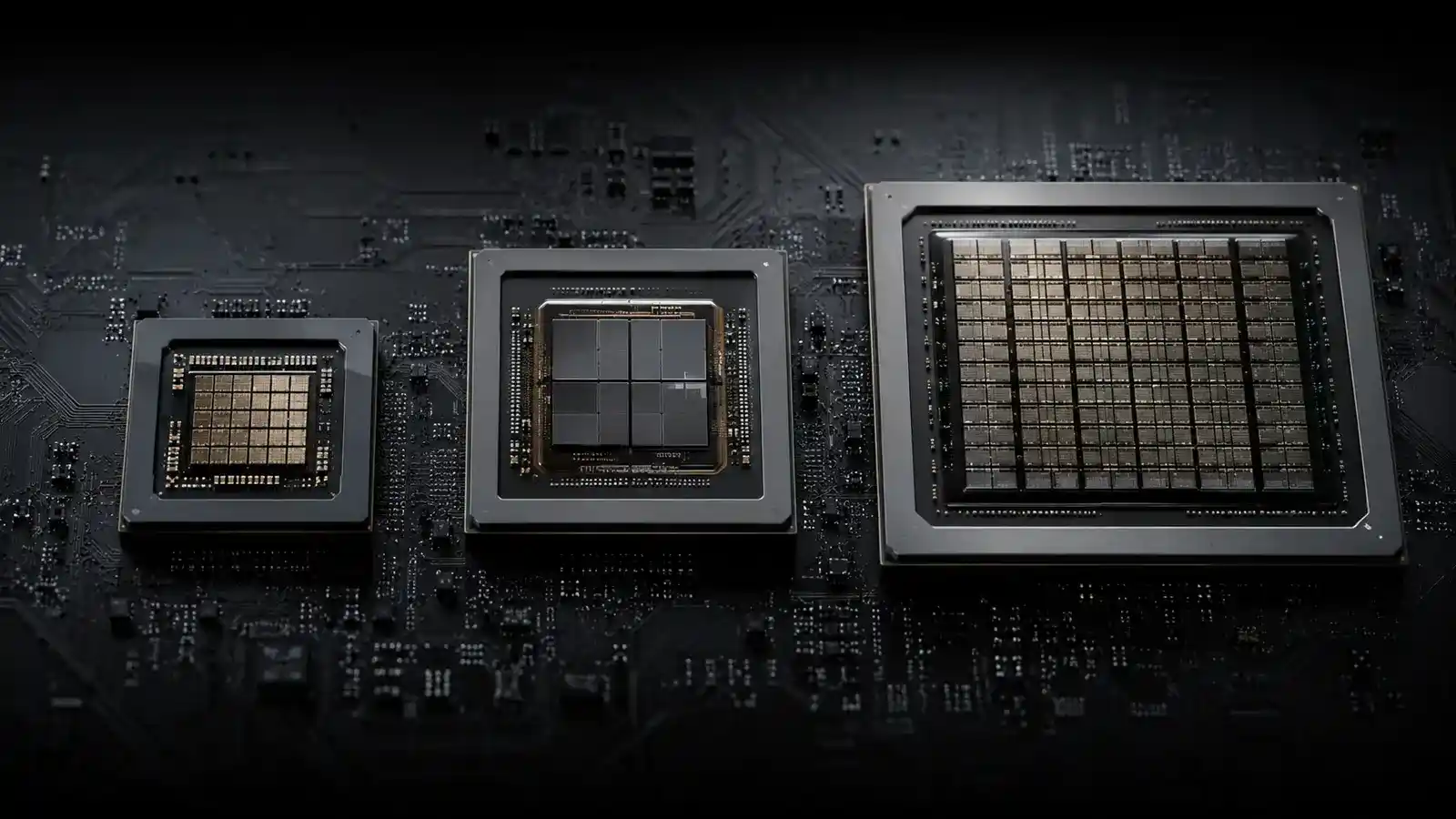
Different Architectures Optimize Different Shapes Of Work
A CPU is the flexible coordinator. Its relatively powerful cores handle operating-system work, application logic, serial decisions, branch-heavy code, and latency-sensitive tasks. Modern CPUs also execute vector operations and may include many efficient cores, so “general purpose” does not mean slow. They remain the default when software has not been written for another accelerator.
A GPU contains many execution resources designed for high-throughput parallel work. Graphics pipelines naturally process many vertices, pixels, and samples, while compute APIs also use GPUs for simulation, rendering, media, and machine learning. They excel when a large problem can be divided into similar operations with enough work to keep the device occupied.
An NPU is a specialized accelerator for neural-network operations, commonly optimized for efficient inference. Microsoft explains that the CPU handles everyday processing, the GPU handles graphics and visual output, and the NPU accelerates supported AI operations. The word “supported” is essential: an NPU has no benefit when an application, model, runtime, or driver cannot target it.
Data Movement Can Erase Compute Advantages
An accelerator may complete arithmetic quickly but wait for data from system memory, dedicated graphics memory, storage, or another processor. Copying a small job to a discrete GPU can cost more time than executing it on the CPU. Integrated designs may share memory and reduce copying, yet they also share bandwidth and capacity with other work.
Batch size changes the balance. A GPU often reaches high throughput when it processes many items together, while an interactive task may prioritize the latency of one item. An NPU can be attractive for a continuous camera, audio, or language feature because energy efficiency and background operation matter more than peak benchmark speed.
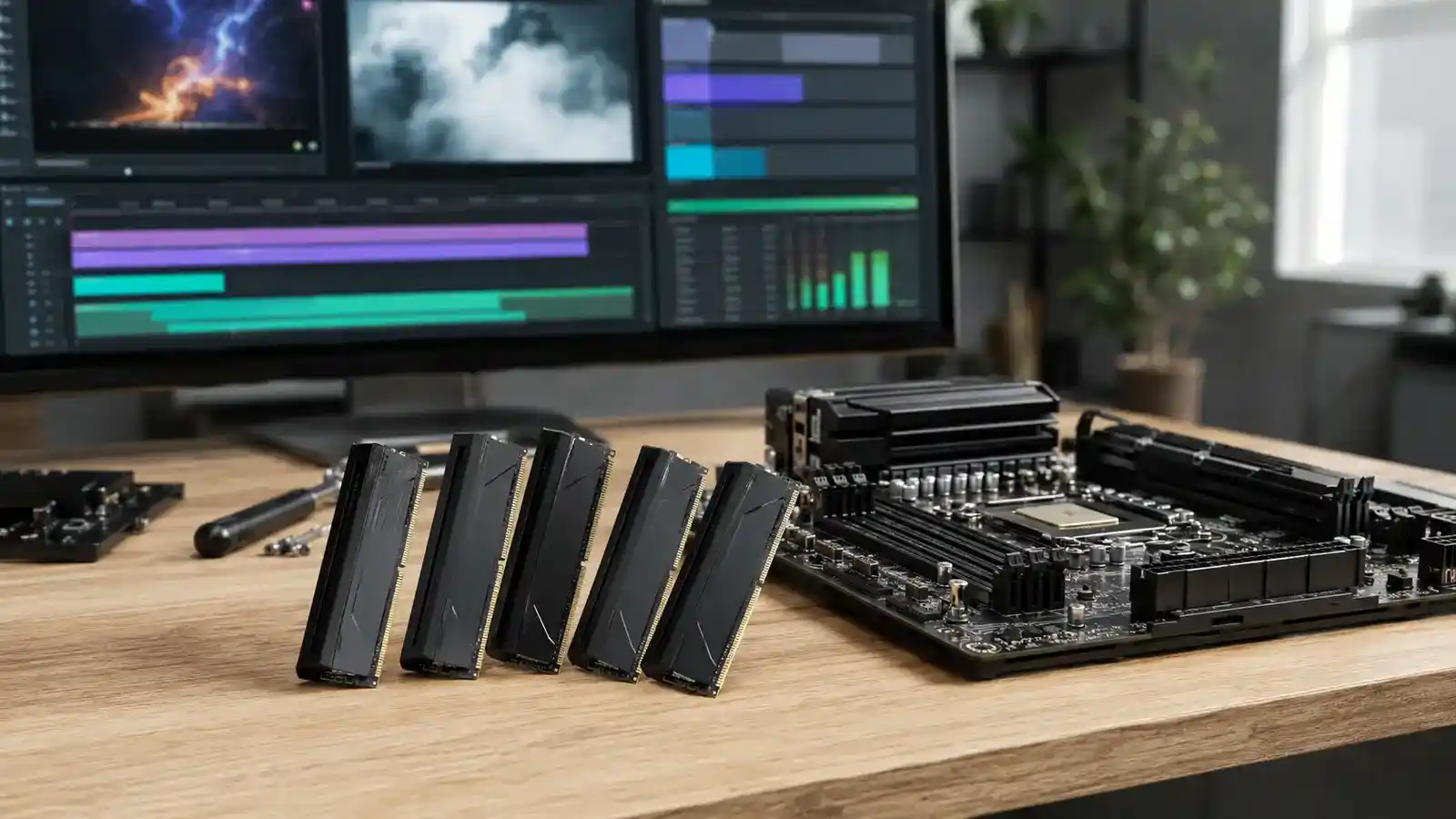
Memory planning follows execution. A large creative project may need system RAM and GPU memory at the same time, while an integrated accelerator draws from one pool. Use measured working-set guidance instead of adding the model size to a generic memory recommendation.
Hardware Features Need A Complete Software Path
Ask whether the application supports the exact operating system, API, driver, accelerator family, and precision mode. Some features use an NPU only on selected devices. Others label a feature “AI” but run it on a GPU or cloud service. A processor can be present in Task Manager and still remain idle for your workload.
Drivers and runtimes translate application graphs into supported operations. If part of a model is unsupported, execution may fall back to the CPU or split across devices. That can be correct but changes latency and power. For developers, Microsoft’s NPU device documentation emphasizes that software must specifically target the resource.
Production machine-learning systems include much more than inference. Data preparation, networking, business logic, monitoring, and storage may dominate. The software guide on moving an ML model from notebook to product explains why an accelerator solves only one layer.
| Work shape | Typical starting point | Verify before buying |
|---|---|---|
| Branch-heavy application logic | CPU | Per-core performance and thread use |
| 3D rendering and large parallel kernels | GPU | Application API and memory capacity |
| Supported local AI inference | NPU or GPU | Runtime, model, precision, power target |
| Video encode/decode | Dedicated media block | Codec, profile, and application support |
| Small interactive operation | CPU or integrated accelerator | End-to-end latency |
Benchmark The Complete User Task
Define an output: export time, tokens per second, frame time, battery drain, noise, or interactive latency. Use the same project, quality settings, model, and software version. Confirm which engine is active with vendor tools or operating-system telemetry, and watch memory use, temperature, power, and clock behavior.
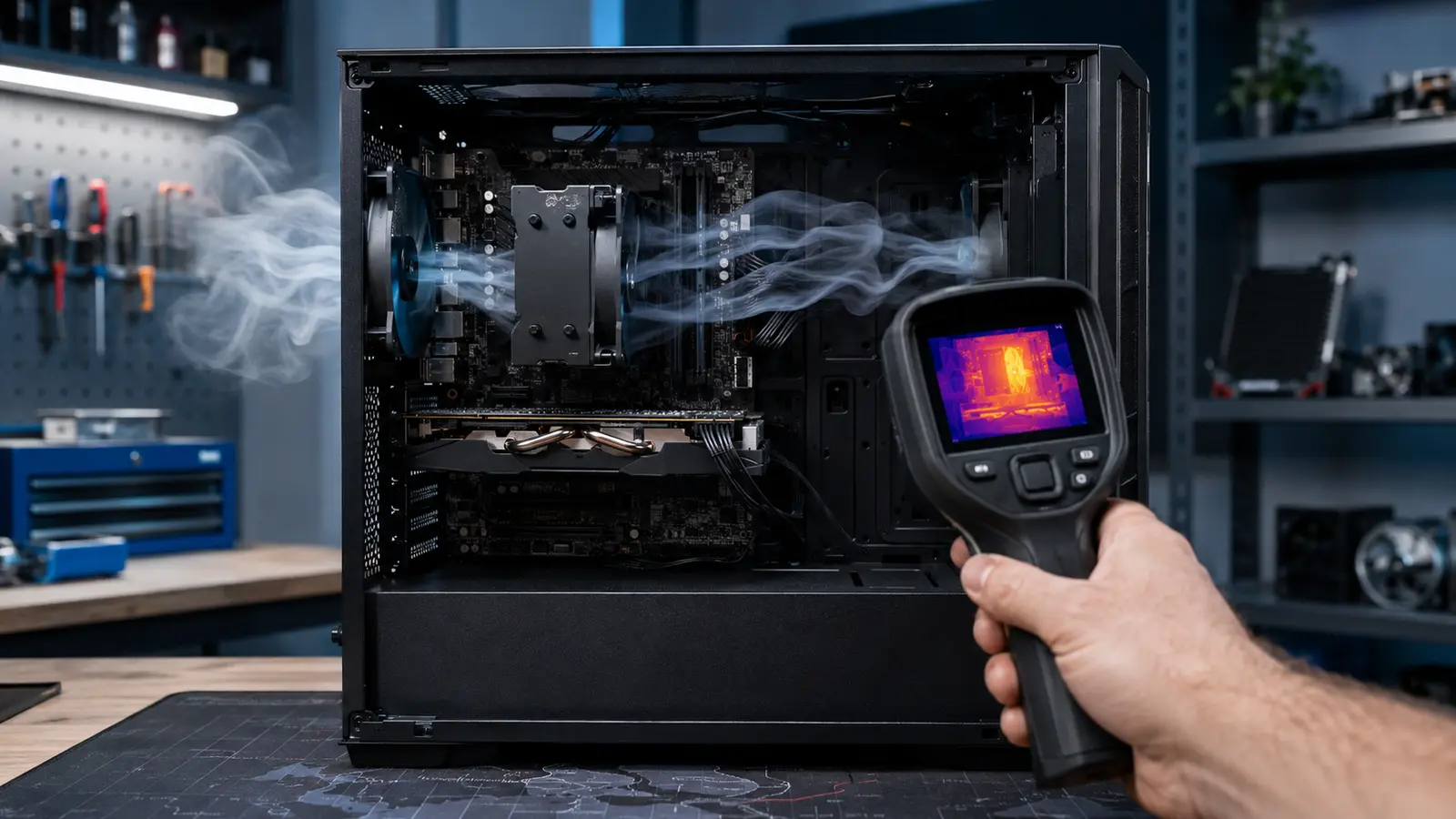
Warm-up matters because kernels compile, caches fill, and power states change. Test long enough to reach steady conditions. If performance declines, investigate the thermal path and throttling evidence. Laptop results need both plugged-in and intended battery profiles because the fastest engine may not be the most efficient.
Averages can hide stutter. For interactive work, inspect frame-time or latency distributions. For batch work, include setup and data transfer rather than timing only the central kernel. The best engine is the one that improves the full workflow within power, cost, and compatibility constraints.
Choose A Balanced System, Not One Headline Component
List the applications that determine whether the machine earns its keep. Check their current hardware recommendations, supported acceleration paths, and project sizes. Give priority to components that cannot be upgraded later, especially in laptops. A fast GPU may be stranded by insufficient memory, a weak power supply, or cooling that cannot sustain it.
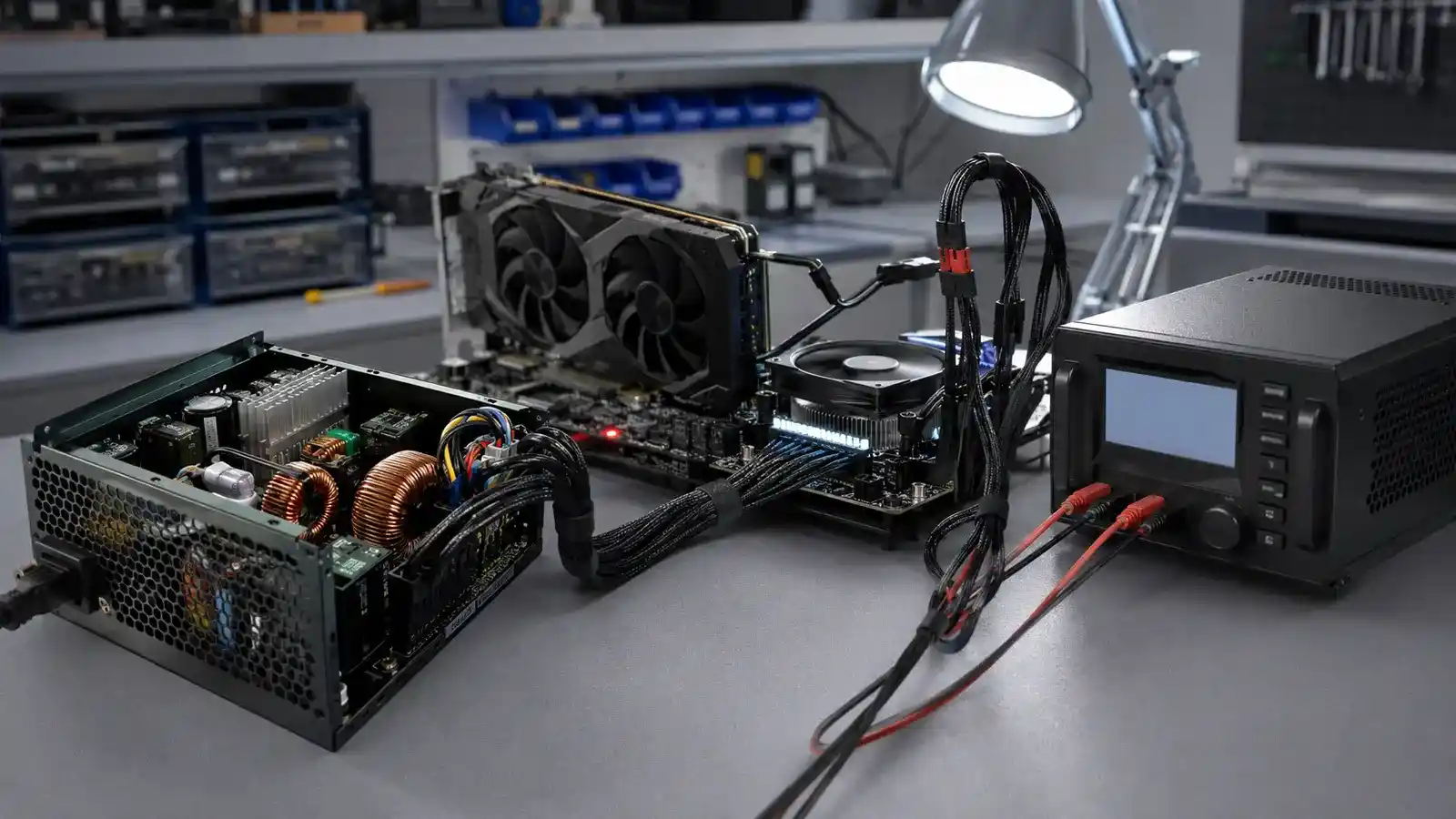
Account for power transients and connectors using whole-system PSU sizing. Consider display outputs, expansion lanes, storage, and acoustic expectations. If the NPU is intended for one future feature, verify that the feature is available now on the exact platform rather than assuming a generic AI label guarantees it.
Heterogeneous computing works because processors cooperate. The CPU orchestrates, specialized engines accelerate suitable operations, and memory and software connect them. Buying well means understanding that path for your work.
Common Processor Questions
Can An NPU Replace A GPU?
Not generally. An NPU targets supported neural-network inference; a GPU also handles graphics and broad parallel compute with different performance and software support.
Does More TOPS Mean Faster AI?
Not necessarily. Compare the same model, precision, runtime, memory path, power state, and full-task latency.
Why Is My Accelerator Idle?
The application may not support it, the job may be too small, an operation may fall back, or another bottleneck may prevent the accelerator from receiving work.