Build A Repeatable Thermal Baseline
An overheating report needs a workload, a time window, and several measurements. Record room temperature, idle temperature, sustained package temperature, clock speed, power, fan speed, and whether the processor reports thermal throttling. Use the same application or stress test for every comparison. A brief temperature spike during application launch is not the same problem as a clock that falls after ten minutes of rendering.
Start with the system at stock settings if possible. Remove manual overclocks, unusual voltage offsets, and aggressive motherboard enhancement modes. Update sensor software and compare at least two readings when a value looks impossible. Different tools may label the CPU package, individual cores, GPU hotspot, memory junction, or motherboard sensors differently. The component manufacturer’s specified limit matters more than a universal temperature number.
Thermal throttling is a protective response, not a complete diagnosis. Intel describes it as a clock reduction when the processor reaches its thermal limit. The cause may be insufficient heatsink contact, restricted airflow, high power settings, a stopped pump, or simply a cooling solution that cannot sustain the configured load.
Trace Heat From Silicon To Room Air
Cooling is a chain. Heat crosses the chip package, thermal interface material, cooler base, heat pipes or liquid loop, fins, case air, and finally the room. A weak link limits everything downstream. If CPU temperature rises instantly while cooler fins remain relatively cool, suspect poor mounting pressure, missing protective film, dried or badly applied paste, or a pump that is not moving coolant. If the cooler becomes hot but the case interior keeps heating, case exhaust is the stronger suspect.
Inspect before replacing. Confirm every fan and pump is connected to the intended header and reports a plausible speed. Check that the cooler is evenly secured. Clear dust from filters and fin stacks without spinning fans violently with compressed air. Verify that cables do not block the main intake path. Intel’s thermal-paste guidance explains why the interface fills microscopic gaps; more paste is not a substitute for correct contact.
Test The Case Instead Of Guessing
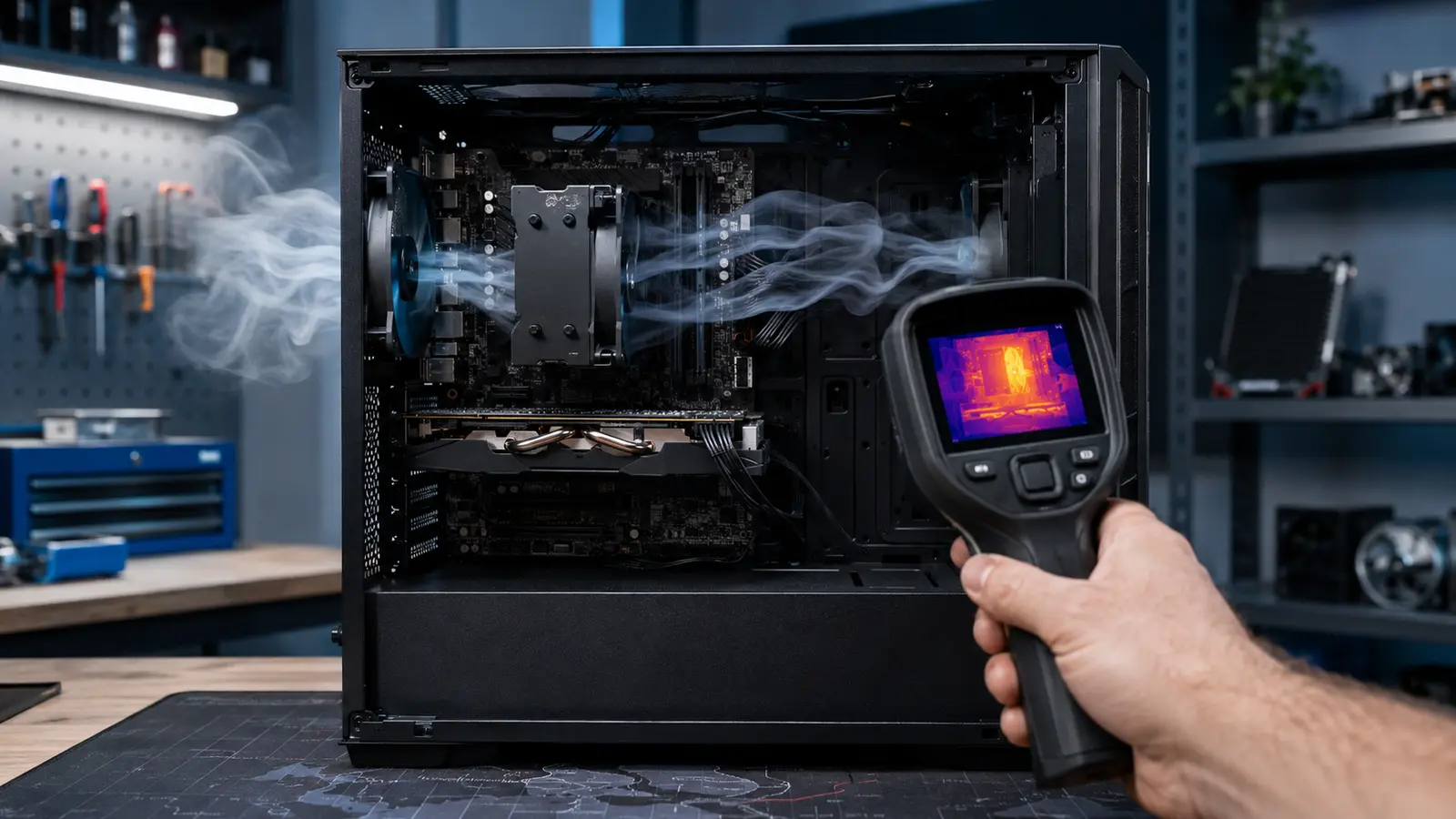
Run the baseline once with the side panel installed and once temporarily removed. A major improvement with the panel off suggests restricted intake, exhaust, filters, or internal recirculation. Little improvement suggests the component cooler or power configuration deserves more attention. Do not use an open case as the permanent solution; the test removes one part of the airflow system so you can identify it.
Air should have a clear route from filtered intake to exhaust. Fan count matters less than useful flow through restrictive surfaces. Two unobstructed front intakes and one rear exhaust can outperform a crowded arrangement whose fans fight each other. Keep radiator placement in context: an intake radiator gives its component cooler air but warms the case, while an exhaust radiator uses warmer case air but removes its heat directly.
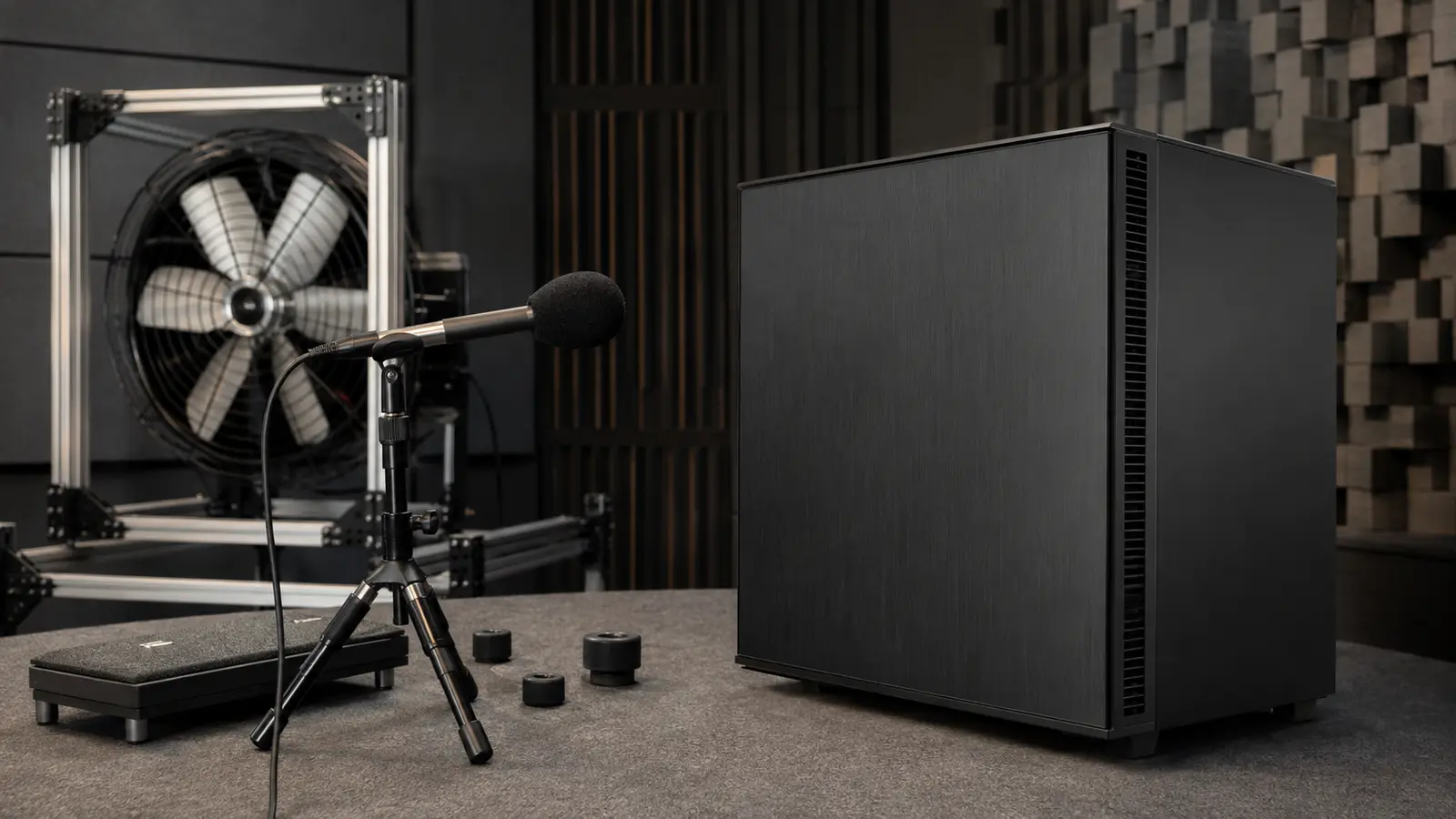
Positive and negative pressure are shorthand, not goals by themselves. Slightly greater filtered intake can reduce dust entering through gaps, but actual flow depends on fan curves and restriction. A quiet machine may deliberately move more air at low speed; our guide to engineering a quiet PC shows why larger fans and less restrictive paths usually beat abrupt high-speed curves.
| Observation | Likely bottleneck | Next check |
|---|---|---|
| Temperature jumps immediately under load | Cooler contact or pump | Mount, paste, pump speed |
| Temperature climbs slowly for minutes | Case heat accumulation | Panel-off comparison |
| GPU improves with panel removed | Restricted intake | Filters, front panel, fan direction |
| Clocks fall while power remains high | Thermal limit | Sensor flags and cooler capacity |
Choose The Smallest Fix That Solves The Bottleneck
Correct installation errors first. Then clean restrictions, adjust fan curves, improve cable routing, or relocate fans. If the cooler is saturated at stock power even with access to cool air, replace it with one rated for the sustained workload and compatible with the socket, case height, memory clearance, and motherboard. If only the GPU recirculates hot exhaust, a lower front intake or different case may matter more than another CPU fan.
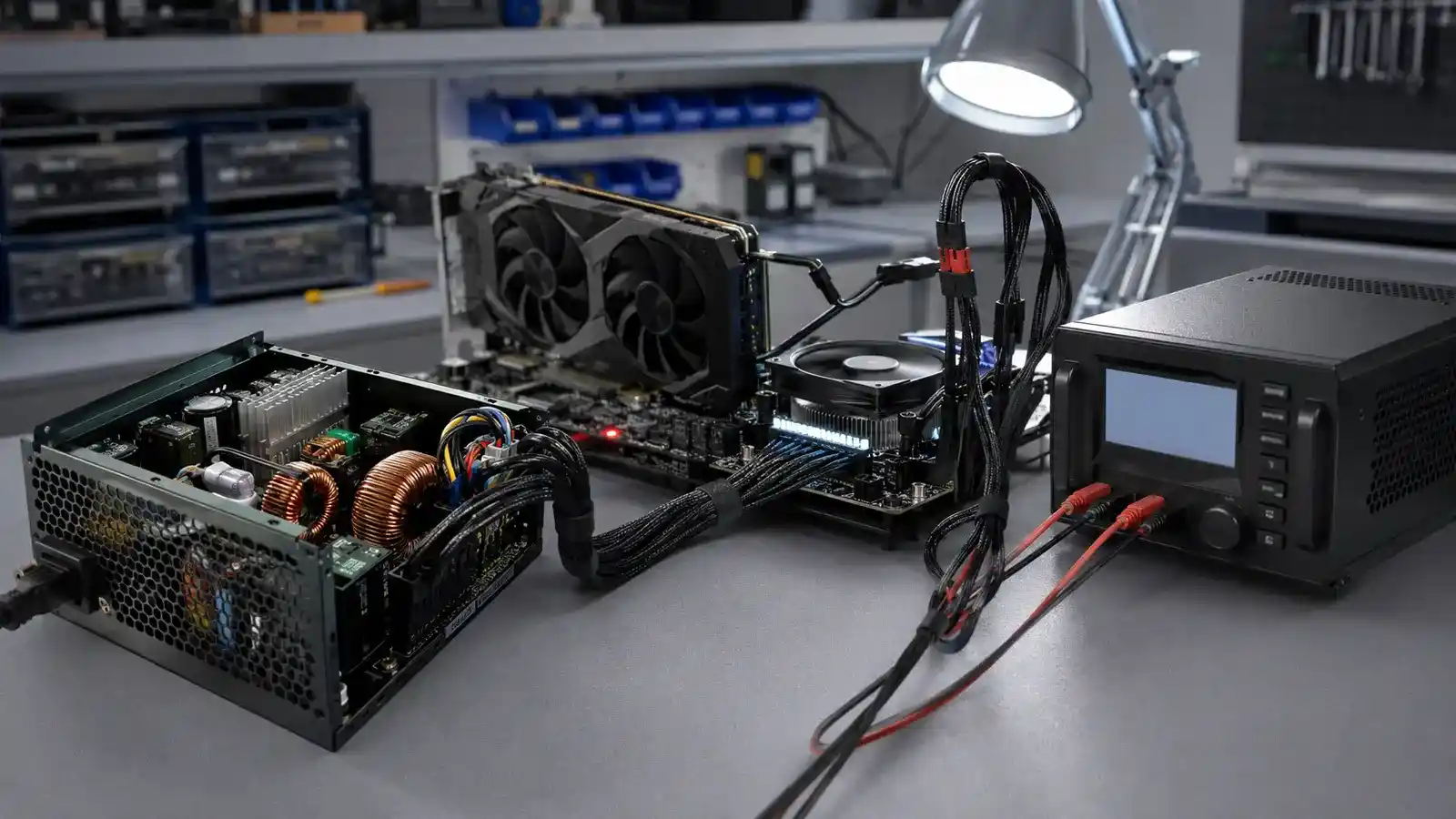
Power is heat. Sensible power limits or undervolting can sharply reduce temperature and noise with a smaller performance cost than throttling. Change one variable at a time and stability-test it. When choosing a higher-power processor or graphics card, include its effect in whole-system power planning and in cooling capacity rather than treating parts independently.
Verify Performance, Temperature, And Noise Together
Repeat the exact baseline after each meaningful change. Compare steady-state temperature, average clock, completed work, fan speed, and noise. A lower temperature achieved by forcing every fan to maximum may be technically cooler but a worse daily system. A slightly warmer result can be better if clocks remain stable and acoustics improve.
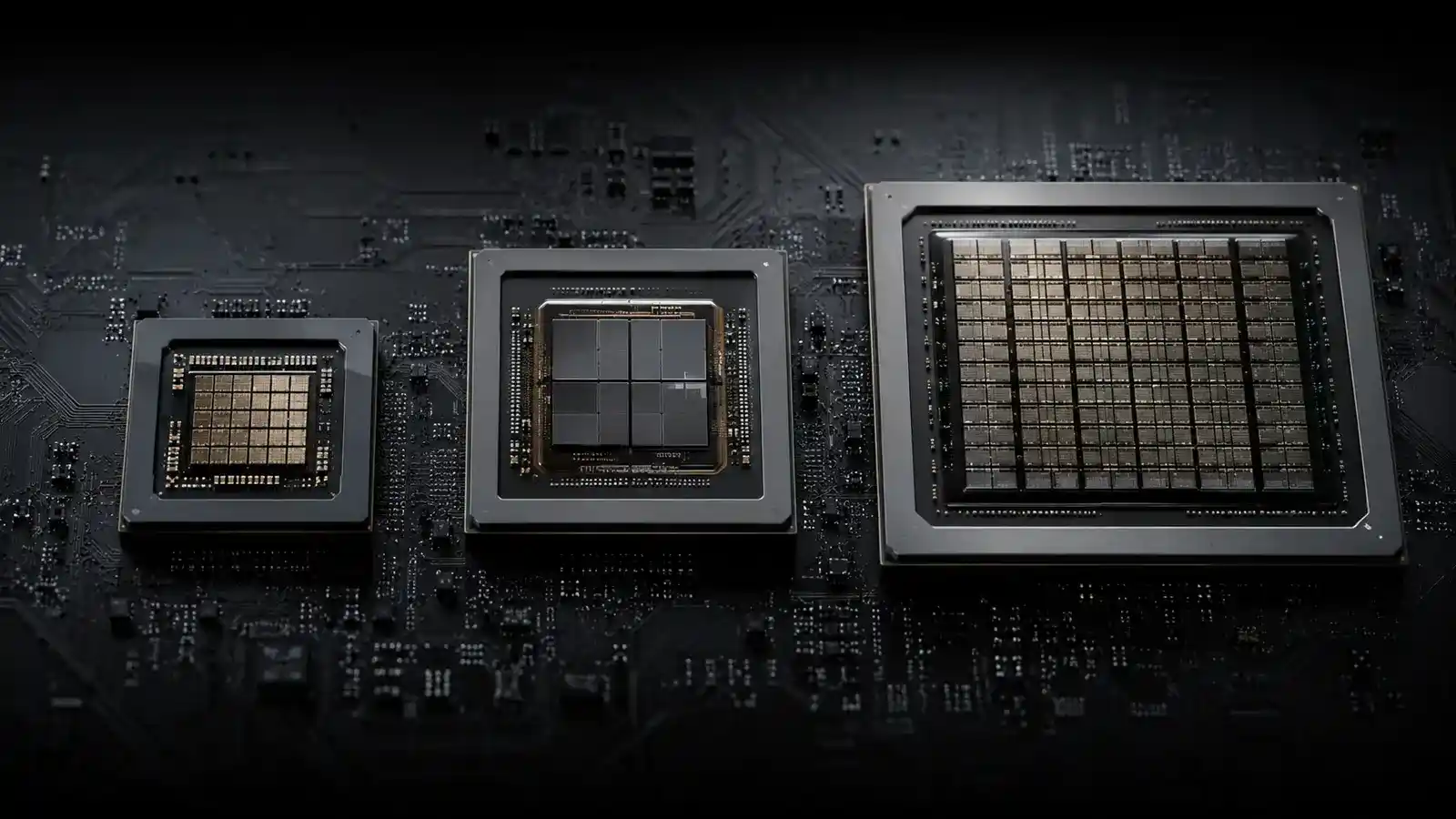
Test both isolated and combined loads. A CPU-only test may miss a case problem that appears when the graphics card also adds heat. Watch connectors and component temperatures without touching powered electronics. Stop immediately if you smell hot insulation, see a leaking liquid loop, or observe unstable power. Processor, GPU, and accelerator choices create different heat patterns; understanding which processor handles the workload helps you test the system realistically.
A good cooling repair produces evidence: the component no longer throttles, performance remains consistent over time, and fan behavior is acceptable in the room where the PC actually runs. That is a stronger result than simply installing more hardware.
Common Cooling Questions
Is A Temperature Spike Dangerous?
Modern processors change power and frequency rapidly, so brief spikes can be normal. Investigate sustained limits, throttling, shutdowns, or performance loss under a repeatable workload.
Should Every Fan Blow In The Same Direction?
No. Intakes supply cool air and exhausts remove heated air. What matters is a coherent path through the case rather than identical orientation.
Will A Larger Cooler Always Fix Overheating?
Not if contact, pump operation, case restriction, or room temperature is the bottleneck. Diagnose the full heat path first.