Identify The Dominant Noise Before Changing Parts
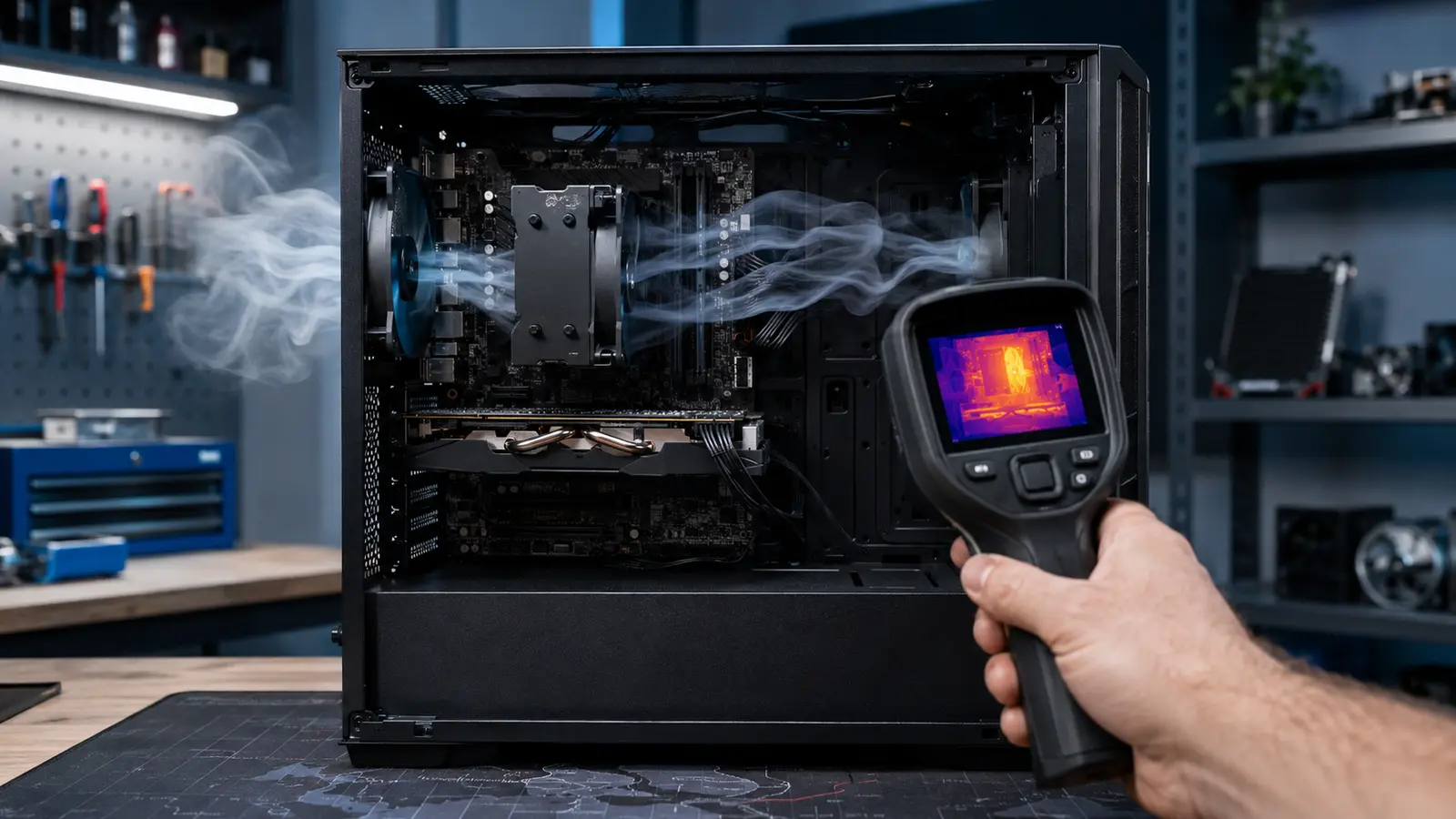
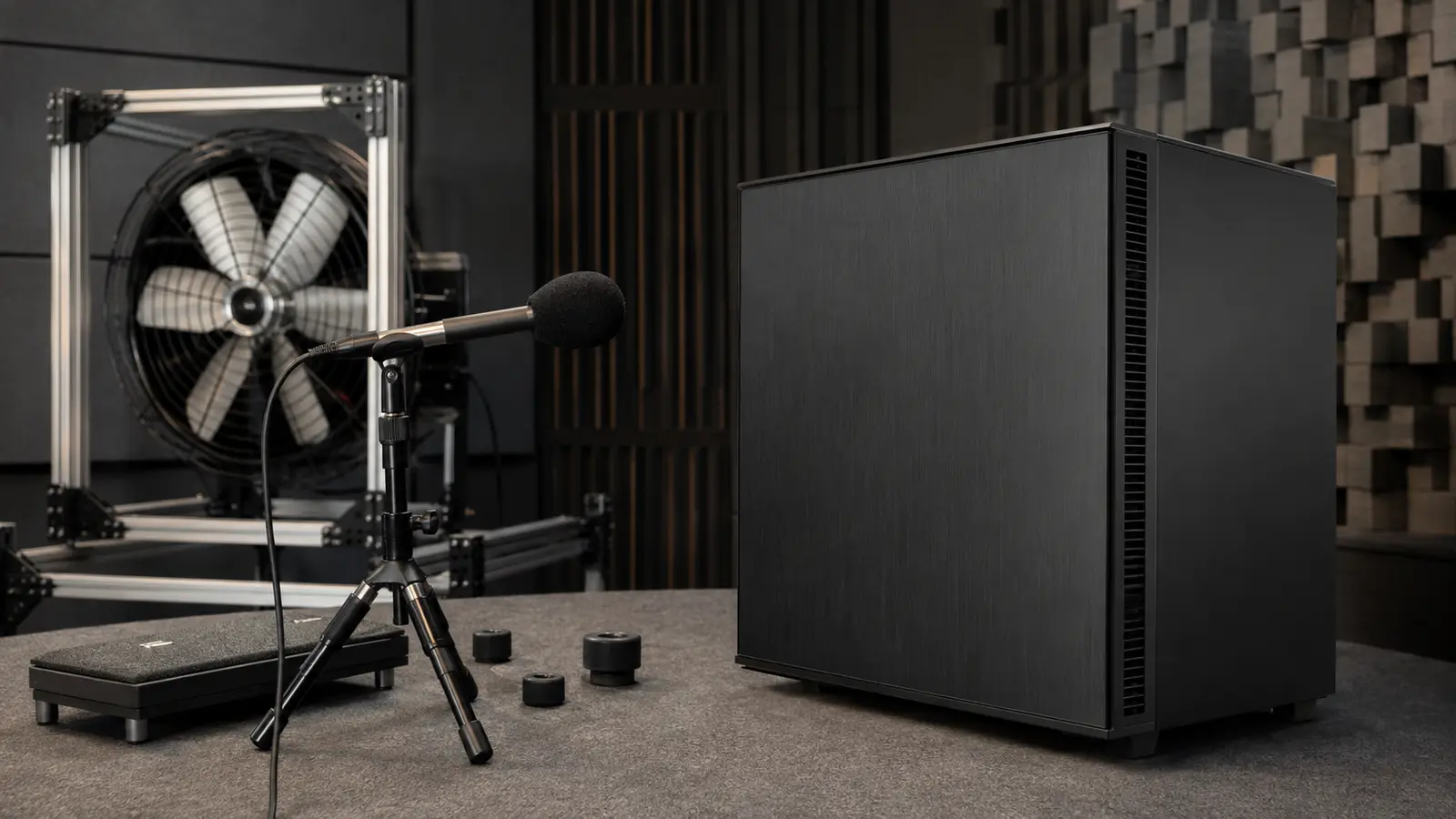
Listen at idle, during a CPU workload, during a GPU workload, and during combined use. Describe whether the sound is broadband air movement, a tonal hum, ticking, rattling, electrical buzz, pump resonance, or repeated ramping. Record the workload, fan speeds, temperatures, and distance from the case. A phone recording can help compare changes, although it is not a calibrated sound-level meter.
Temporarily change one controllable fan speed at a time in firmware or supported software. Do not stop a fan with fingers or obstruct a spinning blade. If a tone follows one fan’s speed, you have localized it. If noise follows frame rate or GPU power, it may be coil noise rather than a fan. If it appears only at one narrow speed, mechanical resonance is likely.
The room changes perception. A hard desk or wall can reflect high frequencies, while a hollow panel can amplify vibration. Measure from a consistent listening position with the room’s normal background noise. Chasing a lower meter number is less useful than removing the tone or speed oscillation that draws attention.
Reduce Restriction Before Reducing Air
Fans generate more noise as speed and turbulence rise. Restrictive mesh, clogged filters, tightly spaced grilles, cables, and abrupt turns make the same cooling job harder. Clean the intake and heatsink, open a direct path, and ensure a fan is not pressed against an unnecessarily restrictive surface. Larger fans can move useful air at lower rotational speed when the case supports them.
A crowded collection of fans is not automatically quieter. Their pressure fields can interact, and multiple bearings add tonal sources. Begin with a clear front-to-back or bottom-to-top path, then add only what reduces temperature or speed at the target workload. The diagnostic procedure in finding the cooling bottleneck helps distinguish cooler saturation from poor case ventilation.
Dust control matters because a quiet tune has less spare airflow. Filter the main intakes and design access so maintenance actually happens. Positive pressure can reduce dust through unfiltered gaps, but balance real fan curves rather than counting intake and exhaust units.
Break The Path From Moving Parts To Large Panels
A slightly unbalanced fan or hard drive can transfer vibration into the chassis, desk, and wall. Tighten loose panels and screws, but do not over-compress rubber isolation mounts. Route cables so they cannot touch blades or tap a side panel. Place the case on a stable surface with feet intact rather than directly coupling a broad panel to a resonant shelf.
Pumps have preferred operating ranges and installation requirements. Air trapped in the pump can create noise and reduce cooling. Follow the liquid-cooler manufacturer’s orientation guidance, confirm the pump receives the intended control signal, and watch for temperature behavior that suggests poor circulation. A failing bearing or pump should be replaced, not hidden with a speed curve.
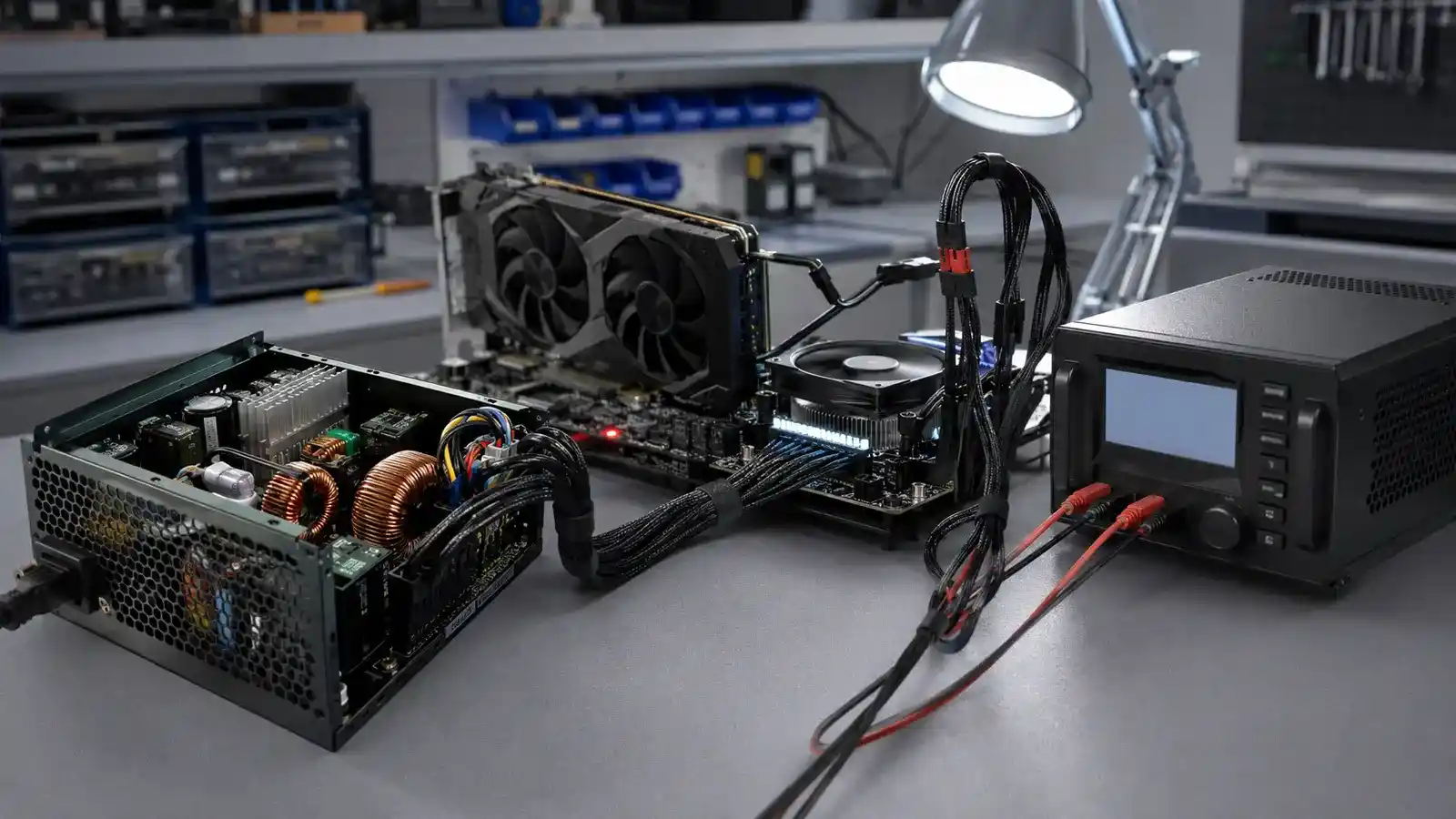
Electrical coil noise arises from vibration in power-delivery components and can vary with load, frame rate, and the pairing of graphics card and power supply. A frame-rate limit can reduce it in menus that render thousands of frames per second. Never open a power supply; dangerous energy can remain after disconnection. If the sound is severe, use the warranty route.
| Sound | Likely family | Safe isolation step |
|---|---|---|
| Broad rushing | Airflow and restriction | Compare filter and fan speed |
| Narrow hum at one speed | Fan or panel resonance | Move speed outside that band |
| Ticking | Cable, bearing, or drive | Inspect with power off |
| Buzz changes with frame rate | Electrical coil noise | Apply a sensible frame limit |
| Gurgle or grinding near pump | Air or pump fault | Check orientation and telemetry |
Tune Fan Curves Around Thermal Inertia
Fans should respond to the component they cool, but the sensor and delay need context. A CPU can spike for a second while the heatsink remains cool. Immediate fan response creates audible surging without meaningful benefit. Add hysteresis, smoothing, or step-up and step-down delays where firmware supports them.
Choose several operating points from measured workloads: quiet idle, typical sustained work, and a safe high-load ceiling. Test each for stable temperature and clock speed. GPU-controlled case fans can help a gaming system, while motherboard headers may only follow CPU or board sensors. Supported control software can combine sensors, but it must fail to a safe speed.
Reducing heat is often quieter than moving more air. Stock power limits, efficient performance profiles, and a carefully stability-tested undervolt can cut fan demand. Component roles and utilization from the processor workload guide help you optimize the part that is actually consuming power.
Verify Acoustics Without Hiding Thermal Failure
Repeat the same idle and load sequence after each change. Record steady temperature, clock, performance, fan speed, and perceived noise at the listening position. Run combined CPU and GPU work long enough for the case to heat fully. A tune that is quiet for three minutes but throttles after twenty is unfinished.
Power-supply fan behavior may be independent and affected by load, temperature, and efficiency. Size the unit for the system rather than buying an extreme wattage solely to seek a fan-off mode; the power-supply calculation guide covers sustained load, transients, and connectors.
Set a practical target. A dependable low-frequency airflow sound during heavy work can be a better outcome than intermittent silence punctuated by fan bursts. The engineering result is stable performance with noise that fades into the room.
Common Quiet-PC Questions
Should I Set All Fans To Their Minimum?
No. Establish the airflow required to prevent heat accumulation, then use the lowest stable speeds that preserve temperature and performance.
Does Acoustic Foam Inside A Case Help?
It can reduce some airborne sound but may restrict vents or retain heat. Fix tonal sources, vibration, and airflow resistance first.
Is A Fanless Power Supply Always Quieter?
Not automatically. Electrical noise and other fans may dominate, while a semi-passive fan can cycle audibly. Evaluate the complete system and load.