SMART Reports Evidence, Not A Guaranteed Future
Self-Monitoring, Analysis and Reporting Technology exposes information recorded by a drive’s controller. On NVMe devices, the health log commonly includes critical warnings, composite temperature, available spare, percentage used, data units read and written, power-on hours, unsafe shutdowns, media errors, and error-log entries. These counters help explain wear and operating history, but they do not promise that a drive will survive until a particular date.
Controllers, firmware, flash type, spare area, and vendor interpretation differ. A dashboard may compress several attributes into one “health” score using rules that are not portable between models. Save the raw values and model number before comparing machines. For NVMe on Linux, the official nvme-cli utility exposes the standardized SMART/health log as well as error and device information.
Backups remain necessary even when every field is green. Electronics can fail abruptly, firmware can misbehave, filesystems can be damaged, and a user can delete the wrong directory. Health monitoring improves your response window; it does not turn one storage device into a backup.
Interpret Related Counters Together
Percentage used estimates endurance consumption relative to the drive’s design. Reaching a high value deserves planning, but it is not a precise countdown. Available spare describes reserved capacity the controller can use as flash blocks wear. A critical warning or spare value below its threshold deserves immediate attention, especially if errors are also increasing.
Data units written reveal workload intensity. Convert them using the unit definition reported by the relevant specification or tool instead of assuming the raw number is bytes. Compare write growth over weeks to understand your real rate. A creator’s scratch disk, database, and quiet office laptop can consume endurance very differently.
Media and data-integrity errors matter more when they increase. One historical error does not explain itself, so correlate it with timestamps, system logs, firmware events, and application failures. Error-log entries may record commands that failed for reasons outside worn flash. Unsafe shutdowns count power loss without an orderly shutdown; they can rise after outages or hard resets and should lead you to inspect system power stability as well as storage.
Temperature Has A Workload And Airflow Context
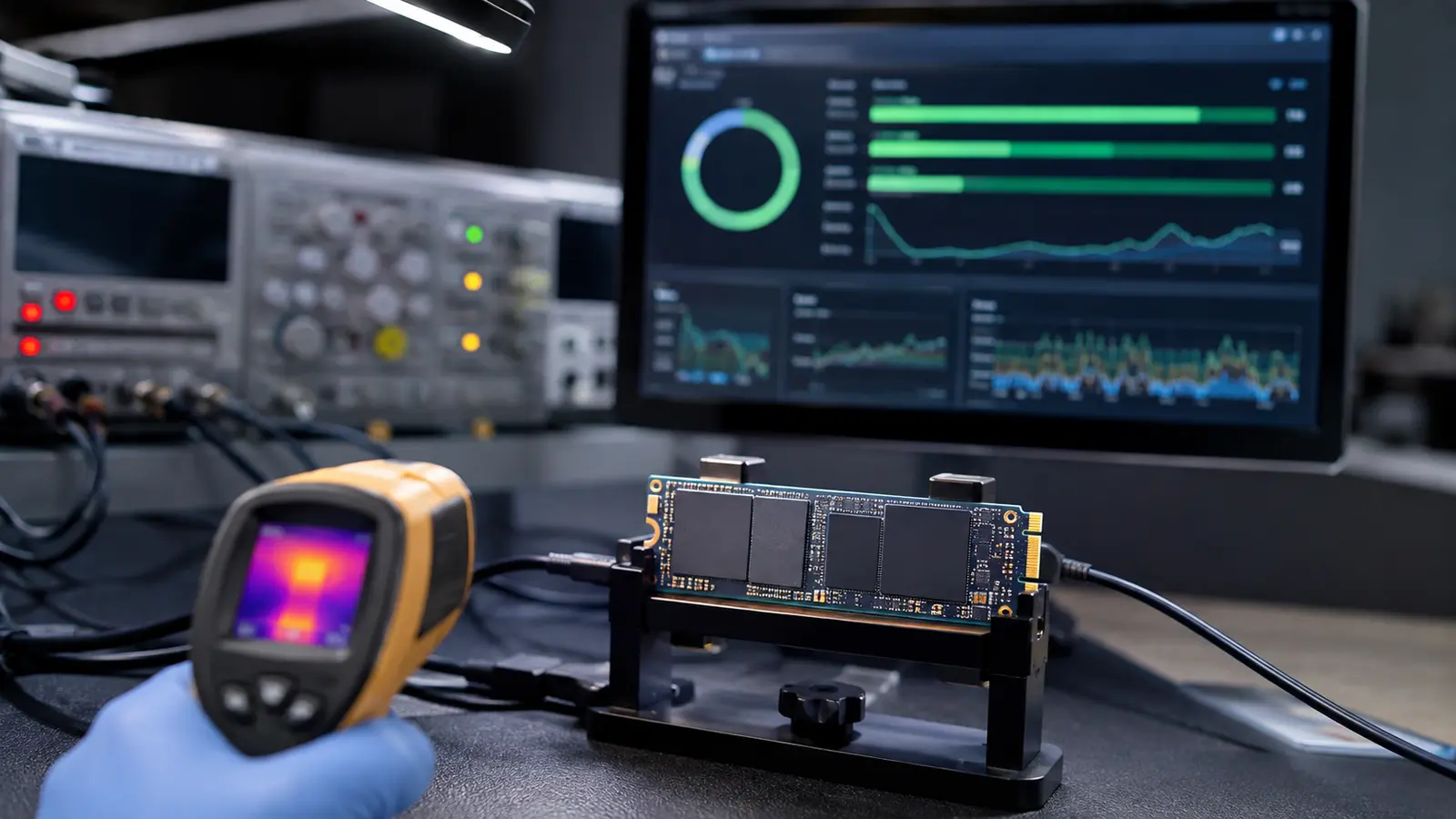
NVMe drives can become hot during sustained writes or heavy reads. Controllers may reduce performance to stay within their operating range, so a benchmark that starts fast and slows later can reflect temperature, cache exhaustion, garbage collection, or several effects together. Log throughput and temperature over time rather than relying on one peak.
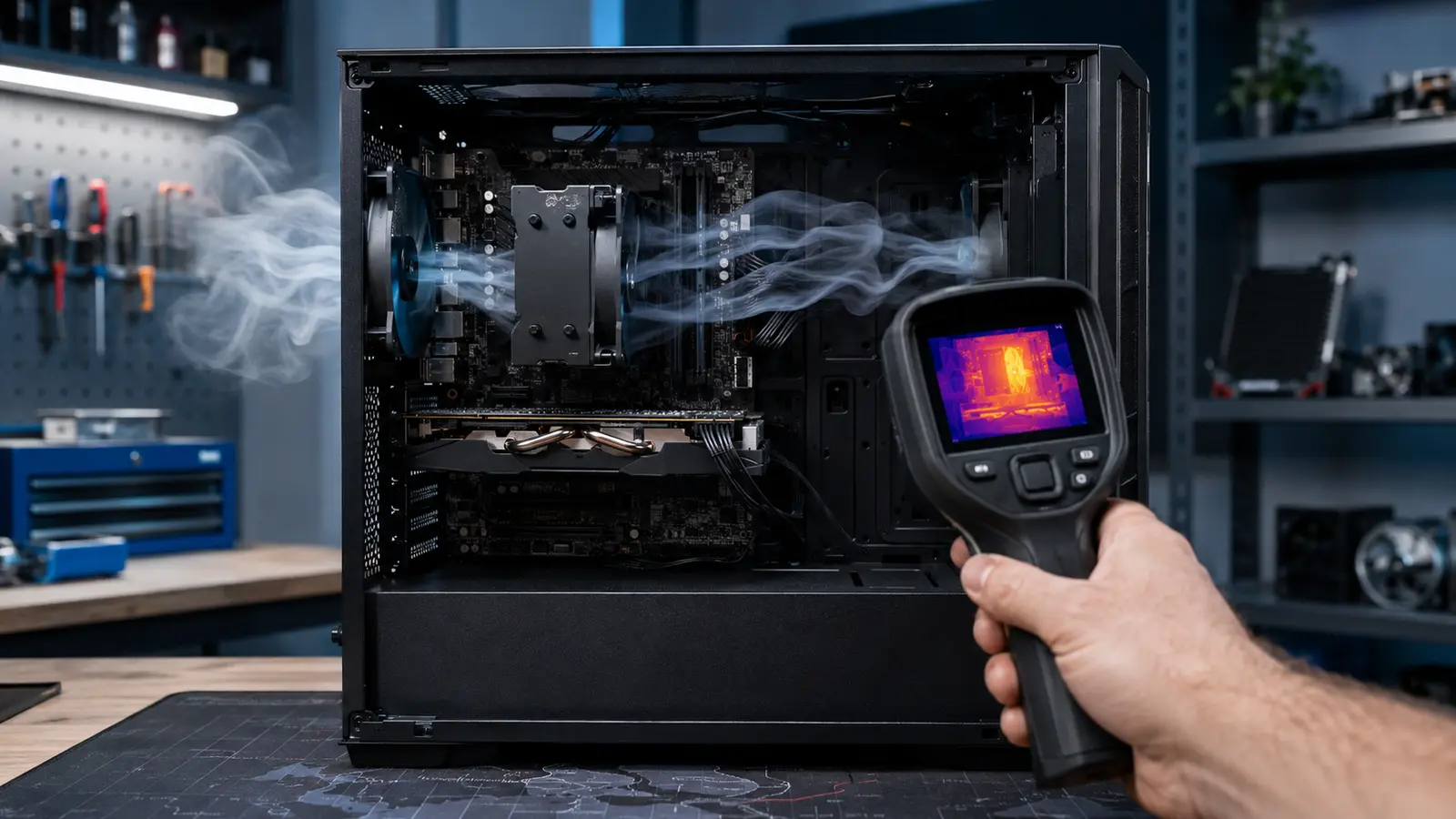
Check whether the motherboard’s heatsink pad contacts the drive correctly and whether its protective film was removed. Airflow around the expansion-card area matters, especially beneath a hot graphics card. Do not stack random thermal pads or clamp a drive beyond the manufacturer’s mechanical guidance. The method in our cooling bottleneck diagnosis applies: compare a repeatable workload before and after one controlled change.
| Field | What it helps describe | Useful response |
|---|---|---|
| Percentage used | Estimated endurance consumed | Trend writes and plan replacement |
| Available spare | Reserved flash capacity | Act if below threshold |
| Media errors | Unrecovered data-integrity events | Back up and investigate growth |
| Unsafe shutdowns | Unclean power-loss events | Check outages and stability |
| Temperature | Current controller/device thermal state | Correlate with load and throttling |
Know What The Dashboard Cannot Prove
SMART cannot verify that your backup is restorable, that every file is correct, or that the host’s memory and power are stable. It may not expose all vendor-specific failure signals. USB enclosures sometimes omit or translate health commands, and RAID controllers may hide individual devices. Query the drive through a supported path and confirm that model and serial information match the intended disk.
Do not use a short synthetic benchmark as a health test. It measures a narrow performance condition and can consume writes without validating stored data. Filesystem checks, application-level checksums, backup verification, and drive self-tests answer different questions. Low free space can also reduce steady write performance without indicating imminent hardware failure.
System memory problems can corrupt data before it reaches storage. If errors span multiple files or devices, test the broader platform and review memory capacity and behavior rather than assuming the SSD is solely responsible.
Turn Health Signals Into A Safe Response
When a warning appears, preserve important data first. Avoid intensive repair experiments on the only copy. Record the health log, firmware version, operating-system events, cabling or enclosure, and the workload that exposed the problem. Check the vendor’s firmware and diagnostic guidance for the exact model.
Replace a drive when critical warnings persist, errors increase, endurance is exhausted for the intended workload, or reliability becomes uncertain enough that downtime costs more than replacement. Securely handle the old drive according to data sensitivity. Restore the new device from a tested backup and verify the application, not just the partition.
The healthiest storage practice combines monitoring, capacity margin, stable cooling and power, and multiple recoverable copies. SMART data is valuable because it supports that practice—not because it can predict every failure.
Common SSD Health Questions
Is 90 Percent Health Bad?
Not by itself. Identify how the tool calculates the value, then inspect raw endurance, spare, errors, temperature, and trend for that model.
Do Unsafe Shutdowns Mean The SSD Is Damaged?
No. They record unclean loss of power. Investigate why they occur and verify data, but the count alone does not prove damage.
Can SMART Replace Backups?
Never. It cannot protect against sudden controller failure, theft, deletion, malware, or a backup process that has never been restored.