The Short Answer
The practical difference between 2.4 GHz and 5 GHz Wi-Fi is a trade-off. A 2.4 GHz signal generally travels farther and handles obstacles better, while 5 GHz usually offers higher data rates, more capacity, and less interference at short range. Neither band wins everywhere. The right choice depends on the device, its room, and what you are doing.
| Need | Try first | Why |
|---|---|---|
| Longer reach or several walls | 2.4 GHz | Lower-frequency signals generally maintain coverage over distance more effectively. |
| Fast connection near the router | 5 GHz | Higher available data rates and more usable channel space can improve performance. |
| Smart plugs, sensors, older devices | 2.4 GHz | Many low-bandwidth and legacy devices support only this band. |
| Video calls, large downloads, streaming | 5 GHz | Often better when the signal is strong and the network is not congested. |
| Room with weak 5 GHz coverage | 2.4 GHz or better placement | A stable slower link is usually better than a fast band that repeatedly disconnects. |
What The Numbers Mean
The numbers describe radio-frequency bands, not your internet plan. A device connected to 5 GHz is not automatically receiving five gigabits per second, and 2.4 GHz does not describe a speed. Actual performance depends on the router, client device, Wi-Fi generation, channel conditions, signal strength, and provider connection.
Modern routers may show separate network names for each band, or they may combine them under one name and automatically steer compatible devices. Automatic steering is convenient, but it can make troubleshooting less obvious because you may not know which band a device selected.
Range And Walls
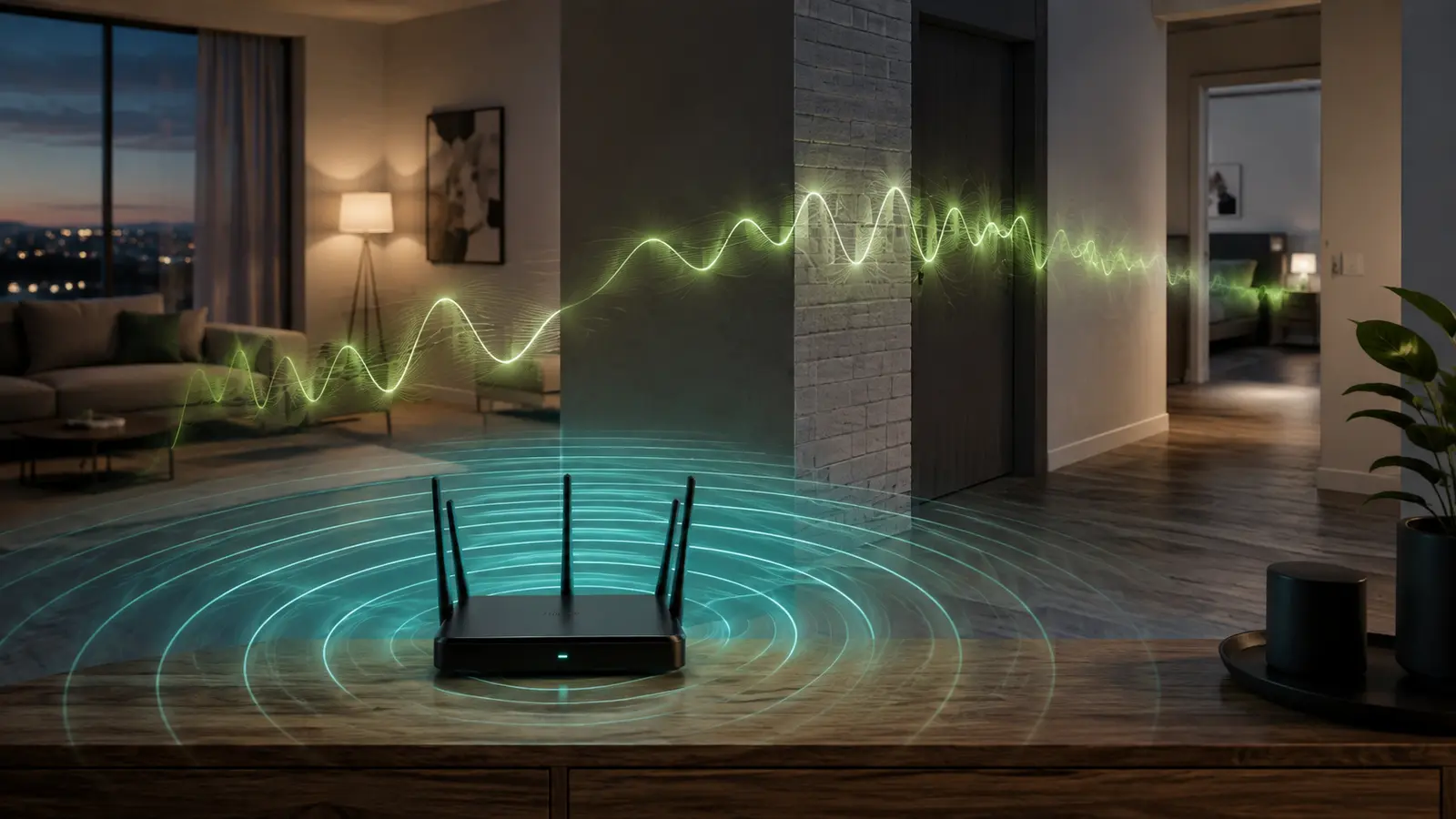
Lower-frequency 2.4 GHz signals generally reach farther. That makes the band useful for a distant bedroom, outdoor camera, or smart device on another floor. The advantage is not unlimited: reinforced concrete, metal doors, elevator shafts, and dense masonry can weaken either band.
5 GHz is more sensitive to distance and obstacles, but it can be excellent in the same room or a nearby open area. If 5 GHz works beside the router and collapses two rooms away, first find the best router position. A central, elevated location may extend useful coverage without changing equipment.
Interference And Congestion
The 2.4 GHz band is shared with many devices and technologies. Neighboring Wi-Fi networks, Bluetooth devices, some cordless phones, and microwave ovens can make the environment crowded. It also provides fewer non-overlapping channel choices in many regulatory regions.
5 GHz usually has more channel capacity and is often cleaner, particularly in apartment buildings. However, available channels and power rules vary by country. Use the router’s automatic channel selection or follow local manufacturer guidance instead of copying a channel number from an overseas tutorial.
Choose By Device And Activity
Phones And Laptops
Use 5 GHz when you are close enough to maintain a stable signal. It is a good starting point for video meetings, cloud work, and downloads. Move to 2.4 GHz when roaming to a distant room if the 5 GHz link becomes inconsistent.
Televisions And Consoles
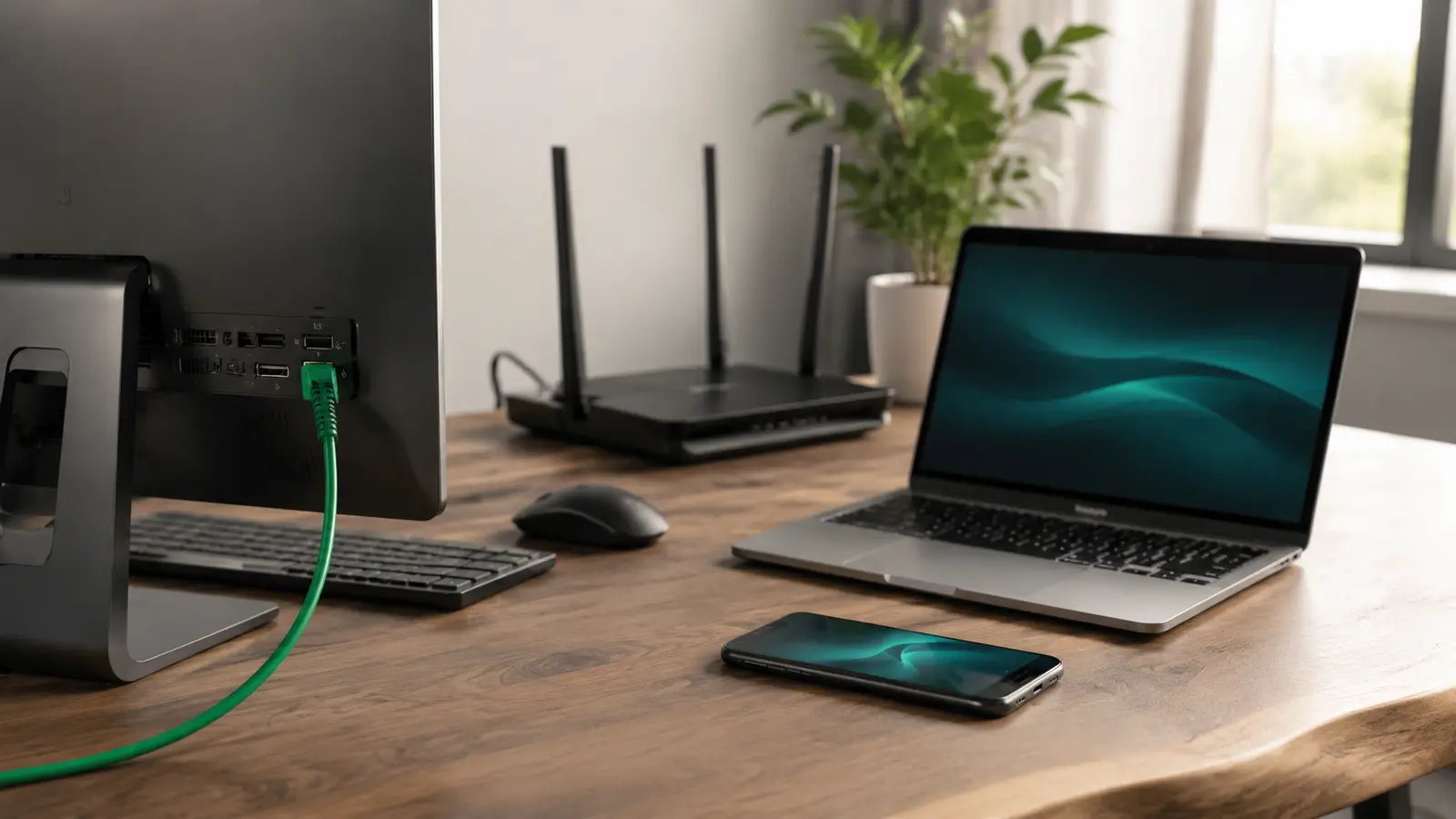
A strong 5 GHz connection can handle streaming well, but these fixed devices are also good Ethernet candidates. If you want consistent latency or very high sustained throughput, choose between wired and wireless connections based on whether cabling is practical.
Smart-Home Devices
Many bulbs, plugs, sensors, and appliances use 2.4 GHz because it offers adequate range and low-bandwidth performance. During setup, follow the device instructions. Some products require the phone to be on the same 2.4 GHz band temporarily.
Work And Gaming
5 GHz can reduce local wireless congestion when the router is nearby, but band choice alone does not guarantee responsiveness. Latency also depends on the remote server, route, household traffic, and provider network.
Why A Band Becomes Slow
If performance changes by time of day, the band may not be the only cause. More people may be streaming, neighbors may be using overlapping networks, or the internet provider may be busier. Our guide explains how to understand why Wi-Fi slows at night without blaming one component too early.
Also check whether the device is clinging to a distant access point, whether router firmware is current, and whether the router is overheating or enclosed. Testing one variable at a time produces better evidence than changing bands, channels, DNS, and hardware simultaneously.
A Simple Five-Minute Comparison
- Stand in the room where the connection matters.
- Connect the same device to 2.4 GHz and test a familiar site, call, or stream.
- Repeat on 5 GHz from exactly the same location.
- Compare stability and responsiveness, not only peak download speed.
- Repeat at a busy hour before making the choice permanent.
If both bands are poor beside the router, investigate the internet service, router status, and device rather than assuming coverage is the problem. If only one distant room is weak, placement or an additional access point is more relevant.
The Practical Rule
Use 5 GHz for demanding devices within solid coverage. Use 2.4 GHz for reach, obstacles, and compatible low-bandwidth devices. Let automatic band steering handle ordinary movement if it works reliably, but keep the trade-off in mind when troubleshooting. A home network performs best when devices are distributed sensibly instead of forced onto one crowded band.
Common Band Questions
Should Both Bands Use The Same Network Name?
Using one name lets a modern router steer devices automatically and keeps setup simple. Separate names provide more control during troubleshooting. Begin with the manufacturer’s default, then separate names only when you need to confirm band behavior or support a device with unusual setup requirements.
Does 5 GHz Mean Mobile 5G?
No. 5 GHz is a Wi-Fi radio band used between a device and a nearby router. 5G is a generation of cellular networking operated by a mobile provider. A phone can support both, but they use different infrastructure.
Will A Newer Router Fix Every Band Problem?
Not if the location is poor or the signal must cross dense obstacles. New hardware may add capacity and better radio features, but the same physical limits still apply. Measure the existing network first so an upgrade solves a demonstrated limitation.
Why Does A Device Keep Changing Bands?
The router or device may be balancing signal strength, congestion, and roaming behavior. An occasional change is normal. Frequent interruptions suggest weak overlap, an unstable signal, or steering settings that need documented adjustment.