Wi-Fi Speed And Internet Speed Are Different
Home Wi-Fi may slow down at night because more people are using the connection, neighboring wireless networks become busier, or the internet provider’s shared infrastructure is under heavier demand. The word “Wi-Fi” is often used for the entire internet experience, but the slowdown can happen on either side of the router. Finding the right side is the key to fixing it.
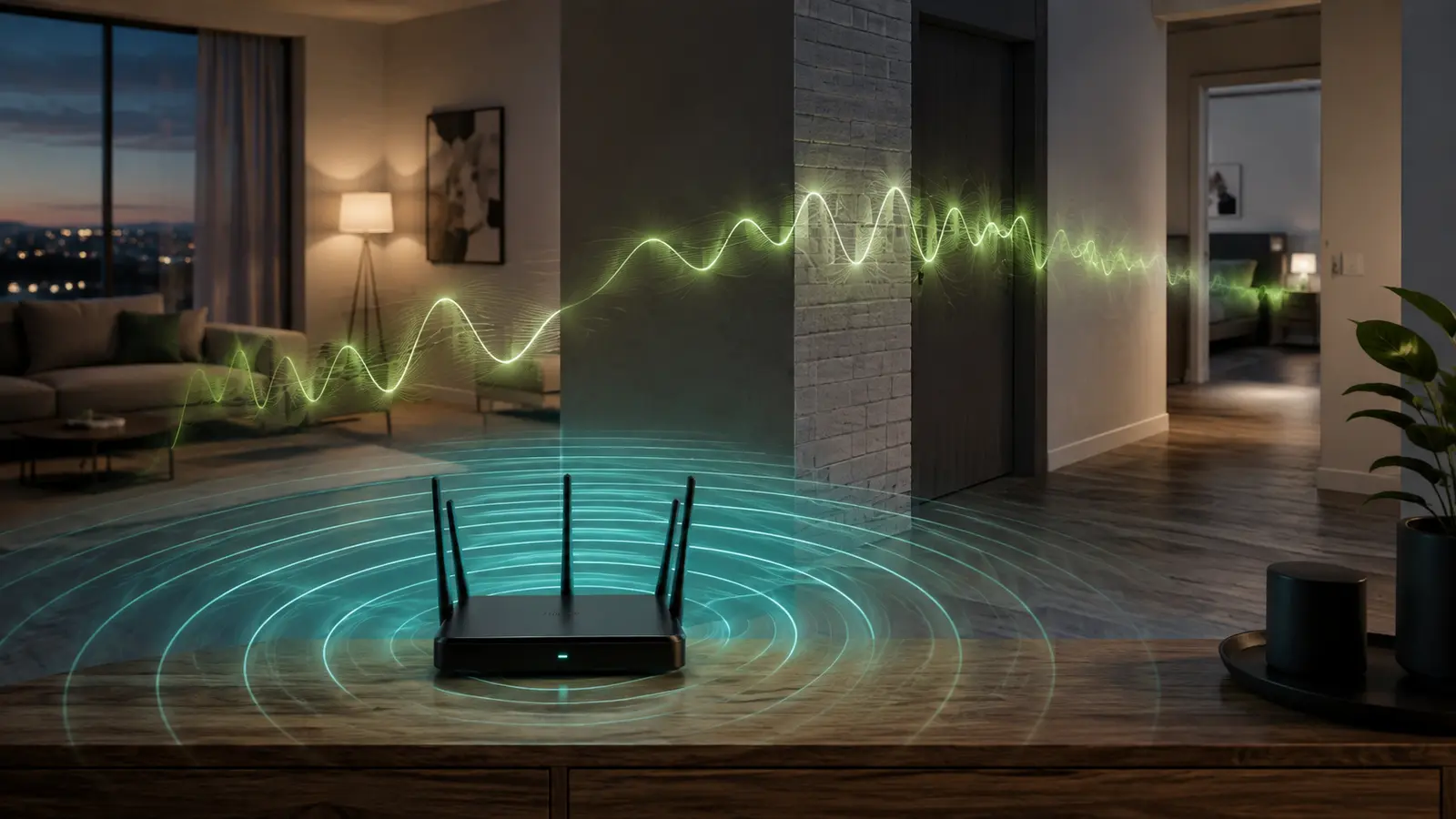
Your device first communicates with the router over Wi-Fi. The router then sends traffic through your modem or network terminal to the internet provider. A weak wireless signal can limit the first link. Provider congestion, a slow remote service, or an overloaded route can limit the second. A speed test alone does not identify which link is responsible.
Latency, jitter, and packet loss matter as well. A connection can show a respectable download number while a call breaks up because packets arrive late or unevenly. That is why evening troubleshooting should include a video call, web browsing, or game session in addition to a bandwidth test.
The Most Common Evening Causes
More Activity Inside The Home
At night, televisions begin streaming, phones upload photos, computers install updates, consoles download games, and cloud backups run. These activities share the same provider connection and router capacity. One large upload can also make other tasks feel delayed because acknowledgements and requests must wait behind it.
Busier Neighboring Networks
In apartments and dense neighborhoods, nearby routers share radio spectrum. When neighbors become active, devices take turns using the same or overlapping channels. Your provider connection may be fine while the local wireless environment becomes crowded.
Provider-Side Peak Demand
Some access networks share capacity among nearby customers. If wired tests are consistently worse only during the same evening window, while local Wi-Fi strength remains good, provider congestion becomes a reasonable possibility. It is evidence to take to the ISP, not proof from a single test.
Heat, Software, Or Aging Equipment
A router in a closed cabinet can become warm after hours of activity. Old firmware, limited hardware, or a misbehaving device may add instability. Restarting can temporarily clear a symptom, but repeated nightly problems deserve a diagnosis rather than a scheduled reboot as the only answer.
A Test That Separates The Bottlenecks
- Choose one device and one location near the router.
- Run the same test once during a quiet period and again during the slowdown.
- If possible, connect that device by Ethernet and repeat.
- Pause large downloads, cloud backups, and 4K streams, then retest.
- Compare several services; one slow website may be the remote service rather than your network.
- Record time, download, upload, latency, and any packet-loss result for several days.
Fixes That Match The Evidence
If Only Distant Rooms Are Slow
Do not begin with advanced settings. First improve your router placement. Move it toward the center, raise it, and remove nearby metal or cabinetry. A better path can improve both throughput and stability.
If 2.4 GHz Is Crowded
Nearby devices may perform better on 5 GHz, while distant or low-bandwidth devices remain on 2.4 GHz. Learn how to choose the right Wi-Fi band. Let the router select channels automatically unless you have measured the environment and understand regional channel rules.
If One Device Consumes Most Capacity
Schedule backups and large downloads outside busy hours. Use quality-of-service or device-priority features only if the router documents them clearly; poor settings can create new bottlenecks. Wired connections for fixed high-traffic devices can also free wireless airtime.
If The ISP Link Slows Every Evening
Collect several wired results with dates and times, confirm the router and network terminal show no fault lights, then contact the provider. Ask whether there is a known incident or local capacity issue. Avoid assuming an expensive plan upgrade will fix congestion without evidence.
Why Calls And Games Reveal Trouble First
Streaming video can buffer data ahead, hiding short interruptions. Calls and multiplayer games cannot wait as long; they need packets to arrive quickly and consistently. Read our guide to understand network latency, jitter, and why responsiveness can be poor even when headline speed looks adequate.
For a call, compare Wi-Fi and Ethernet and close unnecessary uploads. For gaming, choose a nearby game region when available. If one platform is affected while all others work, check that platform’s service status before changing the home network.
Troubleshooting Mistakes To Avoid
- Changing several router settings at the same time
- Using different test devices and rooms for every result
- Assuming full signal bars mean an uncongested connection
- Buying an extender when the provider link is the bottleneck
- Disabling security software or router protections without vendor guidance
- Trusting one speed test as a complete diagnosis
A Calm Diagnosis Beats A Quick Guess
Nighttime slowdown is a pattern, and patterns are useful evidence. Compare quiet and busy hours, test wired and wireless links, reduce household traffic, and change only one variable at a time. You will either find a fix inside the home or build a clear record for the provider—both are better outcomes than replacing equipment blindly.
Common Evening-Speed Questions
Will Restarting The Router Every Night Fix It?
A restart may clear a temporary fault, but a problem that returns on schedule probably has a recurring cause. Record results before and after. If only the short-term symptom changes, investigate heat, firmware, traffic, and provider demand.
Do More Connected Devices Always Make Wi-Fi Slower?
Idle devices use little airtime. Active devices matter: a television streaming high-resolution video, a camera uploading continuously, or a computer backing up data can affect others. Count active traffic instead of the number of names in the device list.
Would A Faster Internet Plan Help?
It can help when household traffic repeatedly reaches the plan’s limit. It will not repair weak Wi-Fi coverage, radio interference, or delay to one remote service. A wired busy-hour test provides better evidence before upgrading.
Can An Automatic Update Cause A Sudden Slowdown?
Yes. Phones, computers, consoles, and cloud services may download or upload in the background. Check the router’s traffic view, pause the transfer, and repeat the same test. Reschedule large routine tasks when the platform allows it.