Why Router Position Matters
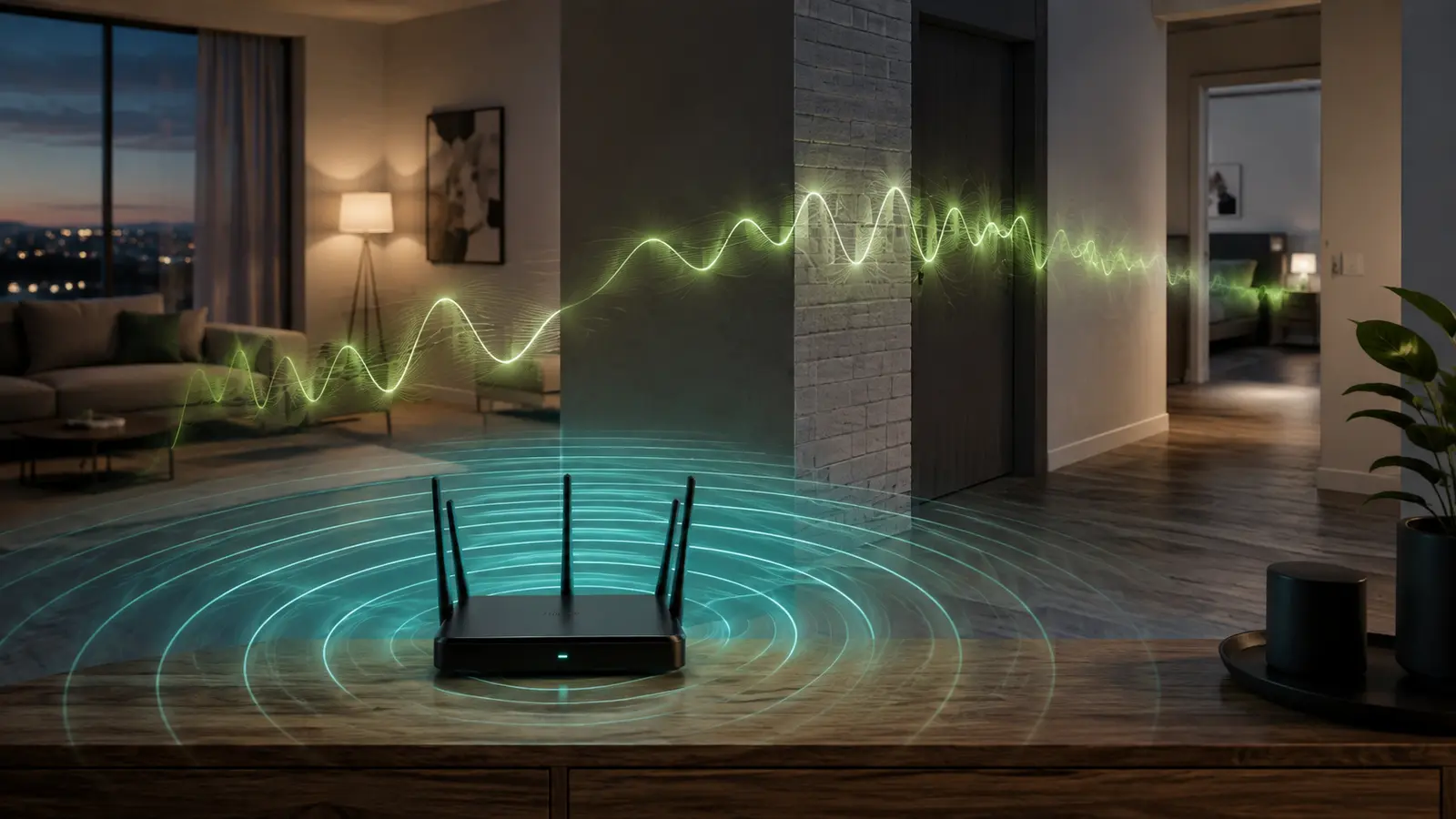
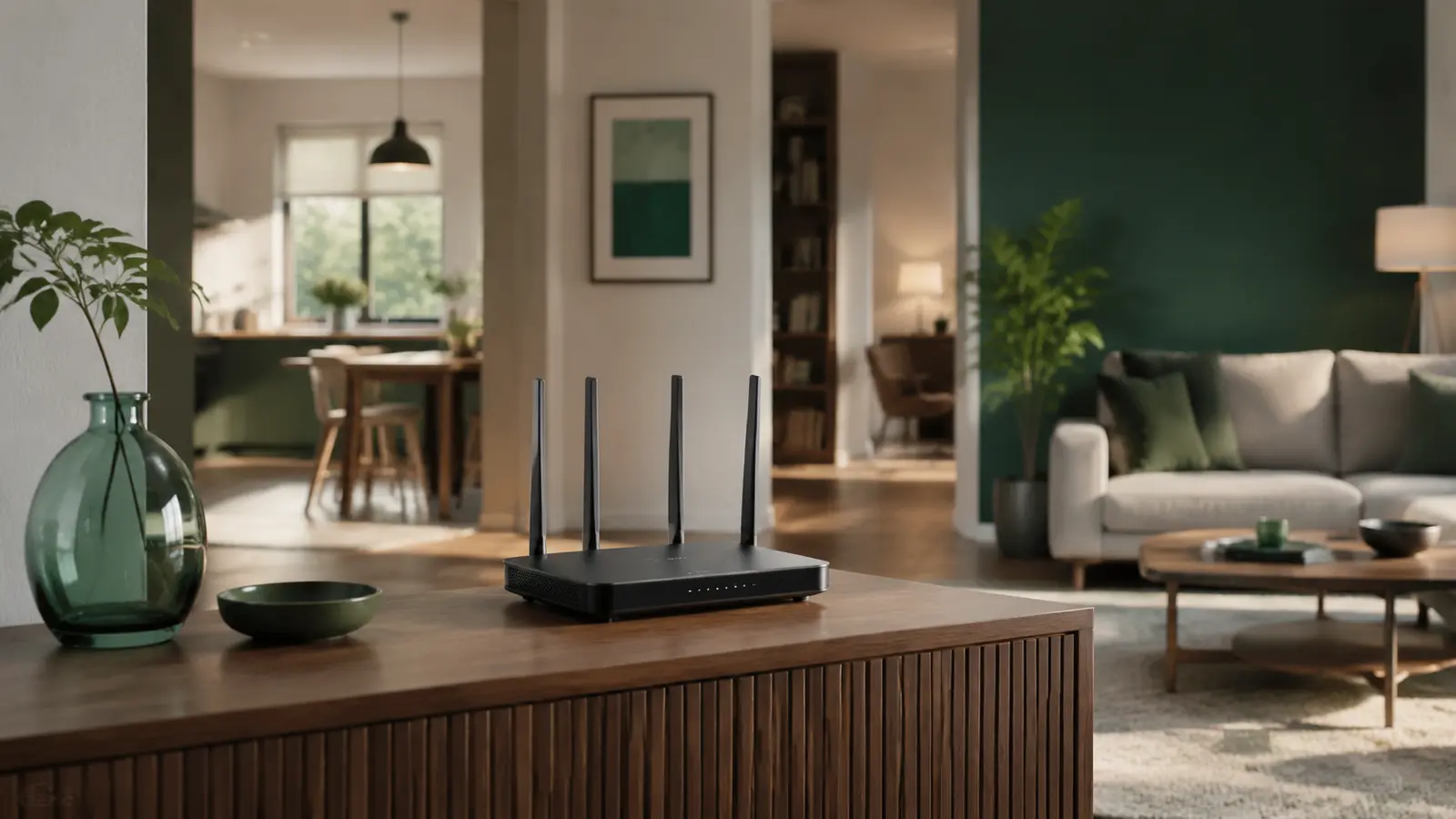
The best router placement for home Wi-Fi is usually a central, elevated, open position—not the room where the internet cable happens to enter the building. Wi-Fi is radio. Its signal spreads through space, loses strength with distance, and changes as it passes through walls, furniture, appliances, and people. Good placement cannot create extra internet speed, but it can help more of the speed you already pay for reach your devices.
A router can have an excellent connection to your internet provider while a phone in the next room receives a weak wireless signal. These are separate links: the provider-to-router connection and the router-to-device connection. Moving the router improves only the second link, yet that is often where everyday problems begin.
Radio energy becomes weaker as it travels. Dense concrete, brick, metal, mirrors, aquariums, and large appliances can make the path more difficult. A router hidden behind a television or inside a cabinet may look tidy, but the surrounding materials absorb or reflect part of the signal. The result can be slower transfers, higher latency, or repeated reconnections.
The Strongest Starting Position
Choose The Center Of Daily Activity
Imagine your home from above and mark the rooms where people actually use Wi-Fi. The practical center of those rooms is more useful than the geometric center of the floor plan. If most activity happens in a living room, office, and two nearby bedrooms, position the router near the middle of that cluster.
Raise It Above Common Obstacles
A shelf or open wall mount is usually better than the floor. Elevation helps the signal clear sofas, desks, and other low furniture. Keep enough space around the router for ventilation, and follow its manufacturer’s orientation guidance. If it has external antennas, begin with the recommended arrangement rather than assuming every antenna should point at a device.
Keep It Visible And In The Open
Avoid closed cabinets, drawers, utility closets, and the space behind a large television. A visible router may be less decorative, but a few thoughtful cable clips or a small open shelf can provide a cleaner compromise without surrounding the device with signal-blocking materials.
Places To Avoid
- Kitchen counters: metal appliances and microwave ovens can interfere with or obstruct nearby wireless signals.
- Building corners: a large portion of the coverage may be sent toward an exterior wall instead of occupied rooms.
- Basements or ground-floor cupboards: floors and ceilings make it harder to serve upper levels.
- Near large metal objects: filing cabinets, refrigerators, electrical panels, and metal shelving can reflect radio waves.
- Beside other transmitters: cordless-phone bases, some baby monitors, Bluetooth hubs, and dense electronics can add interference.
Do not place a router where heat, moisture, direct sun, or poor airflow could damage it. Network performance matters, but electrical and manufacturer safety guidance comes first.
How To Plan For Different Homes
Small Apartment
A single router is often enough. Place it near the center, away from the kitchen and thick structural walls. In crowded apartment buildings, interference from neighboring networks can matter as much as distance. After positioning, understand 2.4 GHz and 5 GHz coverage so nearby devices can use the faster band while distant rooms retain a practical option.
Long Or Narrow Home
Placing the router at one end forces every distant device to cross the longest possible path. Move it toward the middle of the corridor, ideally near the rooms with the most video calls, streaming, or study activity. If the internet line cannot be moved, a longer Ethernet cable between the modem or network terminal and the router may be a simple solution, provided the equipment supports that arrangement.
Two-Story Home
Try a central open location near the vertical middle of the occupied area—often on a high shelf downstairs or a landing between levels. Reinforced floors can be challenging, so test directly above and below the candidate location. Very large or concrete-heavy homes may need more than one access point.
A Repeatable Placement Test
- Write down the current speed, signal behavior, and common problems in three important rooms.
- Move the router to one realistic central and elevated position.
- Restart only if the router’s instructions require it, then wait until the connection stabilizes.
- Use the same device, test location, server, and approximate time for each comparison.
- Make a video call, load a familiar site, and try a sustained download—not just one speed-test number.
- Repeat at least twice because Wi-Fi conditions change during the day.
If performance drops mainly in the evening even after placement improves, diagnose nighttime Wi-Fi slowdowns. Congestion can occur inside the home, among nearby networks, or on the provider’s network.
When Placement Is Not Enough
A single router has limits. Thick reinforced walls, detached workspaces, multiple floors, or a very large floor plan may require another access point or a mesh system. Place a wireless mesh node where it still receives a good signal from the main unit—not inside the dead zone it is supposed to rescue. When possible, a wired Ethernet backhaul gives additional access points a stable connection.
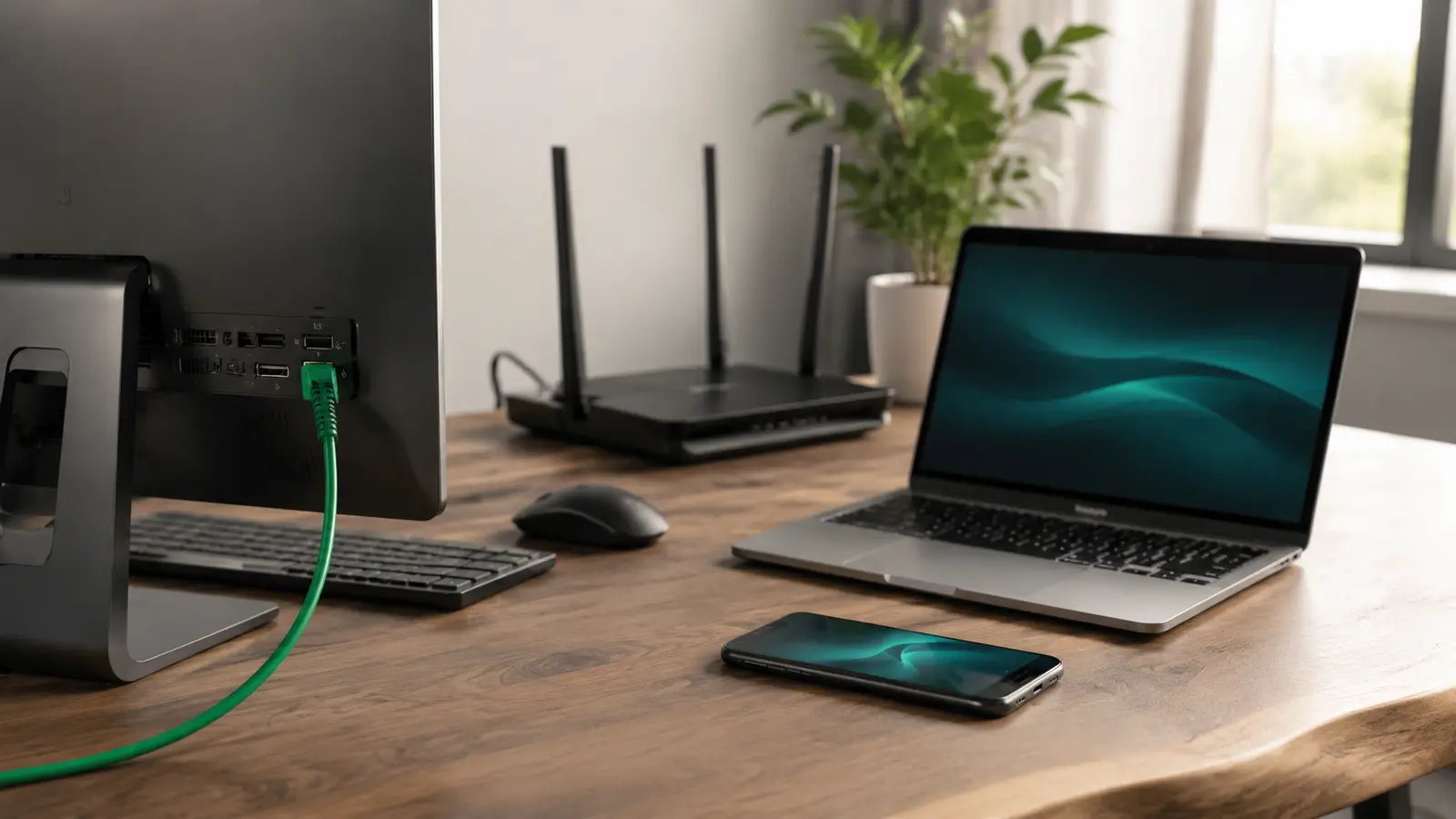
Fixed devices such as desktop PCs, televisions, and game consoles may not need to consume wireless capacity at all. You can decide which devices should use Ethernet, leaving Wi-Fi for phones, tablets, and portable computers.
Quick Placement Checklist
- Near the center of the rooms that use Wi-Fi most
- Elevated on an open shelf or suitable mount
- Away from metal, thick walls, water, and major appliances
- Not enclosed behind doors or inside furniture
- Cool, dry, ventilated, and close to safe power
- Tested in real rooms with real activities
Router placement is not mysterious: reduce distance, reduce obstacles, and make the path between the router and important devices as open as practical. That simple approach gives every later upgrade a stronger foundation.
Common Placement Questions
Should The Router Be Next To A Window?
Usually not. An exterior window can send useful coverage outside while rooms behind the router remain weak. A window may also expose the equipment to heat and direct sun. Prefer a central indoor position unless outdoor coverage is the explicit goal and the hardware is designed for that environment.
Can A Router Sit Beside A Television?
It may work, but a large screen, metal stand, media cabinet, and nearby electronics can obstruct or reflect the signal. Keep open space around the router and test rooms behind the television. A nearby shelf often produces a cleaner path.
Should An Extender Go In The Dead Zone?
No. A wireless extender or mesh node needs a usable upstream signal to relay. Place it between the main router and the weak area, then test both connections. If no intermediate point works, consider a wired access point.
Does Antenna Direction Matter?
It can, but the correct orientation depends on the antenna design and router. Follow the product manual first. When no guidance is available, begin with the supplied default arrangement, test important rooms, and avoid repeated changes based only on how an antenna visually points.