Latency, Ping, Jitter, And Packet Loss
Network latency is the time data takes to travel from one point to another. In everyday use, people notice it as the pause before a page responds, the gap in a conversation, or the delay between pressing a control and seeing a game react. Latency is measured in milliseconds, and lower is generally better—but consistency matters as much as the average.
These terms describe different parts of network quality:
- Latency: delay across a path, often measured as a round trip.
- Ping: a common test that sends a small message and measures its return; people often use “ping” as shorthand for latency.
- Jitter: variation in delay from one packet to the next.
- Packet loss: data that fails to arrive and may need retransmission.
- Bandwidth: the amount of data a link can transfer over time.
A wide highway can carry many cars, but a distant destination still takes time to reach. In the same way, high bandwidth does not automatically mean low latency.
How Delay Appears In Daily Activities
Video And Voice Calls
Conversation becomes awkward when delay makes people talk over one another. Jitter may produce choppy audio because packets do not arrive at a steady pace. Call software uses a small buffer to smooth variation, but larger buffers add delay.
Streaming Video
On-demand streaming can download data ahead of playback, so moderate latency is often hidden after the video starts. Live streaming is more sensitive because the buffer must stay smaller to remain close to real time.
Online Games
Games exchange frequent state updates. High or inconsistent latency makes actions feel late, while packet loss can cause jumps or missed events. Game design, server update rate, and prediction also affect what the player perceives.
Web Browsing
A page may require many requests for documents, fonts, scripts, and images. Delay can accumulate across these exchanges, making a connection feel sluggish even when large downloads are fast.
Where Latency Comes From
Physical Distance
Signals travel very quickly, but not instantly. Long fiber routes and indirect paths add time. A server in the same region is generally more responsive than one on another continent, all else equal.
Network Equipment And Routing
Routers inspect and forward packets. Each step adds a small amount of processing and queueing. The route selected by networks is based on policy and connectivity, not always the shortest geographic line.
Congestion And Queues
When traffic arrives faster than a link can send it, packets wait in a queue. Large uploads or downloads can fill a home router’s queue, producing sharp delay increases. Provider and destination networks can have queues too.
Wireless Retransmissions
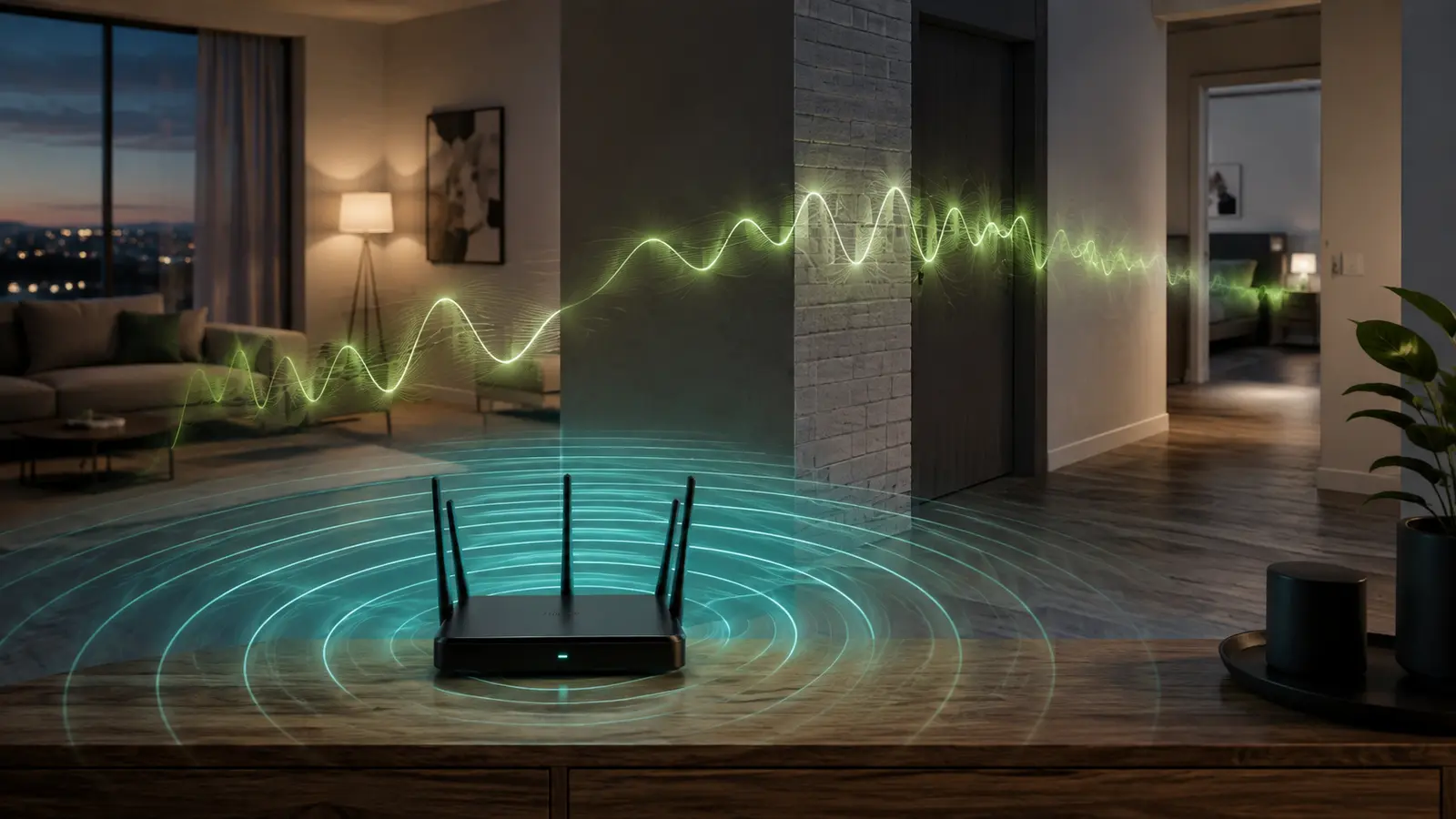
Wi-Fi shares radio airtime and must recover from collisions or corrupted frames. Distance, walls, interference, and crowded channels can increase retries. This is why a wireless link may have adequate bandwidth but inconsistent latency.
How To Measure Responsibly
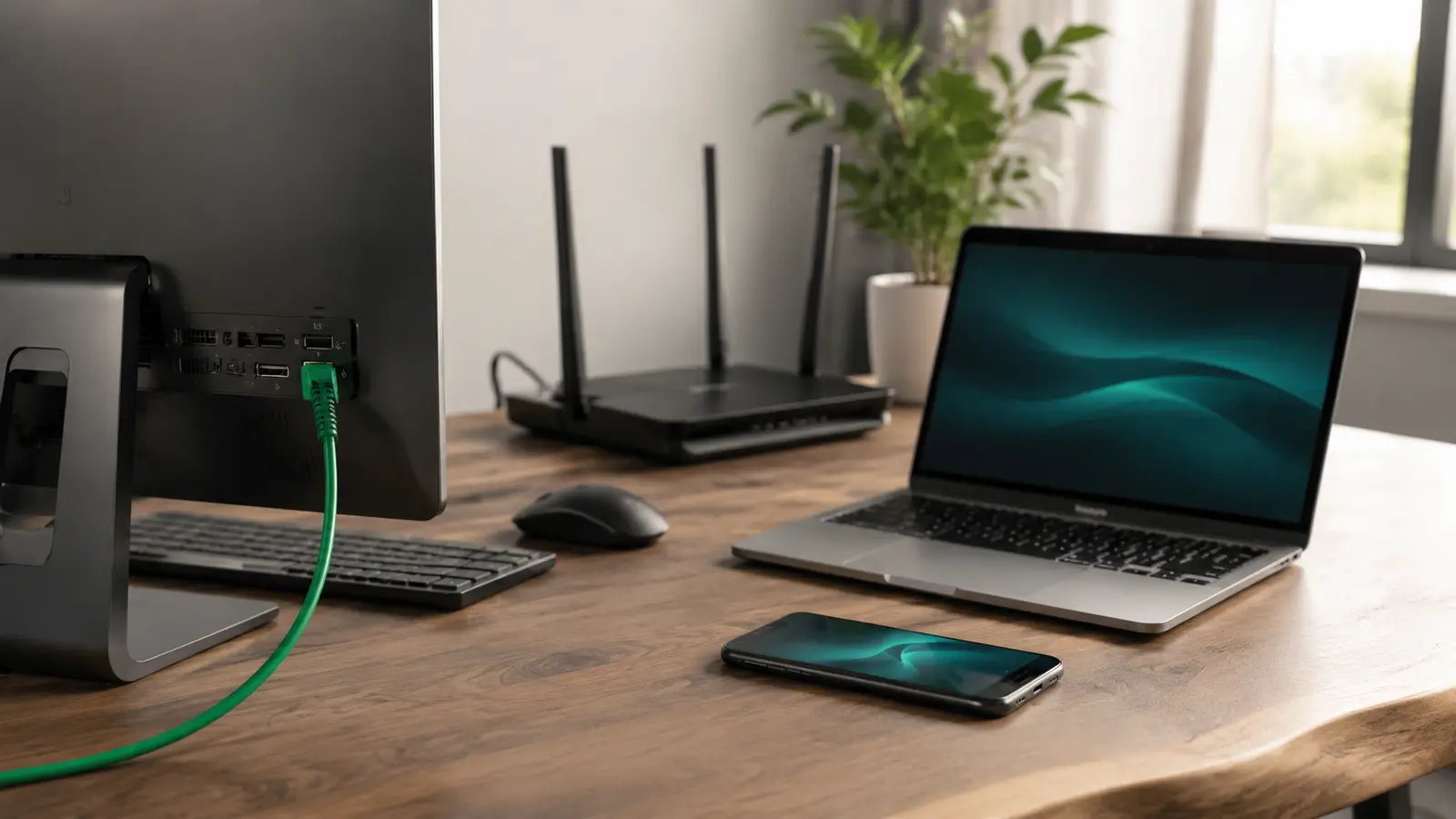
Run several tests at different times. Record idle latency before starting a large transfer, then observe latency under load. A large increase under load suggests queueing. Also compare Wi-Fi beside the router with a direct Ethernet connection.
Use the same test destination when comparing changes. A result to a nearby measurement server cannot predict the exact experience of every remote game or call platform. When an application lets you choose a region, compare nearby options inside the application itself.
| Result pattern | Possible explanation | Useful next check |
|---|---|---|
| Wi-Fi poor, Ethernet good | Coverage, interference, or wireless congestion | Placement and band test |
| Both poor only under upload | Queueing on the upstream link | Pause uploads; inspect router traffic controls |
| One service poor | Remote service or route | Check another region or service status |
| All tests poor at night | Household or provider peak demand | Compare quiet and busy hours |
Practical Ways To Reduce Delay
- Wire fixed, demanding devices. You can often reduce delay with a wired connection by removing local radio variability.
- Improve router position. Reduce obstacles and distance for devices that must remain wireless.
- Choose a suitable band. Near the router, 5 GHz may face less interference. Farther away, a stable 2.4 GHz link may outperform an unreliable 5 GHz link. Learn to select a Wi-Fi band for lower interference.
- Pause unnecessary transfers. Cloud backups and uploads can fill queues.
- Use nearby service regions. Select a closer game or cloud region when the service offers one.
- Update supported equipment. Install firmware from the manufacturer and review documented traffic-management features.
Quality-of-service and modern queue-management features can help shared connections, but names and behavior vary by router. Follow product documentation and test before and after. Setting arbitrary bandwidth limits from a tutorial can reduce performance.
When The Problem Changes By Time
If calls and games feel responsive during the day but delayed in the evening, investigate evening network congestion. Compare the same wired and wireless tests across several days. Repeated evidence helps distinguish local wireless demand from provider-side peak load.
What A Good Connection Feels Like
There is no single latency threshold that guarantees quality for every application. Distance, software buffering, device performance, and human expectations differ. Aim for low, stable latency with minimal loss rather than chasing one ideal number. The most useful test is whether the real activity works consistently after a controlled change.
Network quality is a combination of capacity and timing. Bandwidth moves the data; latency determines how soon the interaction begins; jitter and loss determine how smoothly it continues. Understanding all four turns “the internet feels slow” into a problem you can measure.
Common Latency Questions
Is Zero Latency Possible?
No practical network has zero delay. Signals travel a finite distance, and devices must process and forward data. Even a local network adds time. The goal is latency that is low and consistent enough for the activity.
Does A Higher-Speed Plan Lower Ping?
Not automatically. More capacity can reduce queueing when the old plan was saturated, but it may use the same route and access technology. Compare idle latency and latency under load before deciding whether capacity is the limit.
Why Does One Game Have Higher Latency?
Its server may be farther away, the selected region may differ, or networks may exchange traffic through a less direct route. Server processing also matters. Compare regions inside the game and check service status before changing the router.
Can DNS Change Latency?
DNS affects how quickly a name is translated into an address, mainly during connection setup. It does not shorten every packet’s route after the connection is established. A different resolver may change lookup time, but it is not a universal ping fix.