What “Connected” Really Means
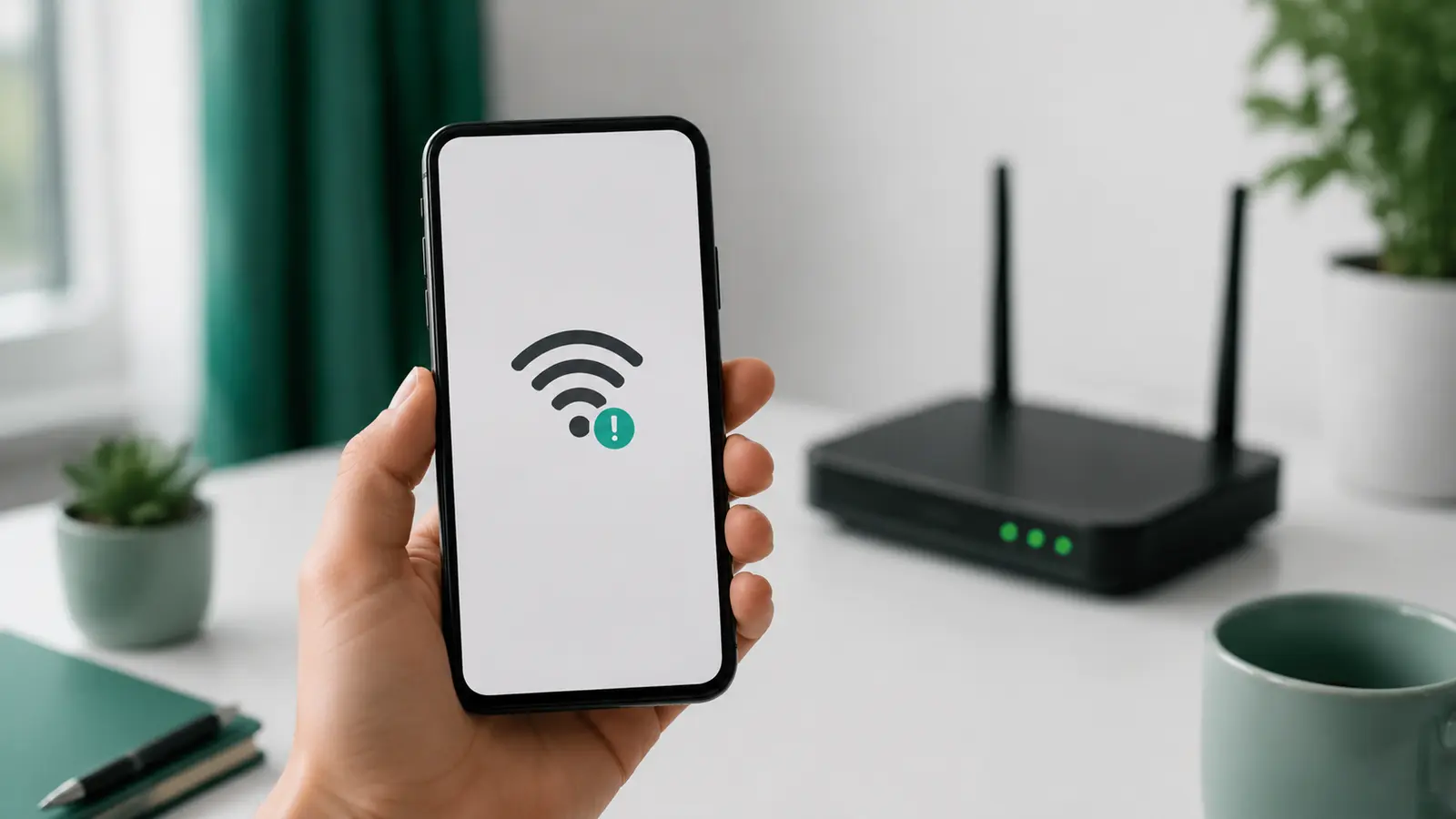
When a phone is connected to Wi-Fi but has no internet, it has successfully joined a local wireless network but cannot complete the rest of the journey. The router may have lost its provider connection, the phone may have a stale network configuration, a public network may require sign-in, or a DNS or VPN setting may be failing. Start with simple comparisons before resetting anything.
The Wi-Fi symbol shows that the phone and access point can communicate. It does not guarantee that the router can reach the internet. Think of it as entering a building: you are inside the lobby, but the exit door may still be locked.
This distinction explains why a phone can show strong signal bars while every website fails. Signal strength describes the local link. Internet availability depends on the router, modem or optical terminal, provider, name resolution, and destination service.
First, Find The Scope Of The Problem
- Try two unrelated websites or apps. One service may simply be down.
- Check another phone or laptop on the same Wi-Fi.
- Try the affected phone on mobile data or another trusted Wi-Fi network.
- Look at the router and modem lights for an internet, WAN, optical, or fault indicator.
| Observation | Likely area | Next step |
|---|---|---|
| Every device is offline | Router, modem, provider, or service outage | Check equipment and ISP status |
| Only one phone is offline | Phone network profile, DNS, VPN, or software | Restart phone and rejoin Wi-Fi |
| Only one room is affected | Coverage or interference | Test beside the router |
| Public Wi-Fi opens no sites | Sign-in or captive portal | Open the network login page |
If Only The Phone Is Affected
Toggle Wi-Fi And Airplane Mode Carefully
Turn Wi-Fi off, wait a few seconds, and turn it on. If needed, enable Airplane Mode briefly and disable it again. Confirm mobile data and Wi-Fi return to the state you intend. This refreshes radio connections without erasing saved networks.
Restart The Phone
A normal restart clears temporary network processes. It is a low-risk step and should come before deeper resets.
Forget And Rejoin The Network
Make sure you know the correct password first. Forget the saved Wi-Fi network, reconnect, and enter the password. This replaces a stale profile. On managed work or school networks, ask the administrator before removing a configuration profile.
Check Date, VPN, And Private Network Settings
An incorrect date can break secure connections. A misconfigured VPN, filtering app, or custom DNS profile can also block access. Follow the provider’s instructions and update the app. Do not permanently disable security protections merely as a generic experiment; if a temporary diagnostic is recommended by the vendor, restore the setting immediately afterward.
If It Is Hotel, Airport, Or Café Wi-Fi
Public networks often use a captive portal. The phone may join the access point before you accept terms or enter a room number. Open a browser and visit a plain site or use the system’s network sign-in prompt. If the login page never appears, disconnect and rejoin, then ask the venue for the official network name.
Avoid entering sensitive information on a network you cannot verify. A convincing network name is not proof that the access point belongs to the venue.
If Every Device Is Offline
Check cable connections without unplugging unknown fiber connectors. If the router and modem are separate, follow the manufacturer or ISP restart order. Many setups require powering the modem or optical terminal first, waiting until its service light stabilizes, then starting the router.
If the provider reports an outage, configuration changes will not help. If there is no reported issue, contact support with the equipment-light status and the results from multiple devices. A strong signal beside the router combined with no internet across all devices points away from simple placement, although you can still improve Wi-Fi coverage at home after service returns.
When Changing Bands Helps
If the phone works near the router but fails in another room, it may be losing the wireless link rather than the internet path. Move closer, then switch to the most suitable Wi-Fi band. A distant phone may benefit from 2.4 GHz range, while 5 GHz can be faster near the router.
Do not confuse “no internet” with a very slow connection. Repeated retries can make an unstable link appear completely offline. Test from the same position with another device to separate phone-specific behavior from coverage.
Treat Network Reset As A Later Step
A phone’s “Reset Network Settings” option can remove saved Wi-Fi networks, passwords, paired devices, VPN details, or cellular preferences depending on the platform. Read the device documentation and back up required information first. It is appropriate only after smaller steps fail and the problem remains isolated to that phone.
A factory reset is not a routine network fix. It removes much more data and should not be used without a verified backup and device-specific support guidance.
Use A Wired Test When Possible
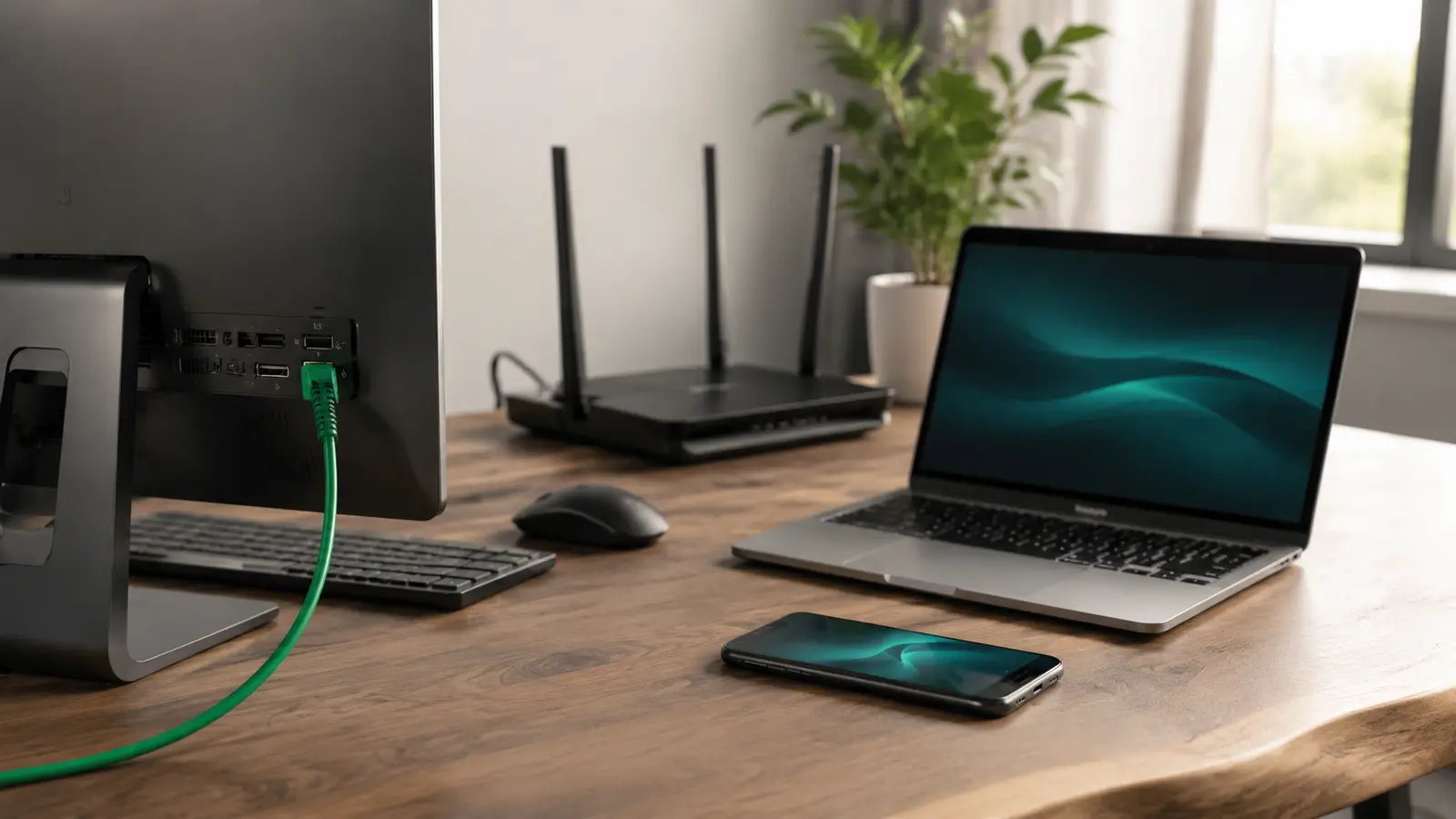
If a laptop can connect to the router with Ethernet, that comparison helps determine whether the provider link works independently of Wi-Fi. Our Ethernet and Wi-Fi reliability comparison explains what a wired result can—and cannot—prove.
Safe Troubleshooting Order
- Test two services and another device.
- Move beside the router.
- Toggle Wi-Fi, then restart the phone.
- Complete any legitimate captive-portal sign-in.
- Forget and rejoin the network if you know the password.
- Inspect router and modem status.
- Check documented VPN, DNS, or profile settings.
- Contact the ISP or device support with your results.
The fastest solution comes from identifying scope. “All devices,” “one phone,” “one room,” and “one public network” lead to different fixes. Preserve that evidence instead of erasing every setting at once.
Common Connection Questions
Why Does Mobile Data Work While Wi-Fi Does Not?
Mobile data uses the cellular provider and bypasses the home router. That proves the phone can reach the internet by another path, but it does not identify whether the Wi-Fi problem is the saved network, router, or ISP. Test another Wi-Fi device next.
Why Does Wi-Fi Work After Forgetting The Network?
The saved profile may have contained stale addressing, authentication, or configuration information. Rejoining negotiates a fresh local connection. If the issue repeatedly returns, update supported equipment and review documented settings.
Can A DNS Problem Cause This Message?
Yes. The local connection can be active while name lookups fail. Custom DNS, filtering, or VPN profiles are possible causes. Follow the service’s documentation and restore automatic settings if they were changed manually and are no longer required.
Why Does The Phone Say The Network Has Weak Security?
That warning generally concerns the router’s wireless security configuration rather than internet availability. Review the router manufacturer’s recommended security mode and update supported equipment. Do not choose obsolete encryption merely to connect an old device.