Map The Network Before Changing It
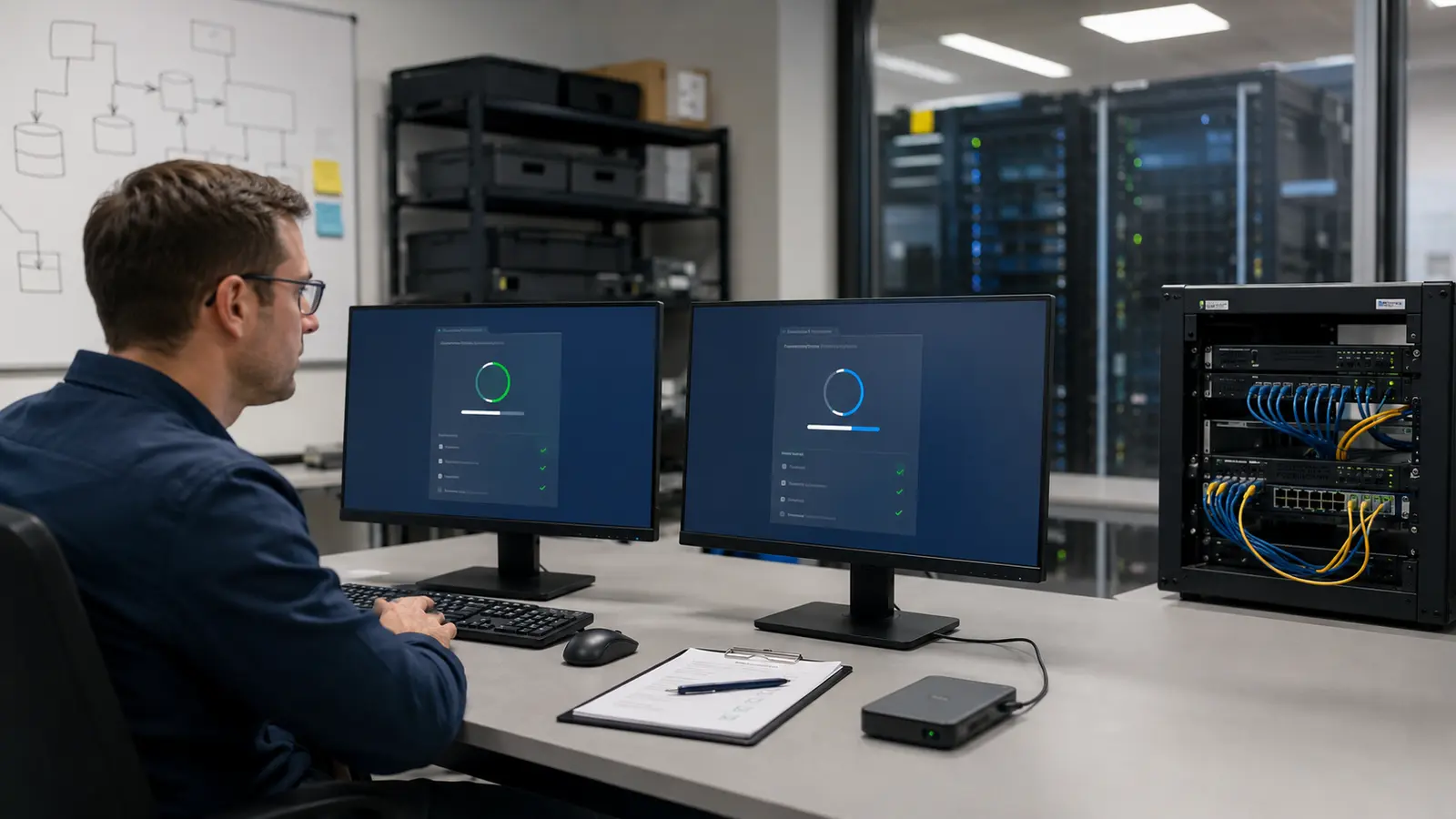
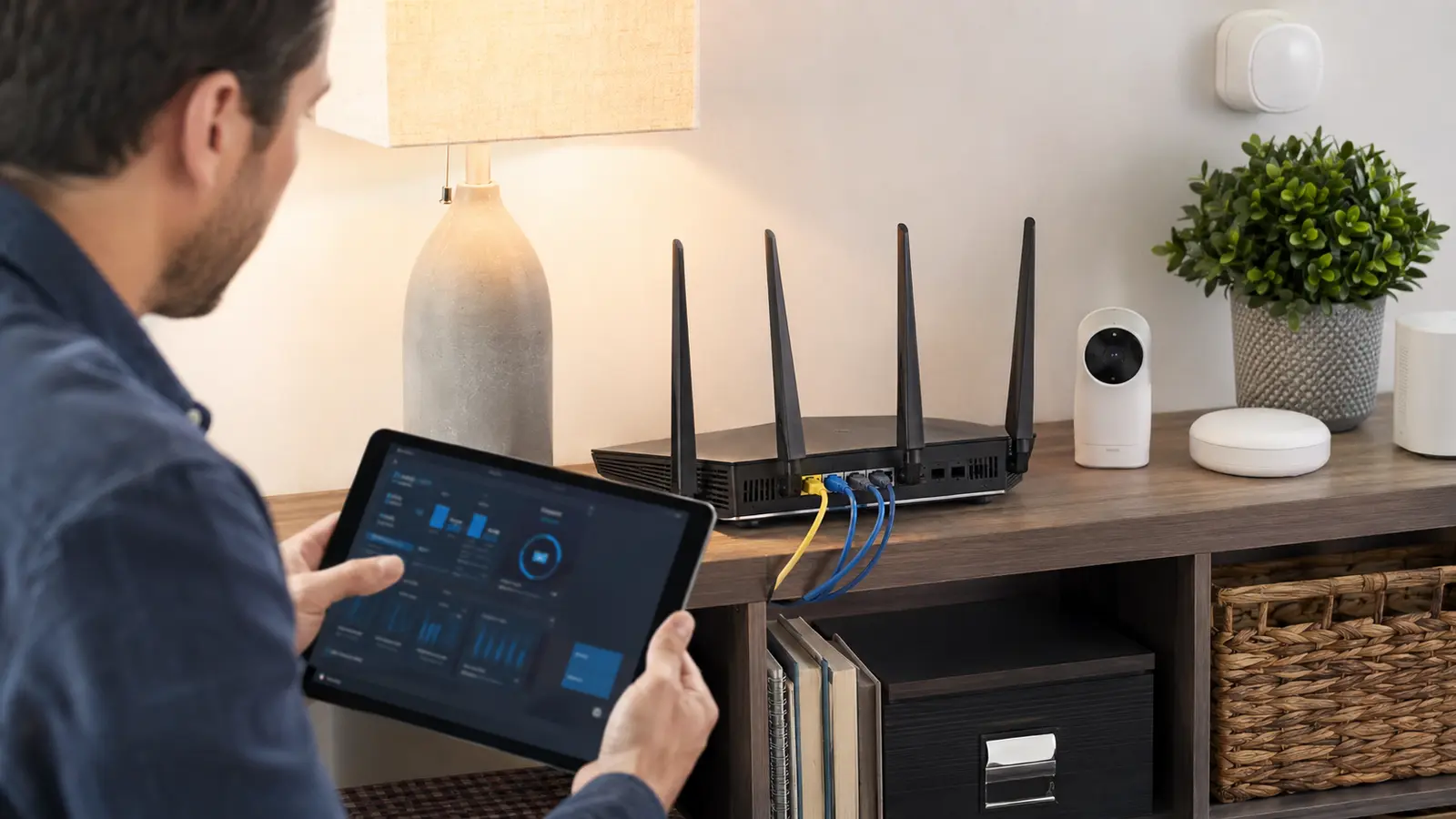
Identify the internet modem or gateway, router, mesh nodes, switches, access points, and every device that depends on them. Record the router model, hardware revision, firmware version, internet connection settings, Wi-Fi names, and which devices need wired links, remote access, or special discovery. Export a supported configuration backup if the vendor provides one, then protect that file because it may contain sensitive settings.
Check whether the device still receives security updates. An end-of-life router cannot be made current through settings alone. CISA recommends updating router firmware and replacing unsupported devices. Obtain firmware only through the vendor’s official update mechanism and match the exact hardware revision.
Schedule changes when an outage is manageable. Keep the ISP details, vendor recovery instructions, and an Ethernet-capable device available. A factory reset can be a useful last resort, but it should not be the first step when nobody knows how to restore the internet connection.
Secure The Management Plane
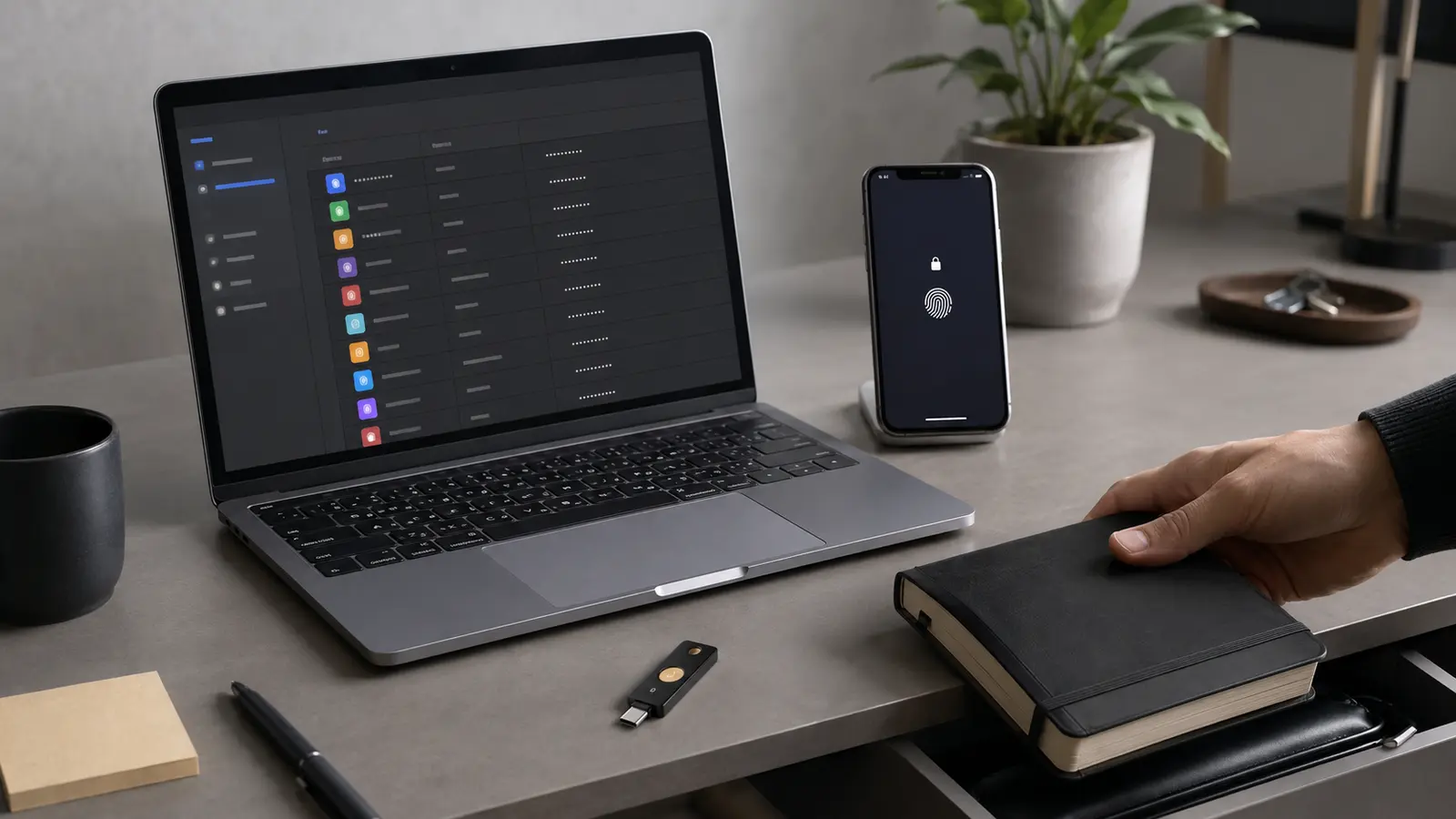
Change the router’s administrative password to a unique value stored in a password manager. If the router supports separate usernames, do not keep a predictable default administrator name. Enable MFA for a cloud-management account when available, and protect that account using the layered sign-in system.
Disable administration from the public internet unless there is a specific, understood need. Manage locally through HTTPS or the supported application, and restrict access to trusted devices or a management network where practical. Universal Plug and Play can create inbound mappings automatically; disable it if household applications do not need it, or at least review mappings regularly.
Turn off legacy services such as Telnet, insecure HTTP management, WPS PIN enrollment, and unused file sharing. Do not expose the router’s admin panel through port forwarding. Change settings from a trusted device, not while connected to public Wi-Fi or after following a link in an unexpected message; use the independent verification routine for unsolicited update alerts.
Use Modern Wi-Fi Protection Without Stranding Devices
Select WPA3-Personal when every necessary device supports it, or a supported WPA2/WPA3 transition mode when compatibility requires it. Avoid WEP, original WPA, and open primary networks. Use a long unique Wi-Fi passphrase that is not the router administrator password. Changing it disconnects clients, so update known devices deliberately and remove networks saved under obsolete credentials.
Hiding the network name is not meaningful access control; devices still need to discover and use it. MAC address filtering is also weak authentication because addresses can be observed and copied. Strong encryption, current firmware, and controlled credentials provide more value.
Router location affects whether clients cling to distant nodes or need extra equipment. When security changes reveal a coverage problem, use the router-placement guide instead of weakening encryption or broadcasting excessive power.
| Area | Safer baseline | Verify afterward |
|---|---|---|
| Firmware | Current supported release | Version and normal connectivity |
| Administration | Unique password, local access | Remote panel is unreachable |
| Wi-Fi security | WPA3 or supported WPA2-AES | Required clients reconnect |
| Guest access | Isolated from private devices | Internet works; LAN targets do not |
| Port mappings | Only documented necessities | External service behavior |
Give Guests And Smart Devices Smaller Trust Zones
Place visitors on a guest network that cannot reach private devices. Many routers also provide an IoT network or client-isolation option. Use it for devices that need internet access but not laptops, storage, printers, or administration. Test actual isolation; product labels do not guarantee the same behavior across vendors.
Some casting, printing, and home-automation protocols depend on local discovery and may break across segments. Document the required flow before opening broad access. A hub placed in the trusted network can sometimes mediate devices more safely than allowing every client to reach everything.
Delete unknown clients only after identifying randomized device addresses, which modern phones use for privacy. Rename known devices in the router interface where supported. If an unfamiliar client remains, rotate Wi-Fi credentials, review WPS and guest access, and inspect physical access.
Maintain The Router As A Supported Computer
Enable automatic security updates if the vendor provides a trustworthy mechanism, or set a recurring manual check. Review security advisories, connected clients, DNS settings, administrative accounts, and port forwards. Unexpected DNS servers or remote management can redirect traffic even when endpoint devices look normal.
Back up the final configuration and record each deliberate exception. Store the backup securely and confirm how to recover after a failed update. The staged principles in safe patch management apply even at home: know the target version, recovery path, validation checks, and support status.
If you suspect the router was compromised, disconnect it from the internet, obtain vendor guidance, factory reset when advised, install trusted current firmware, and rebuild configuration manually rather than importing an untrusted backup. Rotate administrative and Wi-Fi credentials from a known-clean device.
A secure home network does not need dozens of exotic settings. It needs supported firmware, protected administration, modern Wi-Fi encryption, limited exposure, smaller trust zones, and enough documentation to maintain those choices.
Common Router Security Questions
Does Hiding The Wi-Fi Name Improve Security?
Not meaningfully. Use strong encryption and credentials; hidden networks can still be detected.
Should Remote Administration Be Enabled?
Only for a defined need with a supported secure method, MFA where available, and restricted exposure. Most homes can keep it disabled.
Will A Guest Network Protect Private Devices?
Only if isolation is enabled and verified. Test that a guest client can reach the internet but not trusted local services.