Find Charges That Hide Outside The App
Build an inventory from bank and card statements, Apple and Google subscription pages, email receipts, PayPal or wallet histories, and vendor accounts. Include annual renewals, storage add-ons, family plans, domain services, in-app purchases, and trials that have not billed yet. Record currency, tax, renewal date, billing channel, and owner.
Do not identify a charge by logo alone. One vendor may bill several workspaces or plans, while a single plan may bundle services used by different people. Open the account and note what would stop if it ended: storage, exports, collaboration, automation, premium file formats, or access to completed projects.
Calculate annual cost and expected storage growth. A low monthly fee feels small but competes with every other recurring commitment. Include migration time, training, hardware needs, and duplicate subscriptions kept during transition.
Measure Outcomes, Not Login Frequency
Frequent use is evidence, not proof of value. Ask which outcome the app improves, what the alternative costs, and whether a cheaper tier provides the necessary capability. A rarely opened backup service may be valuable; a daily novelty app may not be.
Review the last three months of actual work. Which features saved time, improved quality, reduced risk, or enabled collaboration? Separate vendor promises from observed results. If an automation routinely fails or produces cleanup, count that cost.
Compare overlap. Notes, task managers, office suites, photo services, and cloud drives often duplicate capture, scanning, AI, sharing, and storage. Consolidation can reduce cost, but only when the surviving tool can export, recover, and serve the real workflow described in the notes retrieval guide or the capacity-planning workflow.
Run An Exit Test Before The Service Becomes Critical
Export a representative project before subscribing deeply. Include attachments, comments, versions, tags, relationships, media, and non-English text. Open the result without the original app. A PDF may preserve appearance but lose editability; JSON may preserve structure but require technical work; proprietary packages may be useless without a compatible application.
Read what happens on downgrade or cancellation. Some services become read-only, reduce storage, remove version history, delete data after a grace period, or disable sharing. Apple warns that downgrading iCloud+ below current usage can stop some synchronization. Capture the current policy and date because terms can change.
Check whether collaborators, public links, automations, integrations, and authentication depend on the account. Review third-party permissions and revoke unused connections after export. If a provider offers a transfer tool, understand whether it makes a copy or moves data. Google states that its third-party transfer process creates a copy and does not synchronize the accounts.
| Question | Strong answer | Risk signal |
|---|---|---|
| Can data be exported? | Documented open formats | Screenshot or PDF only |
| What happens after cancellation? | Clear read-only period | Immediate uncertain loss |
| Can another tool open it? | Tested sample works | Vendor-only package |
| Who depends on it? | Named owners and links | Unknown collaborators |
| Can access be recovered? | Tested recovery path | One device or email |
Export, Verify, Then Cancel Through The Billing Owner
Cancel through the channel that issued the subscription. Deleting an app or account may not stop billing. Apple exposes active subscriptions under the Apple Account settings; Google Play and direct vendor billing have their own controls. Save the confirmation and note the final access date.
Before cancellation, export data and verify it. Follow the independent-backup test rather than assuming a synced folder contains every version. For photo services, preserve originals, captions, and album context using the photo-library workflow. Keep a copy of invoices needed for tax, warranty, or organizational records.
Move authentication, integrations, public links, and collaborators. Change shared ownership where supported. If the app runs an important scheduled process, replace and observe it before ending the old service. A short overlap may be cheaper than discovering a missing dependency after data access closes.
Turn Subscription Cleanup Into A Small Routine
Create a renewal calendar with reminders far enough ahead to export and migrate. Quarterly, review new charges, storage growth, permission scope, owner, value, and exit readiness. Annual plans deserve the same review; the larger interval simply makes them easier to forget.
For new trials, record the decision date immediately. Use a unique password or passkey, minimal permissions, and a small test dataset. Do not upload the entire archive before proving the export. If the app fails the exit test, restrict it to disposable work or choose another service.
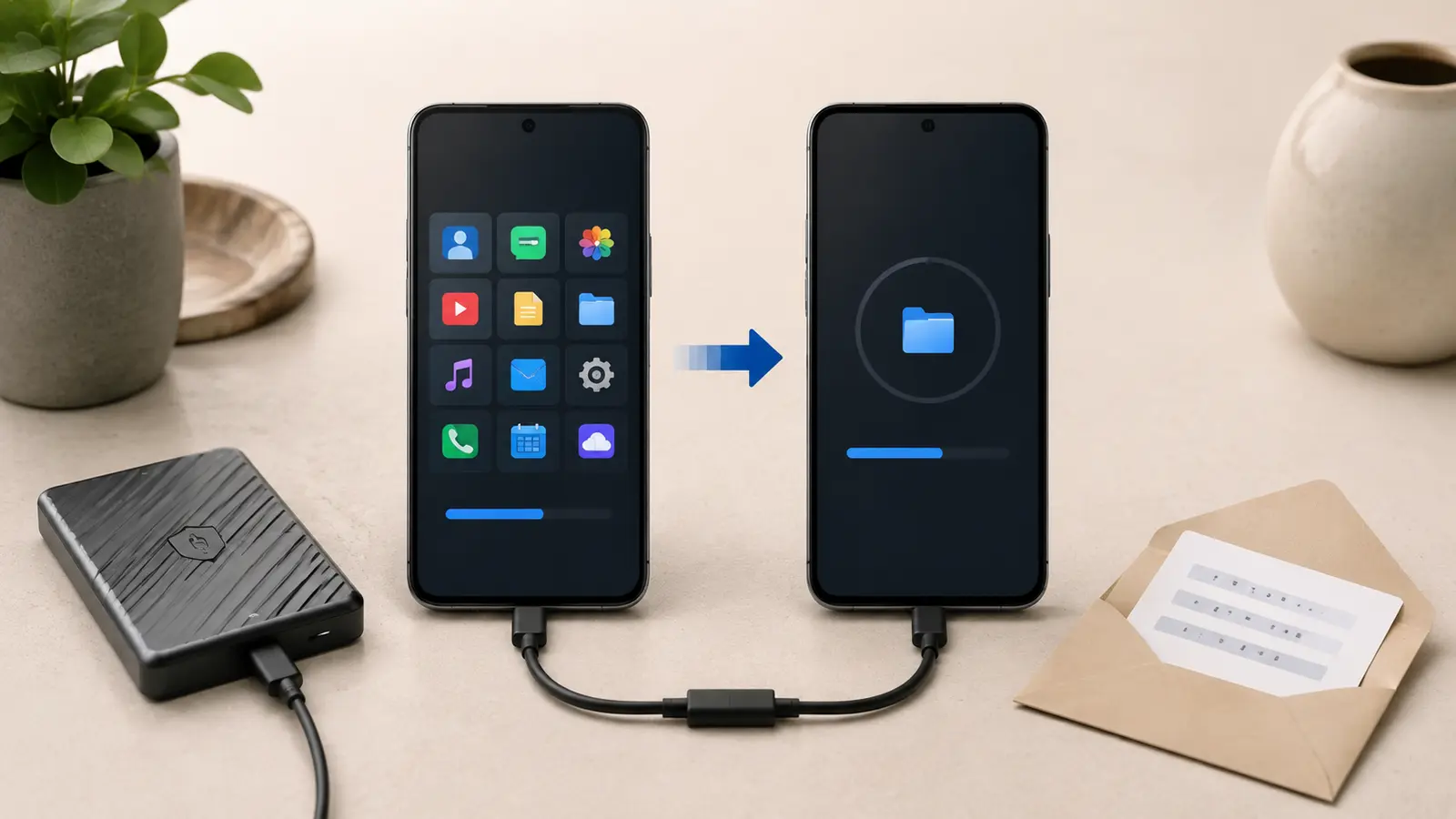
When switching phones, verify subscriptions and locally stored project data with the migration inventory. Do not cancel recovery, password, or storage services merely to reduce the count; first understand what failure they prevent and whether a replacement is active.
Common Subscription Questions
Should I Cancel Every App I Do Not Use Weekly?
No. Judge the outcome, risk reduction, and replacement cost. Backup, tax, or travel services may be valuable despite infrequent interaction.
Is A Lifetime License Always Better?
No. Check what “lifetime” means, whether updates and cloud costs are included, and whether the vendor and export formats are sustainable.
Can I Cancel After Exporting Once?
Only after verifying the export, moving dependencies, and understanding later changes. A one-time export can become stale during a long transition.