Create One Predictable Ingest Path
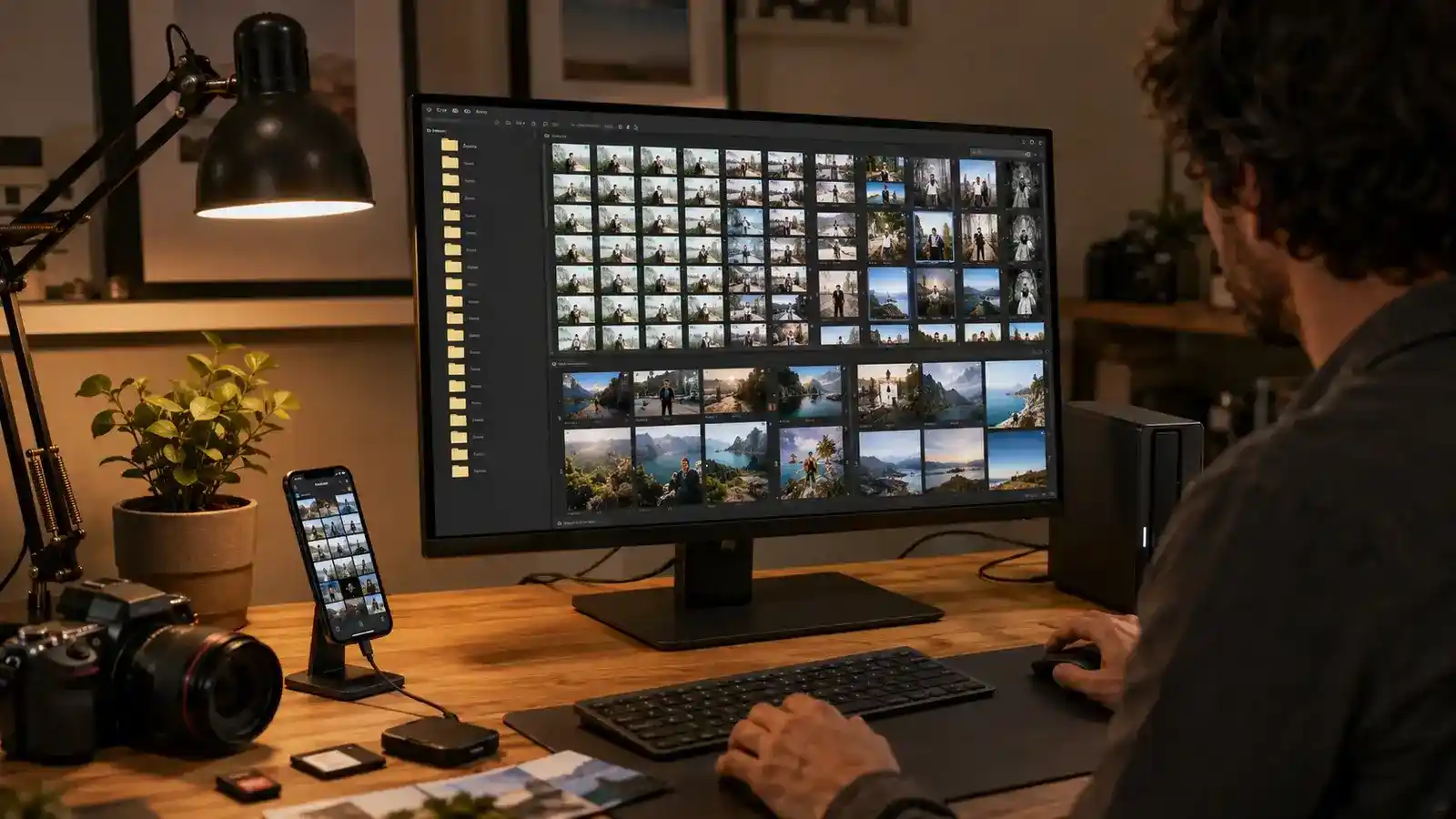
Choose a primary library before importing. Phones, cameras, messaging apps, scanners, and shared albums can otherwise create several partial collections. For each source, decide whether files enter automatically or through a reviewed import. Automatic phone upload is convenient; removable camera cards benefit from a deliberate copy-and-verify step.
Do not erase a card or old device immediately after an import dialog finishes. Confirm the destination file count, open representative images and videos, and make the first independent copy. For valuable work, keep the card untouched until the primary library and backup both pass verification.
Preserve originals. Editing systems may store instructions rather than replace the source, while social apps often create compressed copies. Know whether “download” returns the original resolution, current edit, or an optimized device version. Apple Photos, for example, offers an explicit export of unmodified originals on Mac.
Remove Technical Failures Before Judging Memories
Cull in passes. First reject accidental frames, severe blur, closed eyes, and unusable exposures. Next compare bursts and near-duplicates for expression, composition, focus, and moment. Finally select images that serve the story or project. Making every decision in one pass is slow and encourages inconsistent standards.
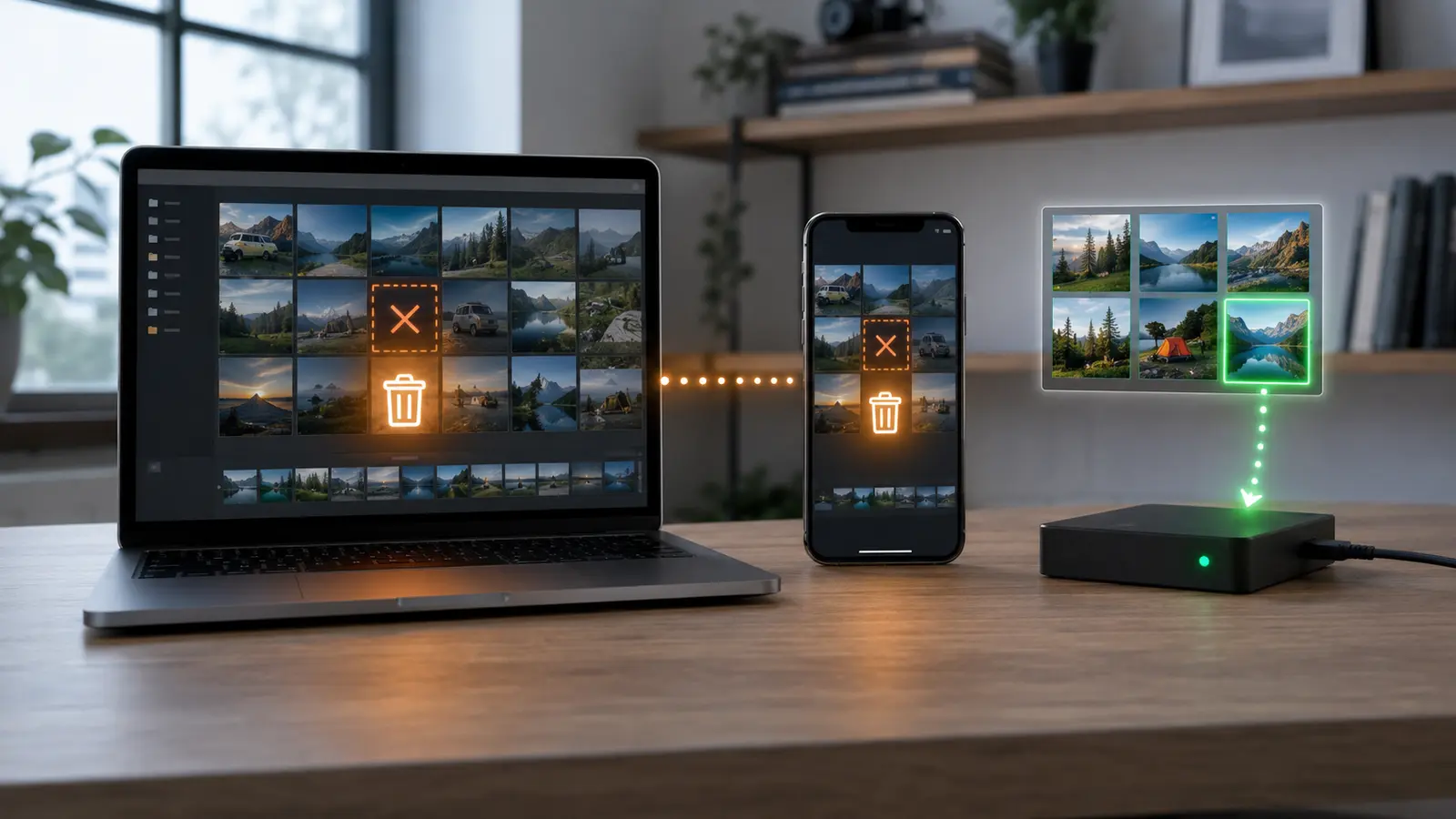
Be cautious with automatic duplicate tools. Exact byte duplicates are safe candidates after path and metadata review. Similar images may be separate edits, burst frames, Live Photo components, or resized deliverables. Test detection on a copy and confirm what the app keeps before approving a large deletion.
Ratings and flags should drive an action. One star might mean retain, three stars edit, five stars deliver—but only if that mapping remains consistent. Complex color systems often decay. Write the rule in a short index note so the future you knows what the symbols mean.
Use Dates, Events, People, And Projects As Retrieval Handles
Capture date is the most dependable backbone when camera clocks are correct. Correct time-zone shifts and wrong device clocks before arranging a major archive. Keep filenames stable and unique; date plus sequence or original camera identifier works better than “final-final-2.” Folders can follow year and event while metadata carries people, place, subject, and usage rights.
Face recognition and object search can make a large library approachable, but they are indexes, not ownership structures. Verify important people and sensitive labels. Preserve captions for context that pixels cannot provide: names, relationships, occasion, photographer, and why the moment mattered.
| Layer | Purpose | Example |
|---|---|---|
| Filename | Stable unique identity | 20260824_0142.RAW |
| Folder or album | Primary event or project | 2026 / Workshop |
| Metadata | Cross-cutting retrieval | People, place, rights |
| Rating | Workflow decision | Edit or deliver |
| Caption | Human context | Who, what, why |
Do not spend months describing every image before proving the system. Apply metadata to a valuable subset, search it naturally, and refine the vocabulary. The same retrieval principle used for a durable notes collection applies here: labels should answer future questions.
Separate Convenience Sync From Recovery
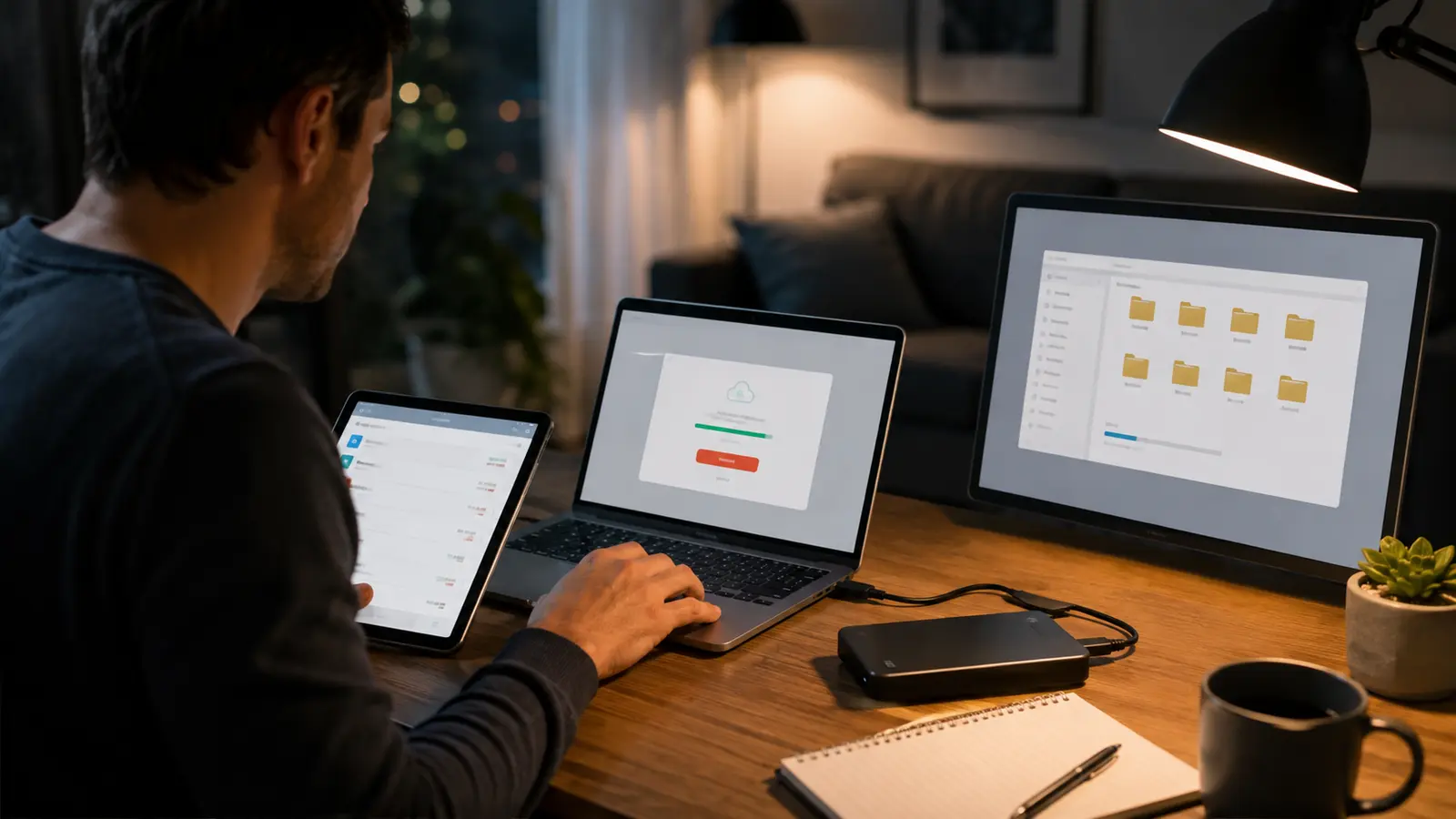
A synchronized photo library makes edits and albums available everywhere, but deletion may also synchronize. Read the service’s retention and recently deleted behavior, then maintain a copy outside that account. Follow the sync-versus-backup workflow to separate the live library from recovery versions.
Use at least two storage locations for valuable originals, with one copy disconnected or protected from routine deletion. Monitor drive health, but remember that SMART indicators do not guarantee future survival; the SSD health guide explains the limitation. Test restore by opening original images, videos, sidecars, and catalog data from backup.
Cloud storage cost grows with video, RAW, and duplicate libraries. Before buying capacity, measure originals, previews, caches, exports, and device copies. Remove regenerable caches and redundant exports only after confirming the editing application can rebuild them.
Preserve A Usable Exit From The App
Export a sample containing RAW files, edited JPEG or HEIF images, video, captions, albums, dates, and location metadata. Open it in another application. Sidecar files may preserve ratings and edits only for software that understands them; rendered exports preserve appearance but lose editing latitude. Important collections may need both.
Google provides a direct mechanism to copy photos and videos to supported external services and Takeout archives for broader export. An export is not automatically a restorable library. Check folder organization, JSON or sidecar metadata, timestamps, and album relationships before depending on it.
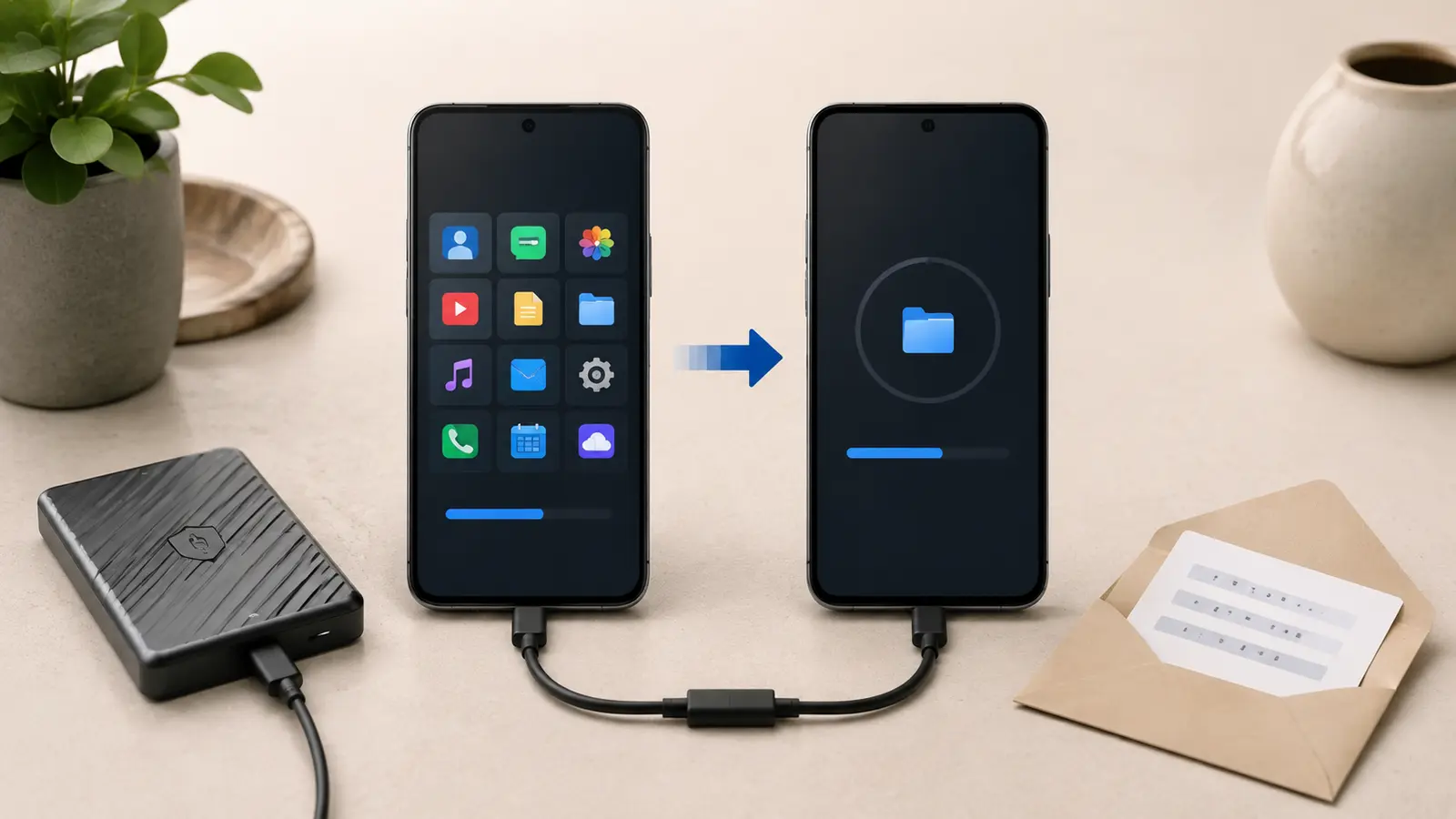
When switching phones, confirm the full-resolution originals live somewhere trustworthy before resetting the old device. Use the phone migration checklist for local-only albums, authenticator screenshots you should not keep, and apps with private media stores. Review paid photo services through the subscription exit test.
Common Photo-Library Questions
Should I Rename Every File?
No. Stable unique camera names can work. Rename when collisions or ambiguous imports create risk, and keep the process consistent.
Are Albums A Backup?
No. Albums usually reference items inside the same synchronized library. They improve navigation but do not create an independent recovery copy.
Should I Keep RAW And JPEG?
Keep RAW when future editing latitude matters and JPEG when it is the finished or only practical deliverable. Define the rule by project value and cost.